
Missing Renderer Options in Project Settings + Consistent Export Error
- May 11, 2025
- 2 replies
- 1553 views
Hello Adobe Community,
I'm consistently encountering a render/export failure in Premiere Pro and suspect it may be related to GPU rendering settings. In previous versions or configurations, navigating to File > Project Settings > General presented two renderer options:
Mercury Playback Engine GPU Acceleration (CUDA)
Mercury Playback Engine Software Only
Currently, only one renderer option appears in that dropdown (screenshot attached), and the GPU acceleration option seems to be missing entirely—even though my system has a compatible NVIDIA GPU and the necessary drivers are installed.
Additionally, I'm attaching a screenshot of the export error message I receive. The error is persistent regardless of sequence settings, media codec, or export preset.
System Info:
OS: Windows 11 Pro
GPU: 12th Gen Intel(R) Core(TM) i9-12900KS 3.40 GHz
Premiere Pro Version: Premiere Pro 2025 (Version 25.2.3 - Build 4)
NVIDIA Driver Version: GeForce RTX 4080 - 32.0.15.7602
So far, I’ve tried:
Updating GPU drivers
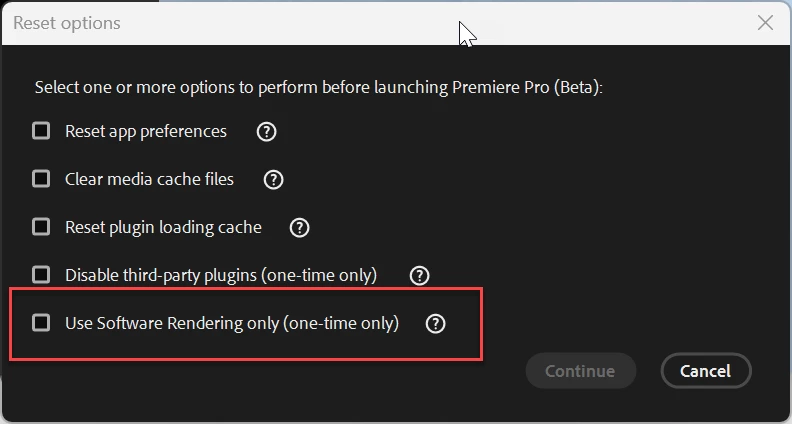
Resetting Premiere Pro preferences
Switching encoding options Hardware or Software Encoding
Switching Video Rendering and Playback options (but only one is visible)
Clearing media cache
Testing with a new project and sequence
I'd appreciate any insight into why the CUDA option might be missing from the renderer dropdown, and whether that could be related to the export failure. Is there a known issue with certain Premiere Pro versions and GPU detection?
Thanks in advance for your support.
Best regards,
[Tufan C]
 AdChoices