Inspiring
April 6, 2021
Answered

Mixed font weight on a text generator?

  • April 6, 2021
  • 1 reply
  • 2008 views

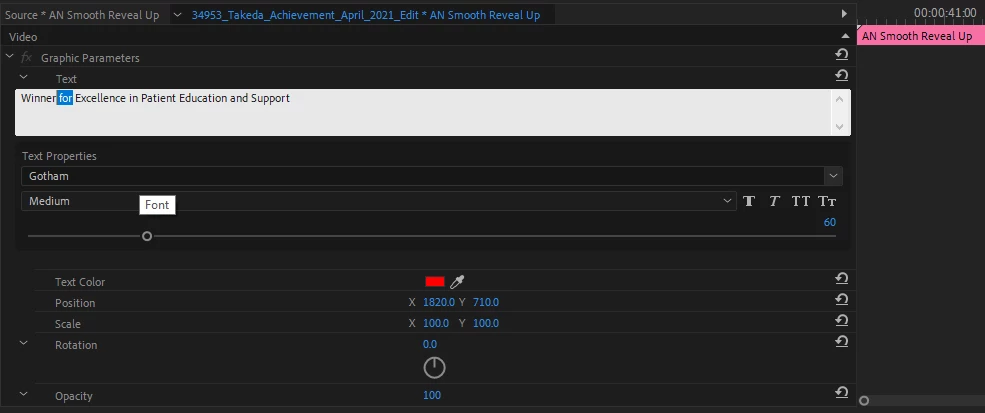
I have a free text generator from Austin Newman. It is working ok, but I am surprised that I can not change the weight of the font within one sentence in the text field. I have come from Apple FCP and this is something you can do very easily. I have 80 odd headers like this and was wondering if there is a solution, without having to duplicate layers?

Thank you in advance.

Best regards
 

Julian

This topic has been closed for replies.
Correct answer Ann Bens

Solution? Use the build in Ess Graphics Tool.


1 reply

Ann Bens
Community Expert
Ann BensCommunity ExpertCorrect answer
Community Expert
April 6, 2021

Solution? Use the build in Ess Graphics Tool.


Inspiring
April 6, 2021

Thanks for the reply. 

I am sorry could you please clarify what you have done here.

So you are in a dialogue box. When you say, build what do you mean? Where is this option?


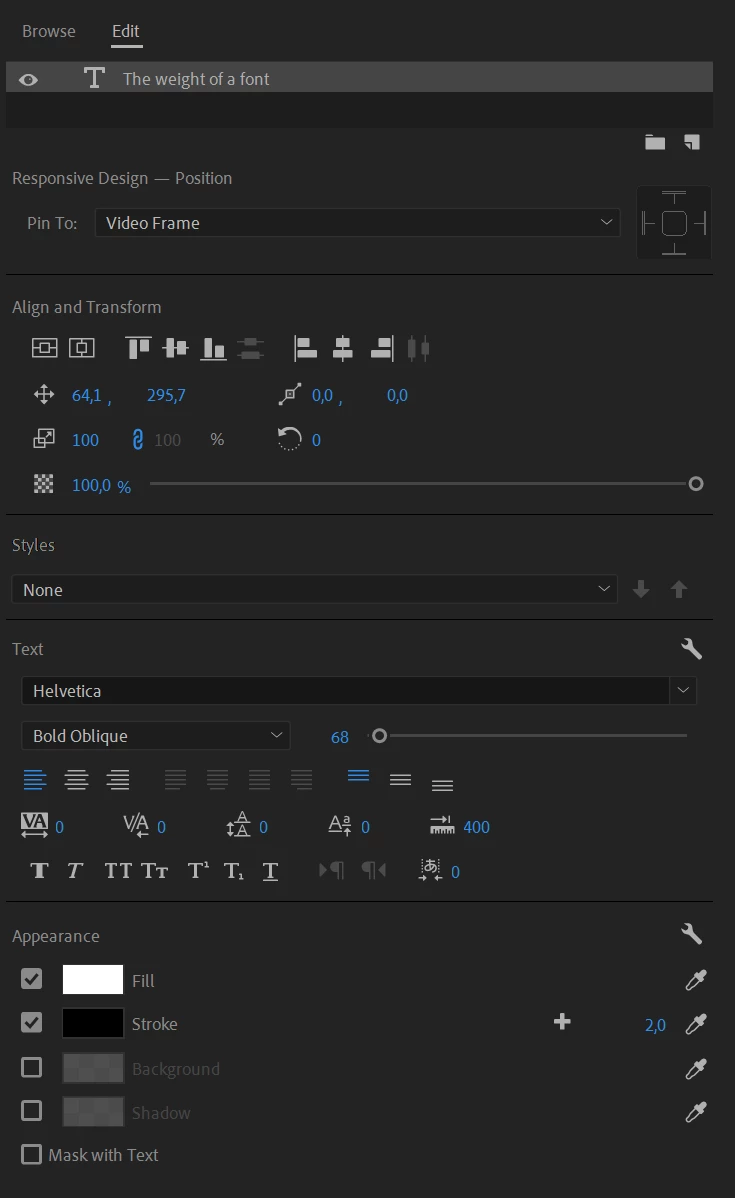
I am looking at the essential graphics panel and it has a font selection. I need a bit more info as to the process. I can highlight the fonts but when I select one word to make it a lighter font the whole sentence changes?


Thank you.


Best regards

Inspiring
April 9, 2021

Yes, I made one with essential graphics. It lets you activate the font and weight, but you can't really single out an individual word. I asked this also on the after-effects forum and they seem to think it can be done. 


Can't be done*