

Moiré During Playback and Lumetri Adjustments
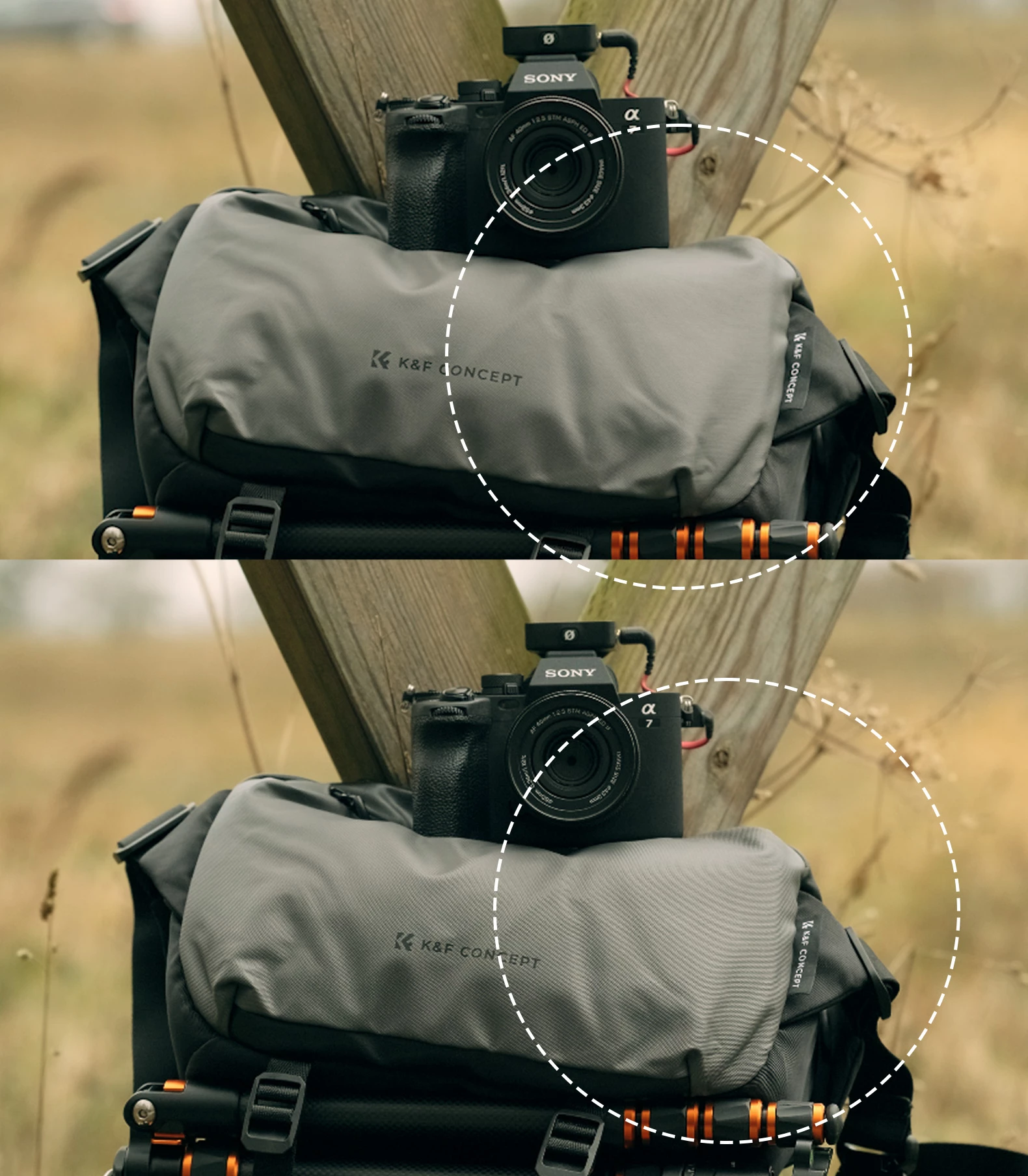
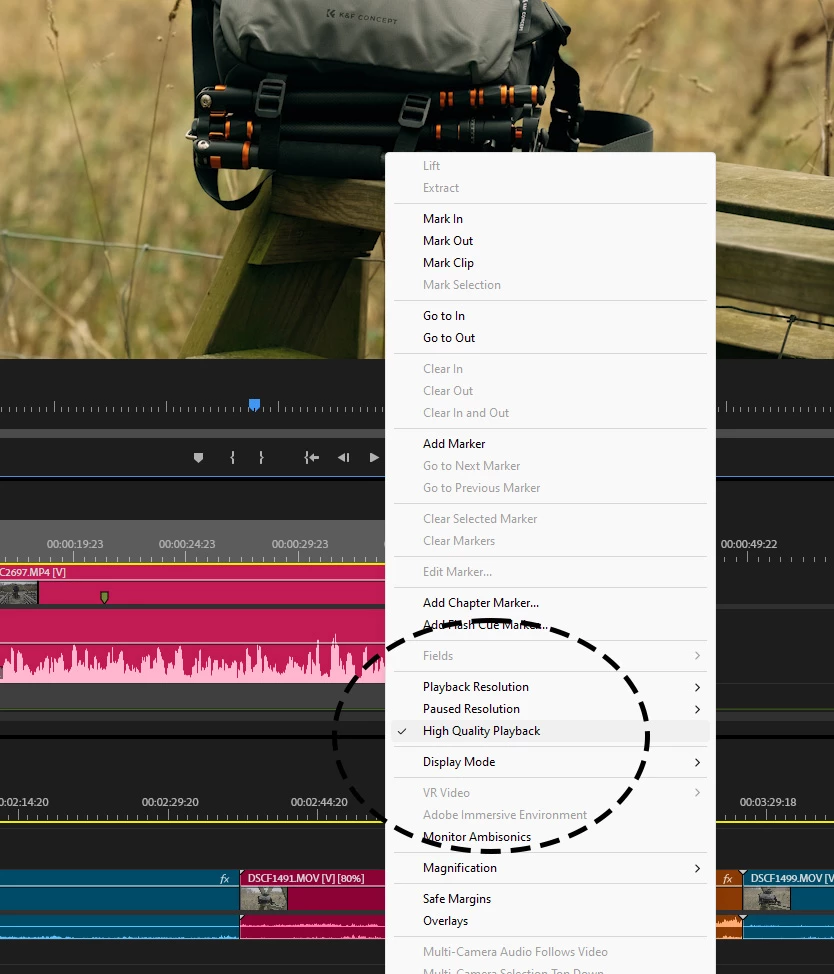
Hi everyone, I'm getting moiré and weird banding and other artifacts showing up on my footage during playback and when I make any adjustments in Lumetri. However, the footage looks fine when it's exported.
Apart from being annoying to not get decent quality playback it also makes it difficult to catch any real moire issues before export. So I'm just wondering if anyone have run into something similar and/or know how this can be fixed.
The footage in this example is 4K 30fps h265 10bit 4.2.0 shot on a fujifilm XT4 on a 23.976fps time line.
But the same or similar issues comes with footage shot on my FX30 and A7IV in 4K 4.2.2 S-I (all frame and data rates)
Working on a 13th gen i5 13600K with 64gb RAM and ASUS 8GB 3050 RTX card.
* Windows 11
* Premiere Pro 25.0.0 (Build 61)
* Nvidia Studio Drivers 566.14
Using Phantom and OG Fujifilm conversion LUTs
Top image during pause, bottom during playback
 AdChoices