

Mono audio clip only plays back on one side in source panel
Hello there,
I am fairly new to Premiere Pro....
I have run into an issue that seemed to have just popped up 'overnight'.
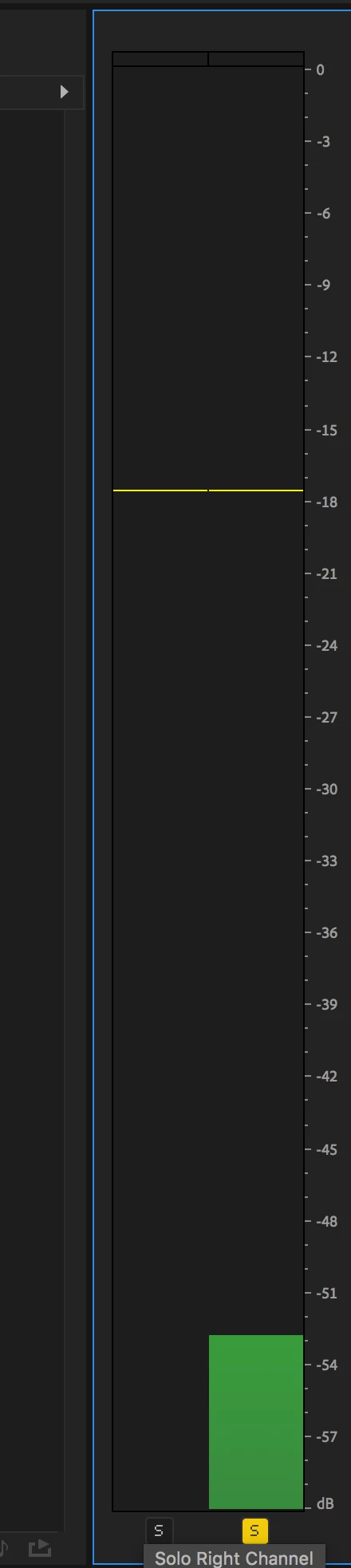
When I play back video clips with mono audio tracks in the source monitor they only play back on one side...as soon as I move them into the timeline they play back with no issues (center). I have a feeling it's a simple setting somewhere.. maybe mono audio in the source panel has to be assigned to a stereo channel....I tried resetting Premiere to default settings by holding down the option key while launching which didn't solve the issue.
I tried to 'modify' a clip by choosing- 'audio channels' and changing 'clip channel format' from mono to stereo and that solved the issue on one clip (it now plays back in the center of the sound picture when I play back in the source panel) and in the 'modify clip' window I now see both a 'left' and a 'right' on Media Source Channel 1 .....but do I really have to do that to every clip? There must be a general setting I'm missing somewhere.
Any help with this would be greatly appreciated
Thanks
Yan

 AdChoices