
Inspiring
October 7, 2023
Answered

More boarder than video.

  • October 7, 2023
  • 3 replies
  • 1167 views

Can I beg the mercies of the professionals here for help.

I was filming a memorial service with my iphone in landscape view and the play back on the phone looked great. I imported several video clips a number of pictures to create the video memory. The film lenthg ran 44 minutes, a total of 4gb. My original hope was to email the finished product, however after determing the size was to big I considered creating a DVD.  

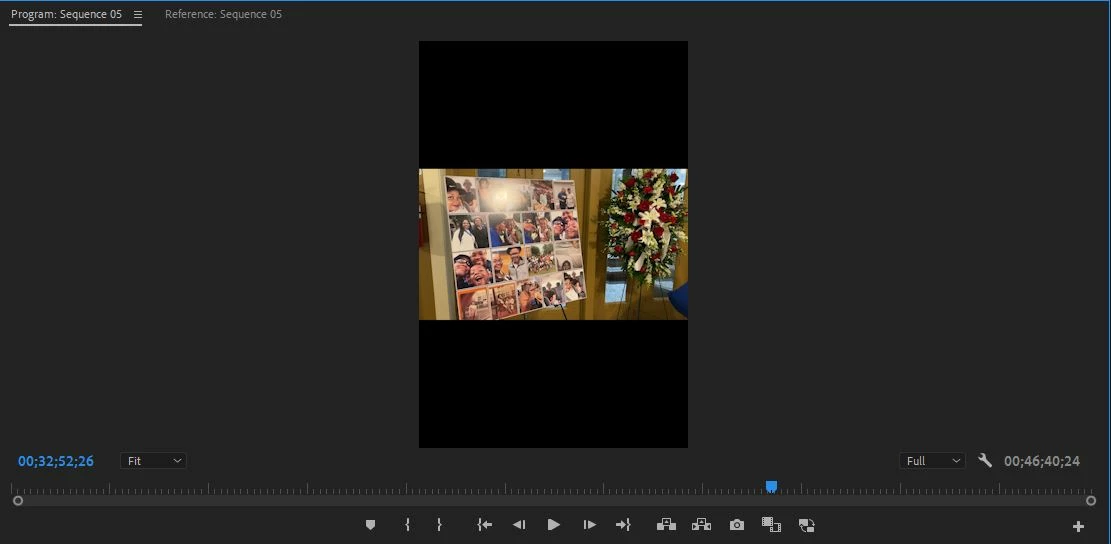
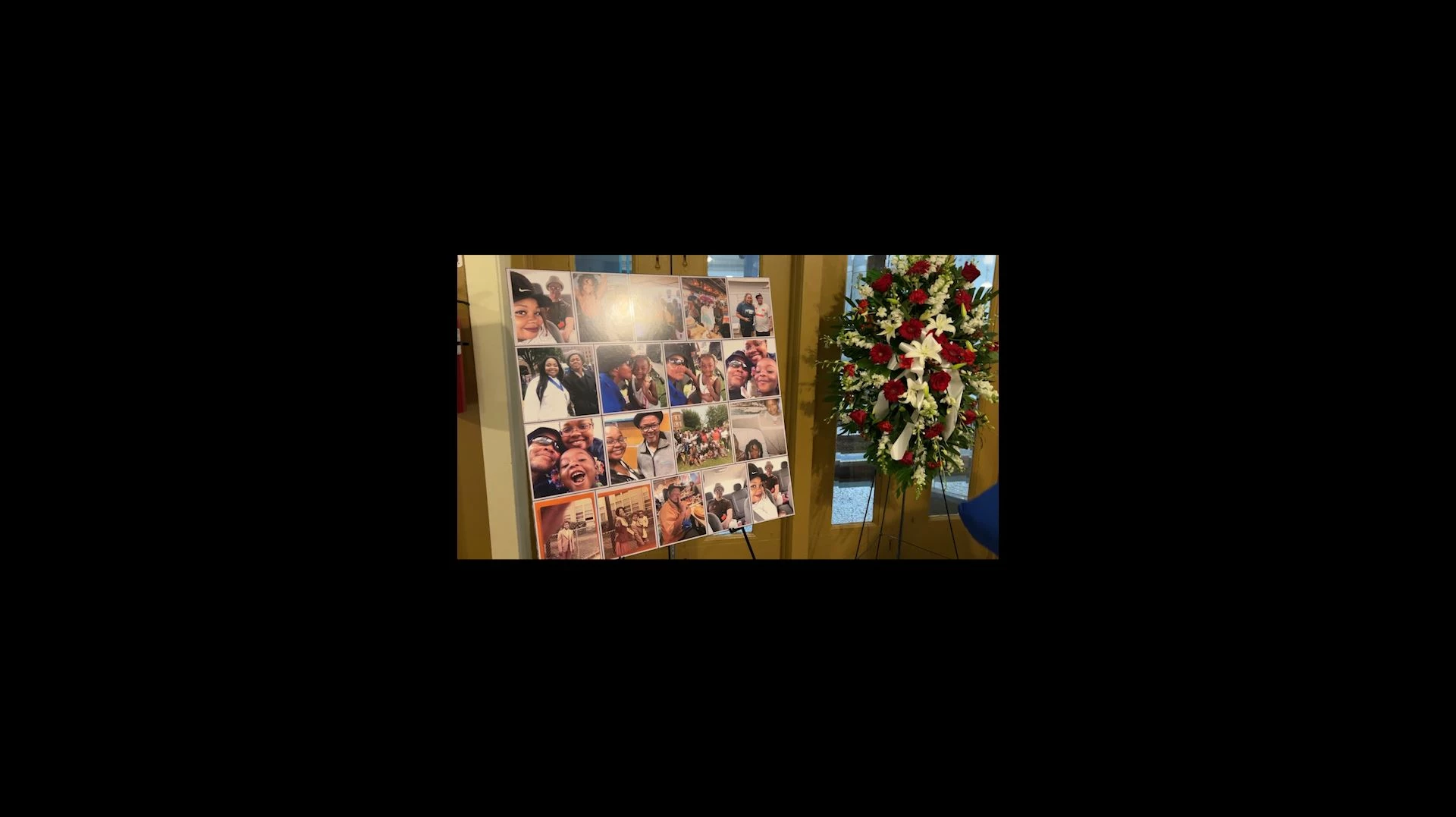
When I preview the video in the preview window it's never landscape and has black boarders at the top and bottom of the video. When I preview in full screen, the dominant view on the screen is the black boarder, more boarder than video. This is all prior to exporting the video out. When I export the video it's the same.

Please help. I have attached my expereience. Thank you 
This topic has been closed for replies.
Correct answer Charles32486084vksv

Thank you, all for your assistance.

I figured out what was causing this issue.

I started the video with a photo, and that frame shape the size of the rest of the video.

The way I figured it out, was I removed the photo and made a video clip my in point, once I did that and set the clips to  Set to frame size. That fix everything for me. Thanks again everyone for all your assistance.

3 replies

MyerPj
Community Expert
Community Expert
October 8, 2023

My android phone will shoot in whichever mode I am viewing, so, turn the camera sideways/horizontal to shoot horizontal video. However, when I've started shooting in vertical (in haste), turning the camera sideways then gives me what you see. Horizontal video within a vertical frame. 


You can scale the frame size (using the Effects Control Panel) so it appears to be horizontal video, depending on the frame size of your sequence and the actuall video frame size, you could loose quality. But if it's acceptable to you, you can do it.

Ann Bens
Community Expert
Community Expert
October 7, 2023

Please show a screenshot of the footage in the source monitor opened from the Project window.

Inspiring
October 7, 2023

Hi Ann Bens,

Here is a screenshot. Thanks

Ann Bens
Community Expert
Community Expert
October 7, 2023

You filmed in landscape, but the phone was still in vertical mode.

You can change the orientation in the phone.

Community Expert
October 7, 2023

Did you create your sequence based on the video or did you use a preset?

I drag my video onto the page turn "New Item" in the project panel to create my sequence. If you do this there shouldn't be black columns. Also, you need to be careful that how you output has the same frame size as the video.

Inspiring
October 7, 2023

Thanks RobSchultz,

I opened a new project and imported the videos from a location on my computer. I didn't select any presets that I know of except when I was going to export the completed video. The boarders were there before the exporting process.

I am not opposed to starting over, I'm just not certain how to start correctly.

I am new to Adobe Premeire Pro and I see all these videos shot using the iphone and they come out full screen no boarders. Thanks