Copy link to clipboard
Copied
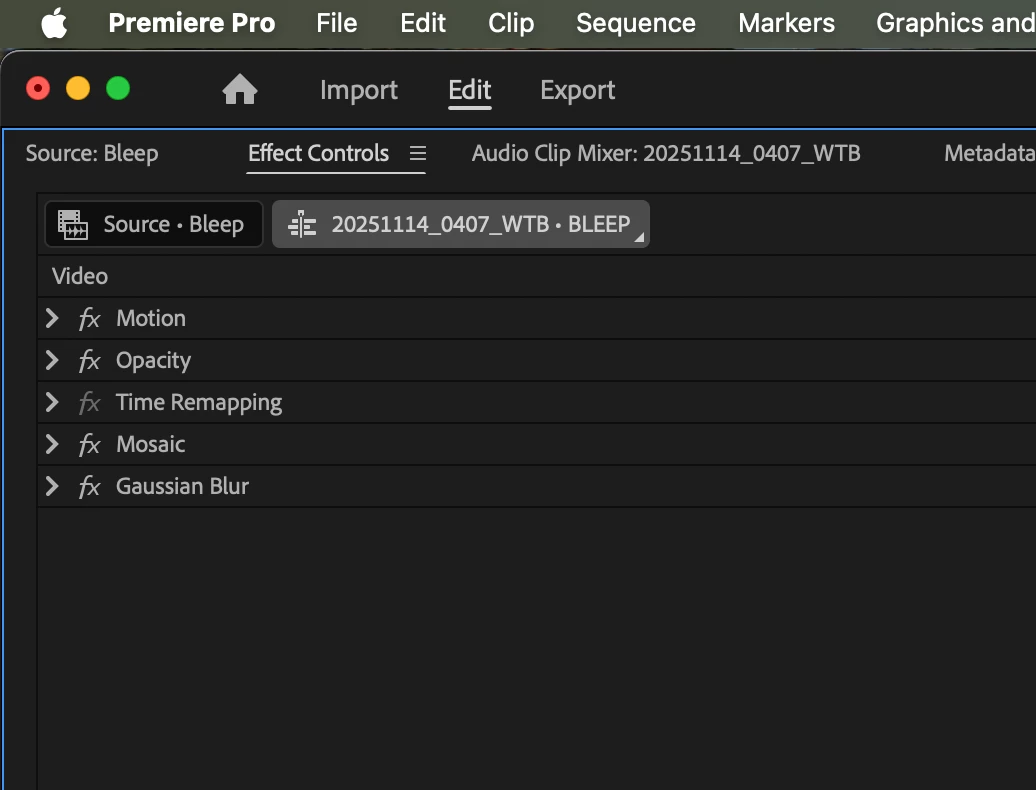
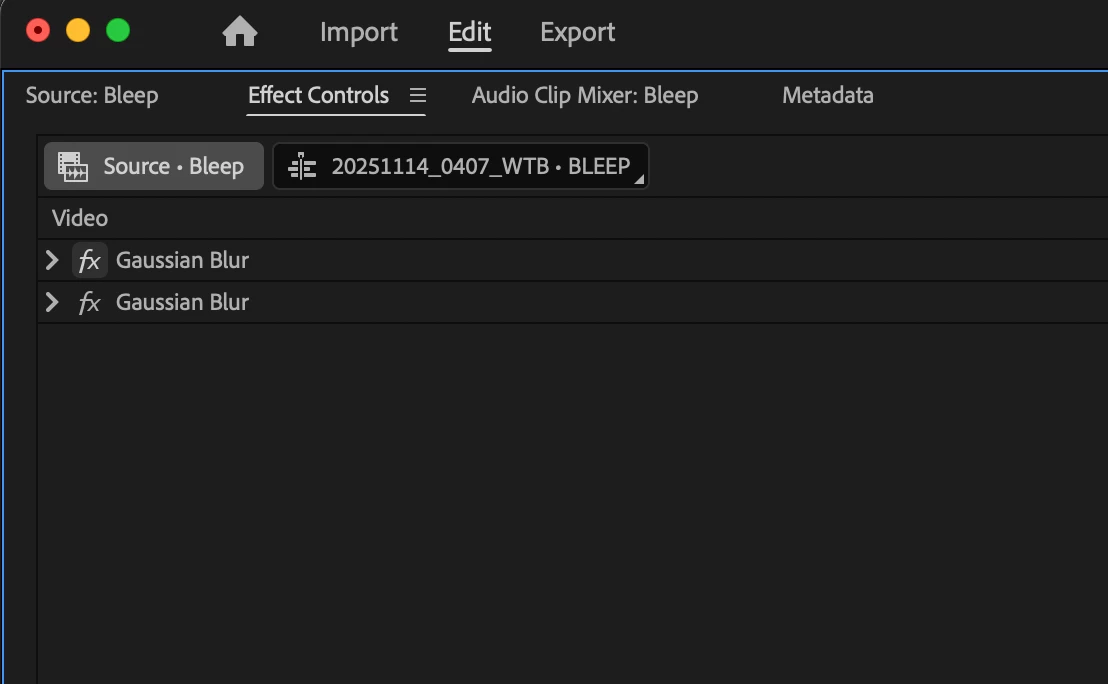
So the Mosaic effect can't be pasted into the Source tab (is that what it is called? had a hard time googling, especially distinguishing it from the "Source Monitor") in Effect Controls panel, but Gaussian Blur can?
Why?
Are some effects paste-able but some are not?
The panel allows me to copy it from the master clip tab (again, is this the proper name?) but then doesn't allow me to paste it into the Source tab?
Any insight is appreciated.
Screenshots below.
Adobe Premiere Pro 2025 latest version.
And yes, it's the Mosaic effect availble under Video Effects > Stylize.
And I figured it out, it was because it contained a mask. Once the mask was removed, the Effect Controls panel allowed copy or cut, then pasting, into the Source tab, once again, per usual.
Crisis averted.
Copy link to clipboard
Copied
Hi PleaseWork1978,
Welcome to the community! Please confirm the version of Premiere Pro that you are using & if you are using the Mosaic effect available under Video Effects > Stylize.
Thanks,
Sumeet
Copy link to clipboard
Copied
Adobe Premiere Pro 2025 latest version.
And yes, it's the Mosaic effect availble under Video Effects > Stylize.
And I figured it out, it was because it contained a mask. Once the mask was removed, the Effect Controls panel allowed copy or cut, then pasting, into the Source tab, once again, per usual.
Crisis averted.
Copy link to clipboard
Copied
@Sumeet Kumar Choubey or any Adobe personell, it would help if there was a warning prompt alerting the user that an effect can't be pasted to the Source tab (not the Source Monitor) from the master clip tab, in the Effects Controls panel because of whatever is preventing it from being pasted.
In this case it was a mask on the effect.
This was all on an adjustment layer, by the way.
Copy link to clipboard
Copied
Glad to hear that you were able to solve it! I like your recommendation & will share it with our team. You may also submit a feature request at our Ideas page.
Thanks,
Sumeet
Find more inspiration, events, and resources on the new Adobe Community
Explore Now