Participant
December 29, 2019
Answered

.mov files not rendering, nothing rendering in PPro

  • December 29, 2019
  • 2 replies
  • 2517 views

I am about to lose it. I have been working on a tour recap of my pianist friend and his tour with J-Lo this last summer, and I went in to make a bunch of edits and I broke everything. I made a sequence in the beginning with text and clips to match each location text and when I went to render it, it all broke. I have tried changed all of my render settings around and clearing my render files, resaving the project to a easier location, and nothing has worked.


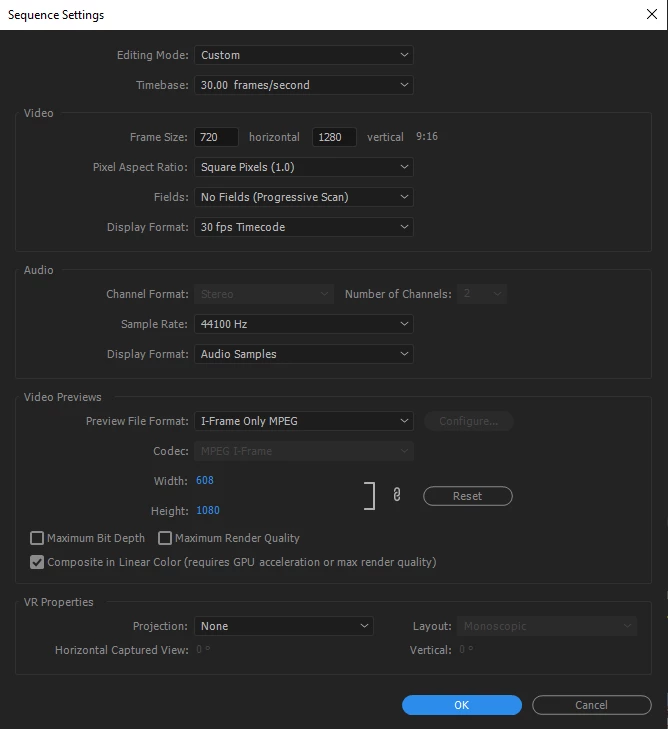
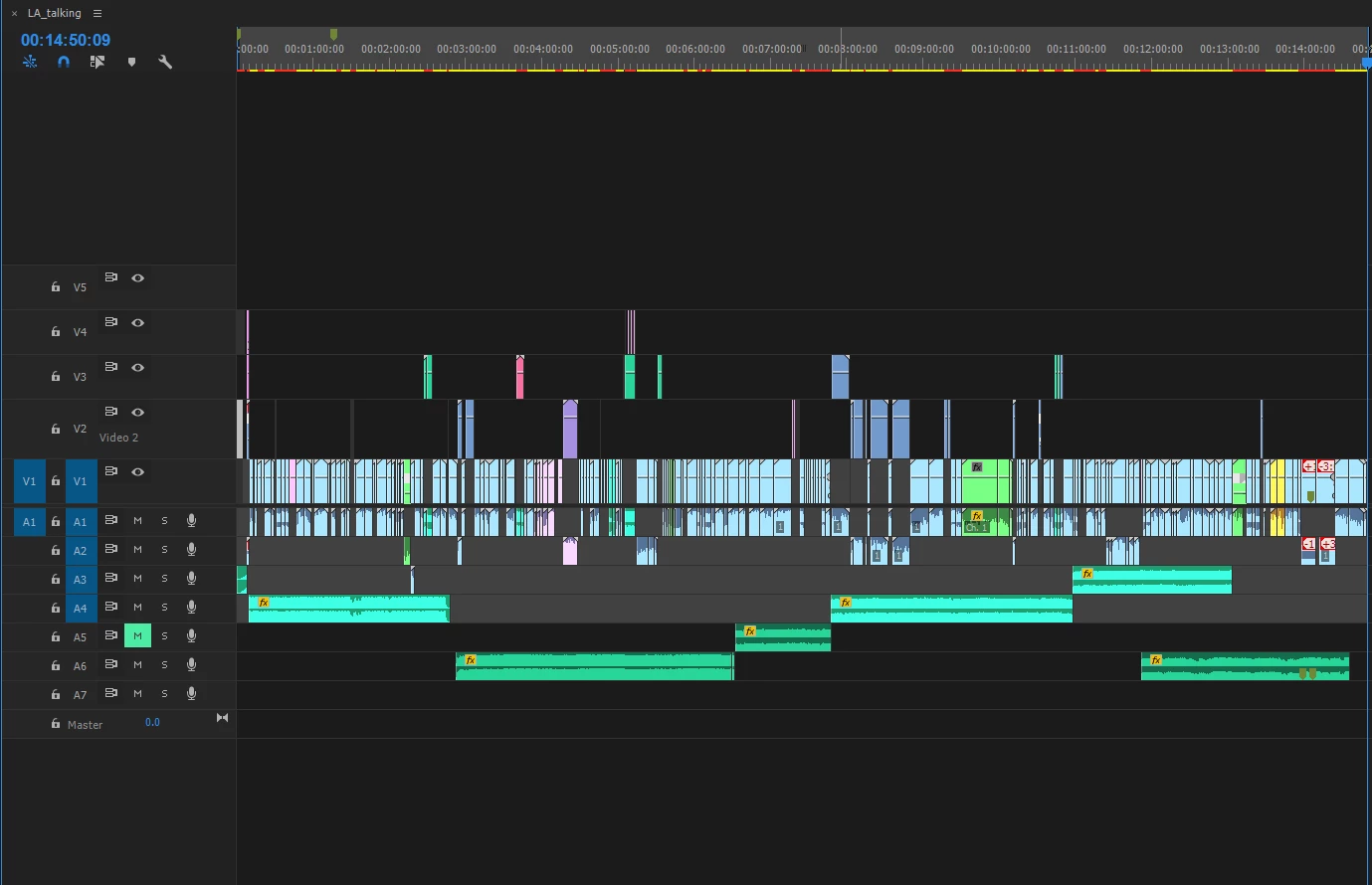
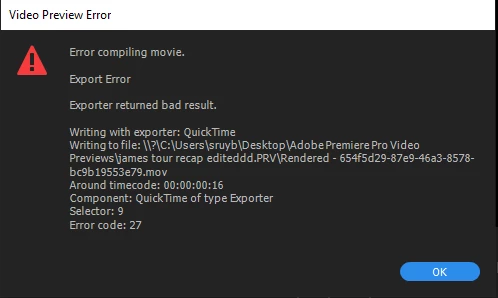
I have no idea what's wrong and would love to not have to scrap the idea and remove all of my day's work. Can anyone help? I have attached my sequence settings, error message, and timeline.
 

This topic has been closed for replies.
Correct answer WithersDigital

There's no blanks on the timeline, and it says "error at 00:00:01:19 which is just the middle of a clip that is a .mov file...


Then it's likely the MOV file that is causing the issue. Remove the clip from the sequence and see if it exports succesfully. 


This can sometimes happen if Premiere has an issue reading a file from disk, whether due to data corruption or hardware issues. If you have a backup copy of the footage, try to replace the clip with the backup copy. When a backup isn't available, I've had to play clips frame by frame to find where the issue is (sometimes it's in multiple places) and then cut around those problem spots. You can also try re-encoding the clip into ProRes or another format via Media Encoder, After Effects etc, though they might throw the same error if there's an issue reading the file. 

2 replies

Participant
December 30, 2019

I ended up taking all 171 of my .mov files and encoding them to mp4's and it's working seamlessly now! Time to go through and replace them all one by one... :'D Thanks for your help guys.

Participant
December 29, 2019

I went back to the previous save before I started on this intro sequence and now certain random parts of some .mov files are just freeze-framing and not rendering. I'm having so much fun with this 🙂

Ann Bens
Community Expert
Community Expert
December 29, 2019

You need to fix whatever is on the timeline at the given time in the error..

Can be anything.

Make sure there are no gaps in the timeline. Fill them with black video.

Participant
December 29, 2019

There's no blanks on the timeline, and it says "error at 00:00:01:19 which is just the middle of a clip that is a .mov file...