

Liveshots
Inspiring
September 28, 2022
Question

.MOV import support

  • September 28, 2022
  • 1 reply
  • 236 views

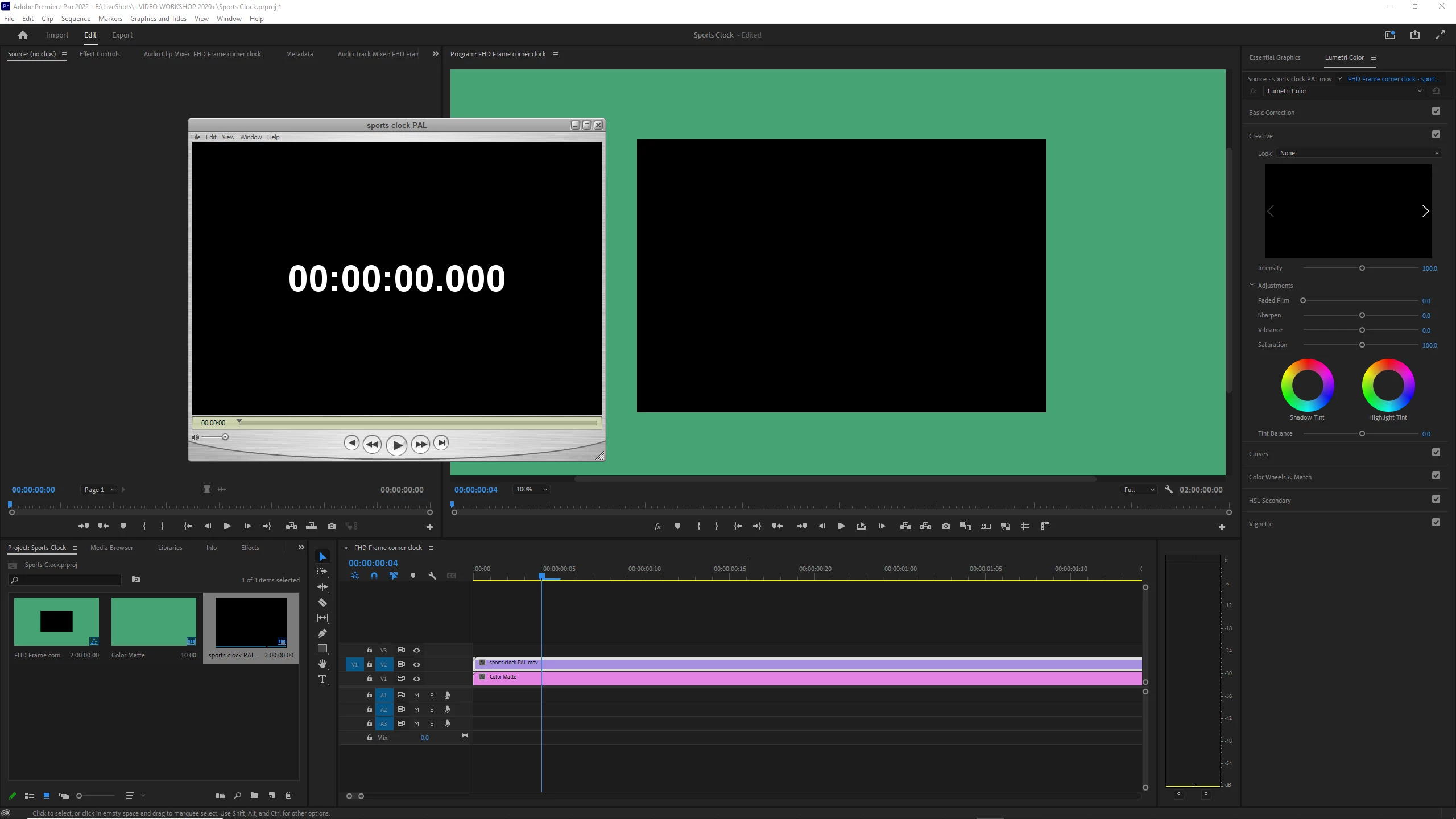
I have a QuickTime video of a digital clock for sports videos, just animated white numbers on a transparent background. It works fine in Vegas v18, but when I imported it into Premiere for the first time today, I just got shown a black box!
Not only did I lose my transparency, I'm not even seeing my white digits!


I tried re-wrapping the MOV in AME, but even Media Encoder was only displaying solid black when I scrolled through the different codec variations.
This topic has been closed for replies.

1 reply

Ann Bens
Community Expert
Community Expert
September 29, 2022

Open properties and see if it has an alpha channel.

Check Interprete footage/Alpha Channel.

Liveshots
LiveshotsAuthor
Inspiring
September 29, 2022

According to Premiere; Alpha: None

Plus these errors on import;

It displays fine in my old Vegas 18 (which I still use for advanced audio purposes), so I just exported an MP4 of the clock with a green background and used Ultra Key to regain my transparency.

When Googling about Premiere support for MOV files, I saw a remark criticizing how it doesn't support 'QuickTime 7' anymore, and this guy couldn't use his legacy footage filmed in that format. I'm a relative newbie to video and all these Codecs, but I'm guessing the clock is a QT7 file, which is why it displays in old Vegas software but not Premiere 2022. Anyway, I fixed it with a 'green screen'.