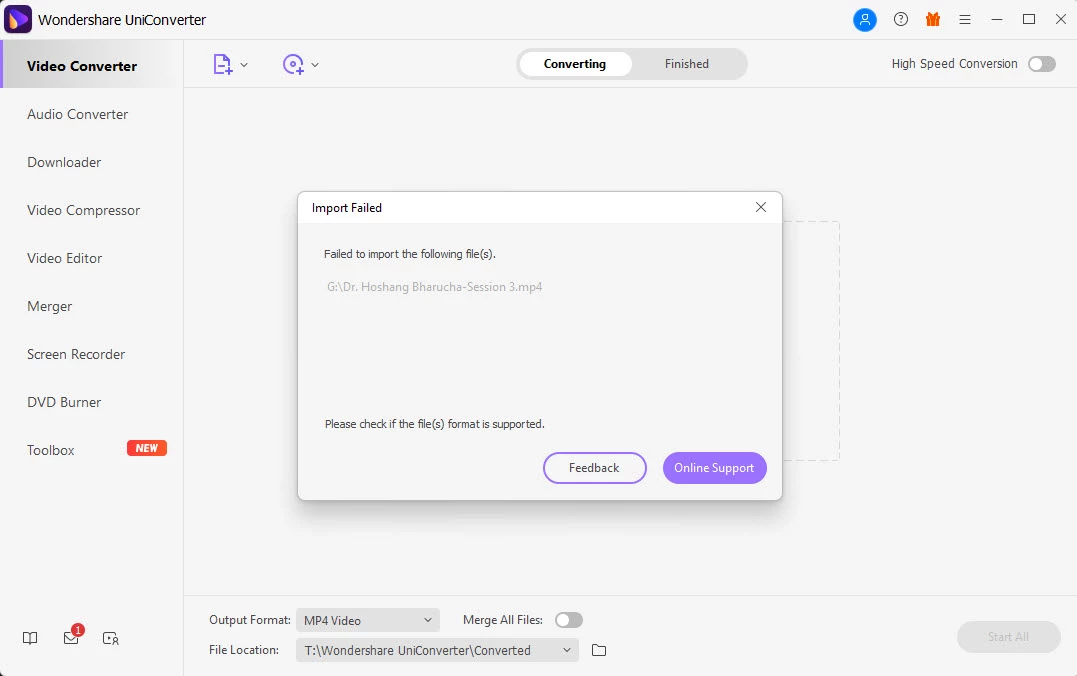
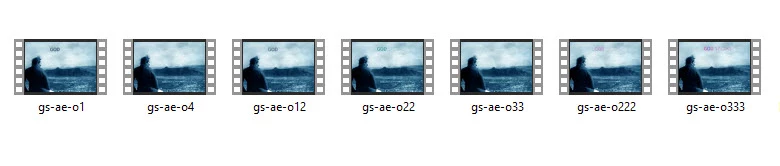
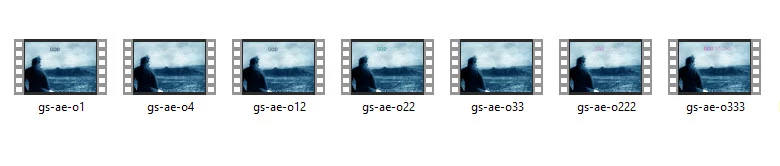
I attempted to convert the MP4 into MP4 via Wondershare Uniconverter
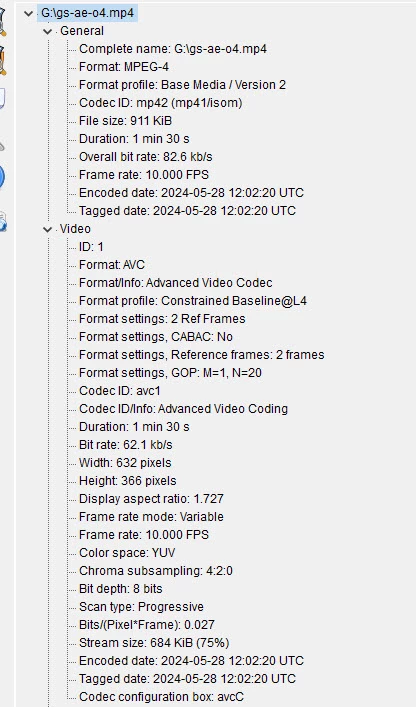
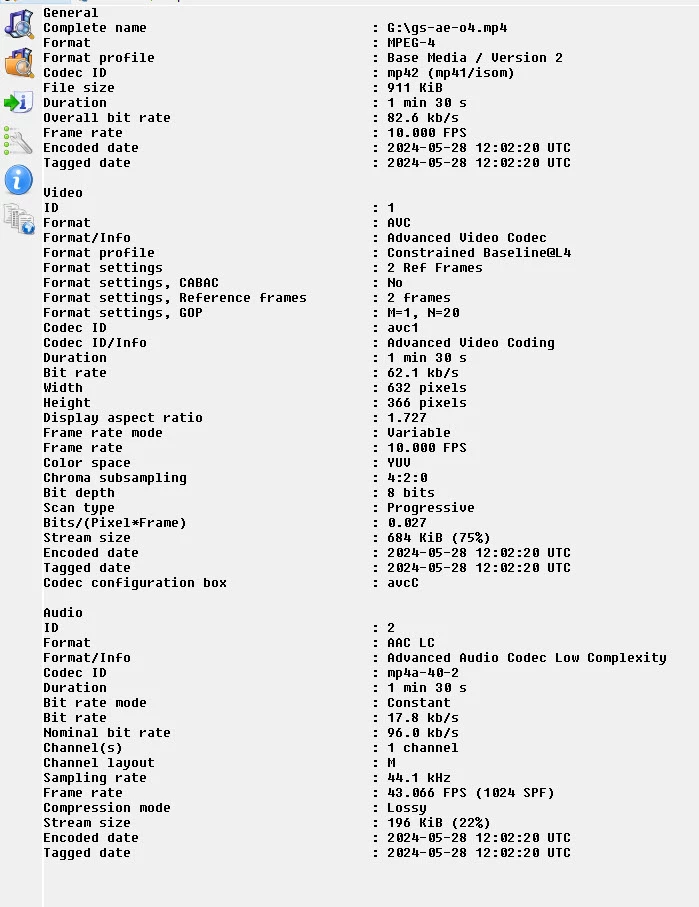
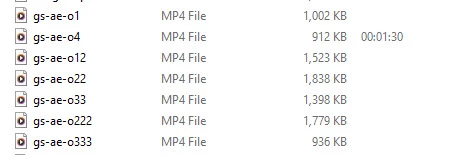
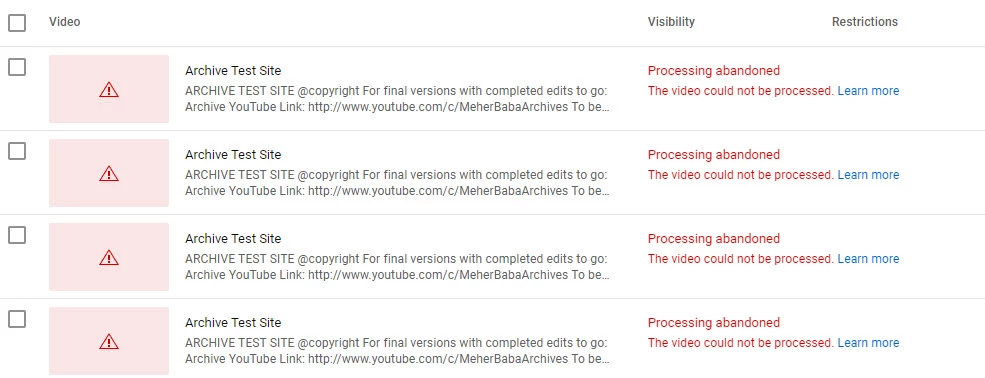
see photo
Hello
The folks at Wonder Fox were able to render assistance with this fix sheet.
I post it here:
Thanks for reaching us.
Here are some steps you can try to resolve this issue:
1. Check Export Settings in Media Encoder
Ensure that your export settings in Media Encoder are correct and compatible with the formats you need.
- Ensure the format is set to H.264 and the preset is something standard like "Match Source - High Bitrate".
- Check the following settings:
- Video: Ensure the profile is set to "High" and the level is appropriate for your resolution (e.g., Level 4.1 for 1080p).
- Bitrate Settings: Use "VBR, 2 pass" for better quality and ensure the target and maximum bitrates are reasonable (e.g., Target 10 Mbps, Max 12 Mbps for 1080p).
- Audio: Ensure the audio codec is AAC, with a sample rate of 48 kHz and a bitrate of 320 kbps.
2. Check the Timeline in Premiere Pro
Ensure there are no corruptions in your Premiere Pro timeline before exporting:
- Play through the entire timeline in Premiere Pro to check for any errors or glitches.
3. Clear Cache and Preferences
Sometimes, clearing the media cache and preferences can resolve issues related to corrupt files:
4. Export Directly from Premiere Pro
Try exporting directly from Premiere Pro without using Media Encoder:
5. Use Different Export Settings or Formats
Sometimes, using different export settings or formats can resolve the issue:
- Try exporting in a different format like QuickTime (.mov) with the H.264 codec.
- If the QuickTime file works, you can then convert it to MP4 using Adobe Media Encoder.
6. Test with a Different Project
Create a new simple project in Premiere Pro with just a few seconds of footage and see if it exports correctly. This can help determine if the issue is with your specific project or a more general problem.
7. Reinstall Software
If none of the above steps work, consider reinstalling Premiere Pro and Media Encoder to ensure there are no issues with the software installation.
8. Check for Software Updates
Make sure you are using the latest versions of Premiere Pro and Media Encoder. Sometimes bugs are fixed in newer releases.


 AdChoices