
Multi Cam Colour Grade not carrying over to sequence
Morning all,
I'm fairly experienced in creating muticam sequences, but this one has be baffled.
I create a mutlicam by selecting all the clips in a bin and right clicking and selecting multicam. When the file has been made, i open the file in the Time Line.
At this point i apply my color correction and grade in adjustment layers and tweak each clip accordingly.
I then right click on the file in the project bin and create a new sequence from clip. In the hundred of times I’ve done this my color grade always carries over to the new sequence and I’m able to go back into the multicam file and make further adjustments which are then carried over to the sequences.
However since the update this has not been the case. My colour grades are not carrying over when i create a new sequence. No matter how many times i try it, it doesn't work.
I've checked that both sequences are in the same colour space. The colour management in the project settings are set to 300 HDR and Tetrahadral on 3d Lut (not that I think that makes any difference in this instance).
I've attached a few screen shots to help. 1 from the multicam with colour grade, and 1 from the sequence created from the multicam which should have the grade on but doesn't... Any ideas without having to apply the grade to the Final Sequence and source clips?
1. Color Graded Multicam
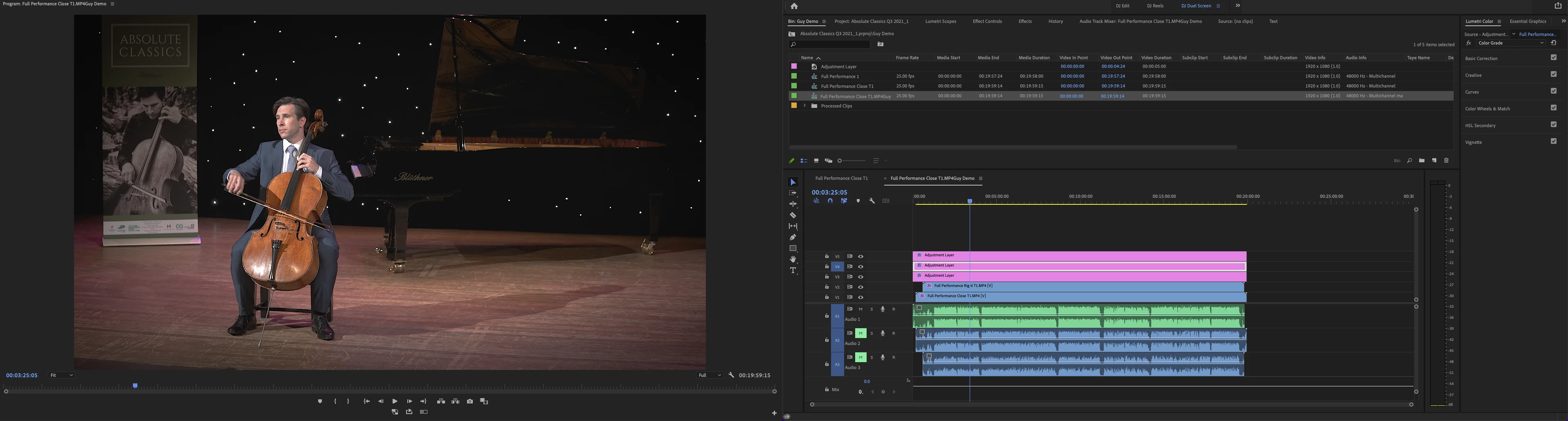
2. Sequence made from Mulitcam
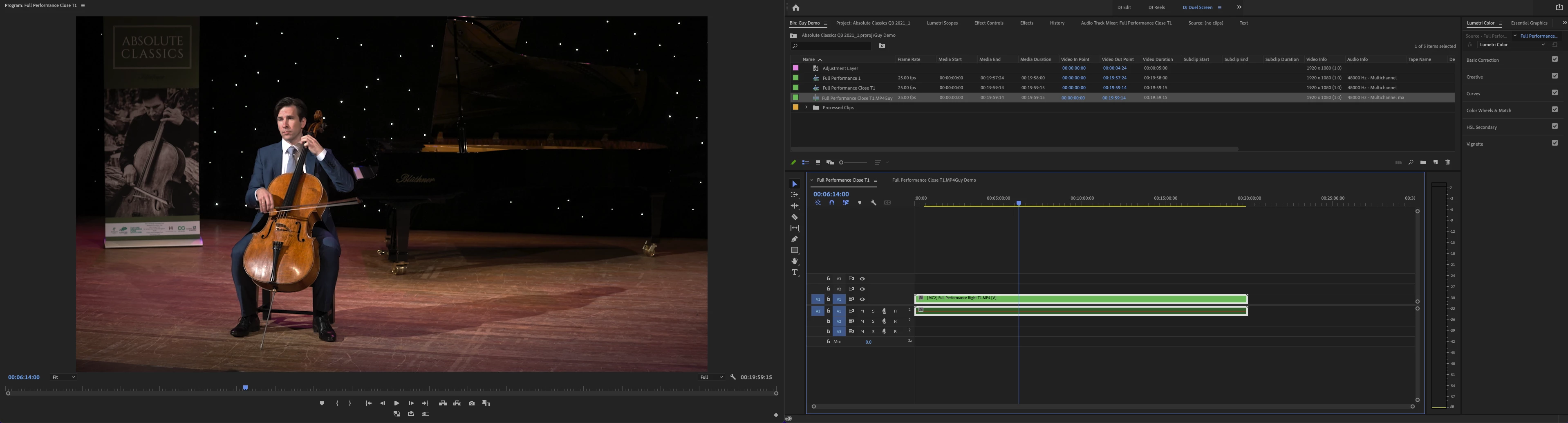
Thanks all.
Daimo.
 AdChoices