Participating Frequently
July 30, 2021
Question

My exported file is glitchy

  • July 30, 2021
  • 3 replies
  • 1031 views

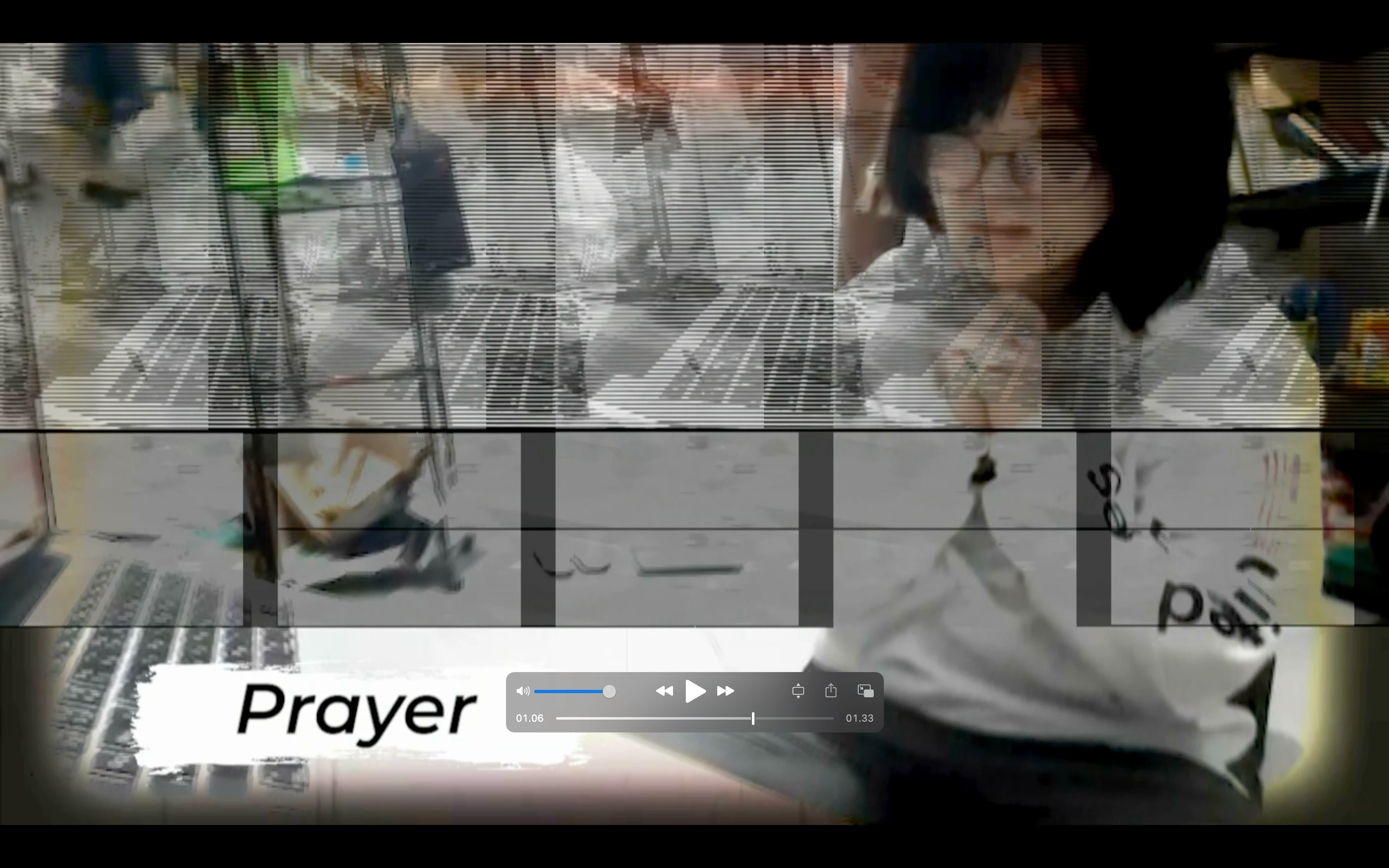
I was rendering my file the other day. When I was done rendering and looking and the output, there was so much errors on it 
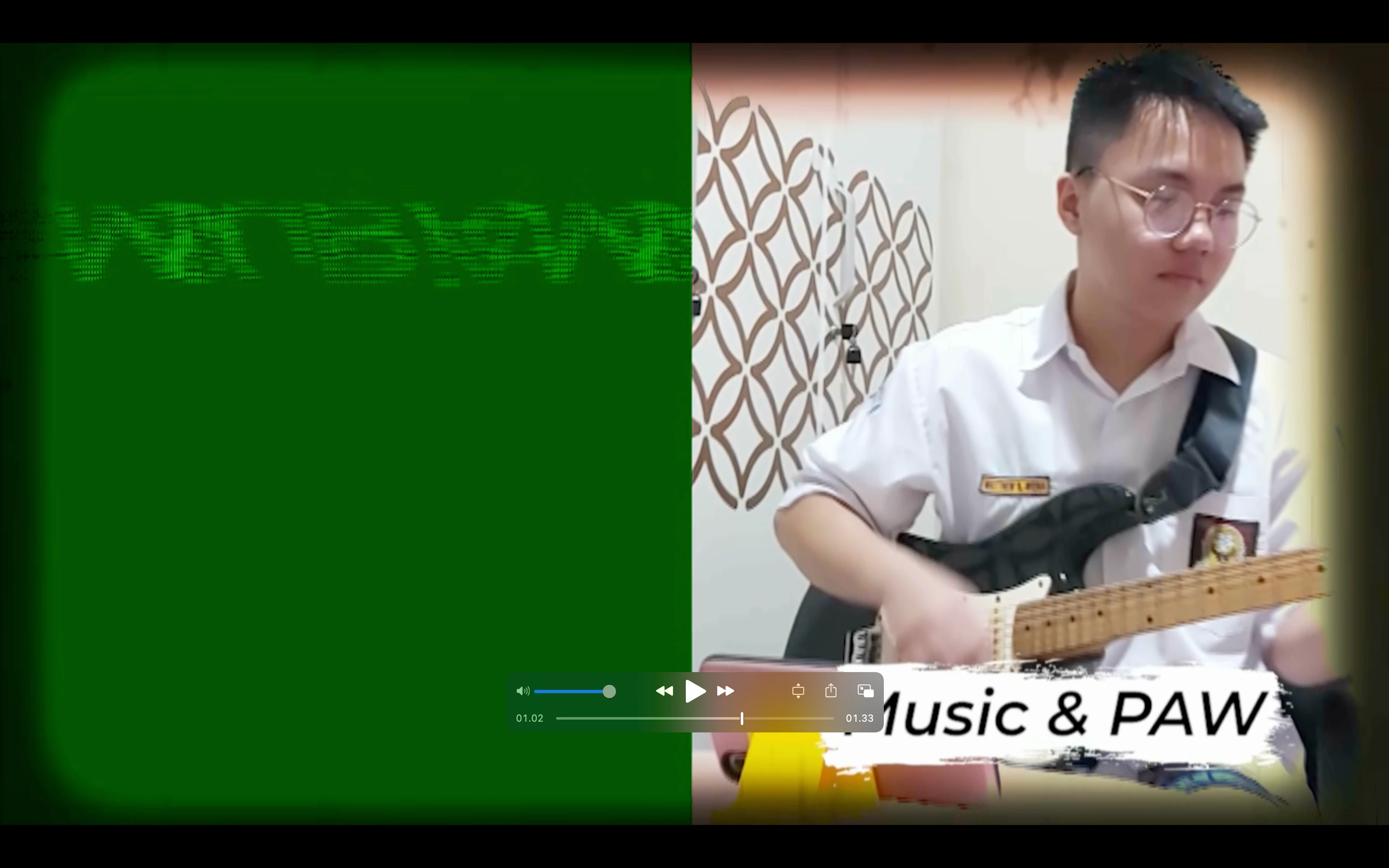
 

Any tips on trying to get this problem fix?

This topic has been closed for replies.

3 replies

Averdahl
Community Expert
Community Expert
July 30, 2021

One of the reasons is that you are using wrong settings for the sequence and for the export.


Today your sequence is 1280x720 Lower Field First and you export to 1280x720 Lower Field First. 1280x720 is never interlaced and should only be edited in progressive sequences. If not, you will see strange lines in the video here and there. 


Go to Sequence > Sequence Settings and use those settings instead and make sure to not export interlaced, iow Lower Field First:


DawforealAuthor
Participating Frequently
July 31, 2021

I've change it to Lower Field First. However, it is still giving me glitches.

Kevin-Monahan
Community Manager
Community Manager
July 31, 2021

Dfr,

You probably want "No Fields" in all cases: Sequence Settings and any output settings. That is the issue when you see a "combing" or interlaced lines effect on exports.


Kevin

Kevin Monahan - Sr. Community and Engagement Strategist – Adobe Pro Video and Audio
Kartika Rawat
Community Manager
Community Manager
July 30, 2021

Hi there!

Sorry about that. Can you let us know the following information?


Let us know.

Thanks. 

Kartika

DawforealAuthor
Participating Frequently
July 30, 2021

Hi Kartika,

here are some of my answers and pictures/screenshots

  • My friends are the one who shoot theur footage. It means that they are using their own phones which I can't answer.
  • I'm unable to change my exporting through & isn't that a short term solution?
  • Below here is my export settings


I thanked you for answering my complaint. Your support community is a new thing for me & I'm pleased to say that your service is swiftly as a lightning. 

nishu_kush
Community Manager
Community Manager
July 30, 2021

Hi Dawforeal,


Thanks for sharing the details. We've identified a bug that causes glitches in the export. It's with the XAVC 10bit 422 files and the workaround is to convert the footage to ProRes and then import in Premiere Por for editing. What are the details of the footage you're working with (frame rate, frame size, format/codec)? Could you try the workaround I mentioned?

Let us know how it goes.


Thanks,

Nishu

DawforealAuthor
Participating Frequently
July 30, 2021

I am using the latest 2020 Macbook pro with the M1 Chip