
calebm5301870
Participant
November 10, 2020
Answered

My gaussian blur won't work at all

  • November 10, 2020
  • 2 replies
  • 15490 views

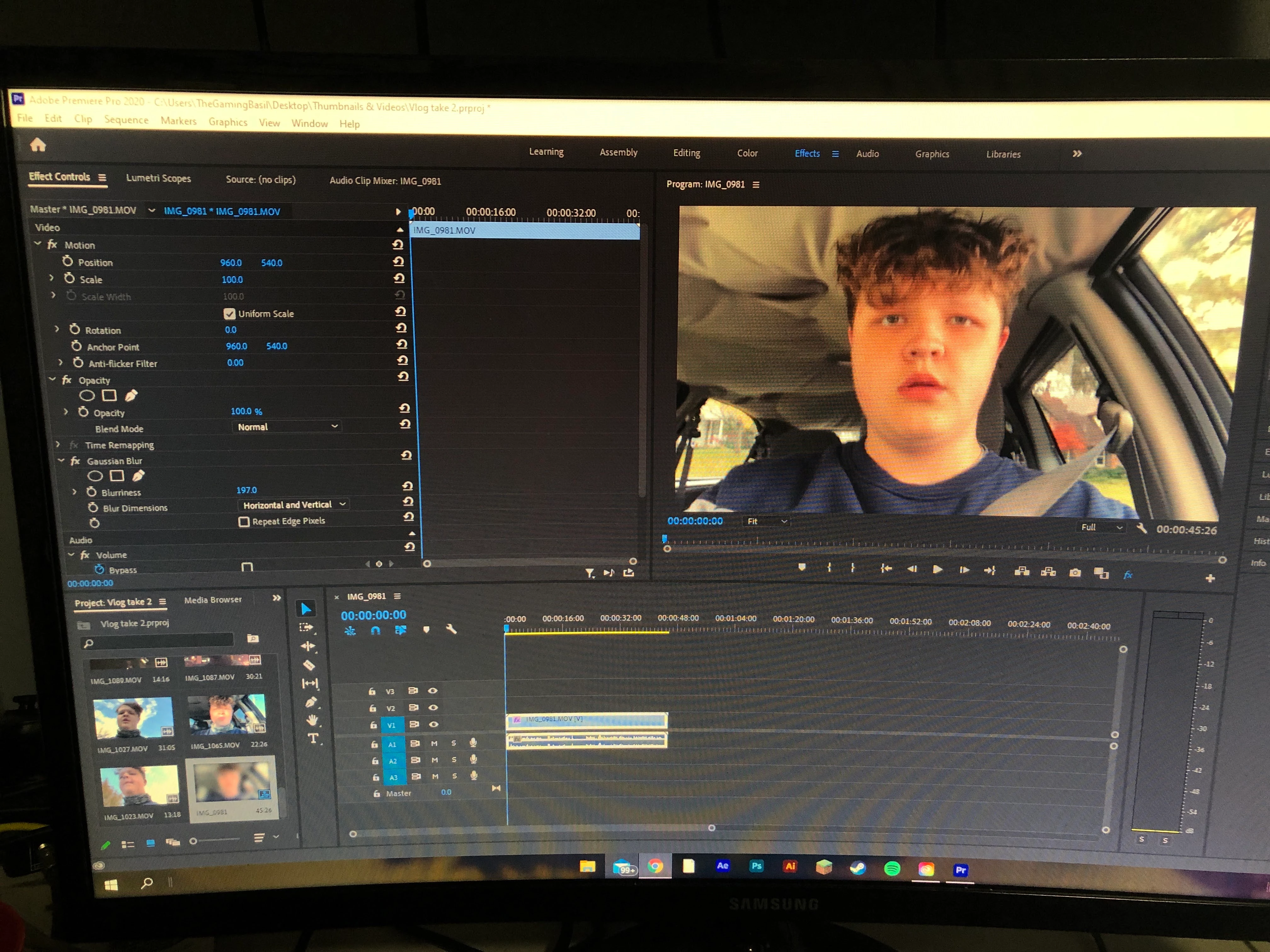
I'm new to posting and I've looked around to see if I could solve the problem but I can't figure anything out. I'm in the latest version of premiere and I'm trying to add a gaussian blur to my project but nothing shows up until blurriness level 1765. Any help would be very much appreciated!
Correct answer MyerPj


I got it 🙂

That little blue button on the right-side of the Program monitor. Click that and make it not blue! That's the "Global Effects button". You can turn off all effects usually for performance reasons. I got caught with that once myself...

2 replies

Peru Bob
Community Expert
Community Expert
November 11, 2020

You may need to render the timeline by pressing enter if there is a red line above the timeline.

Participant
June 1, 2022

The fx button below the video replay


MyerPj
Community Expert
Community Expert
November 10, 2020

Try a new project, drop in the video clip, drop the clip from the project to the empty timeline. Add the blur and check it...

calebm5301870
Participant
November 11, 2020

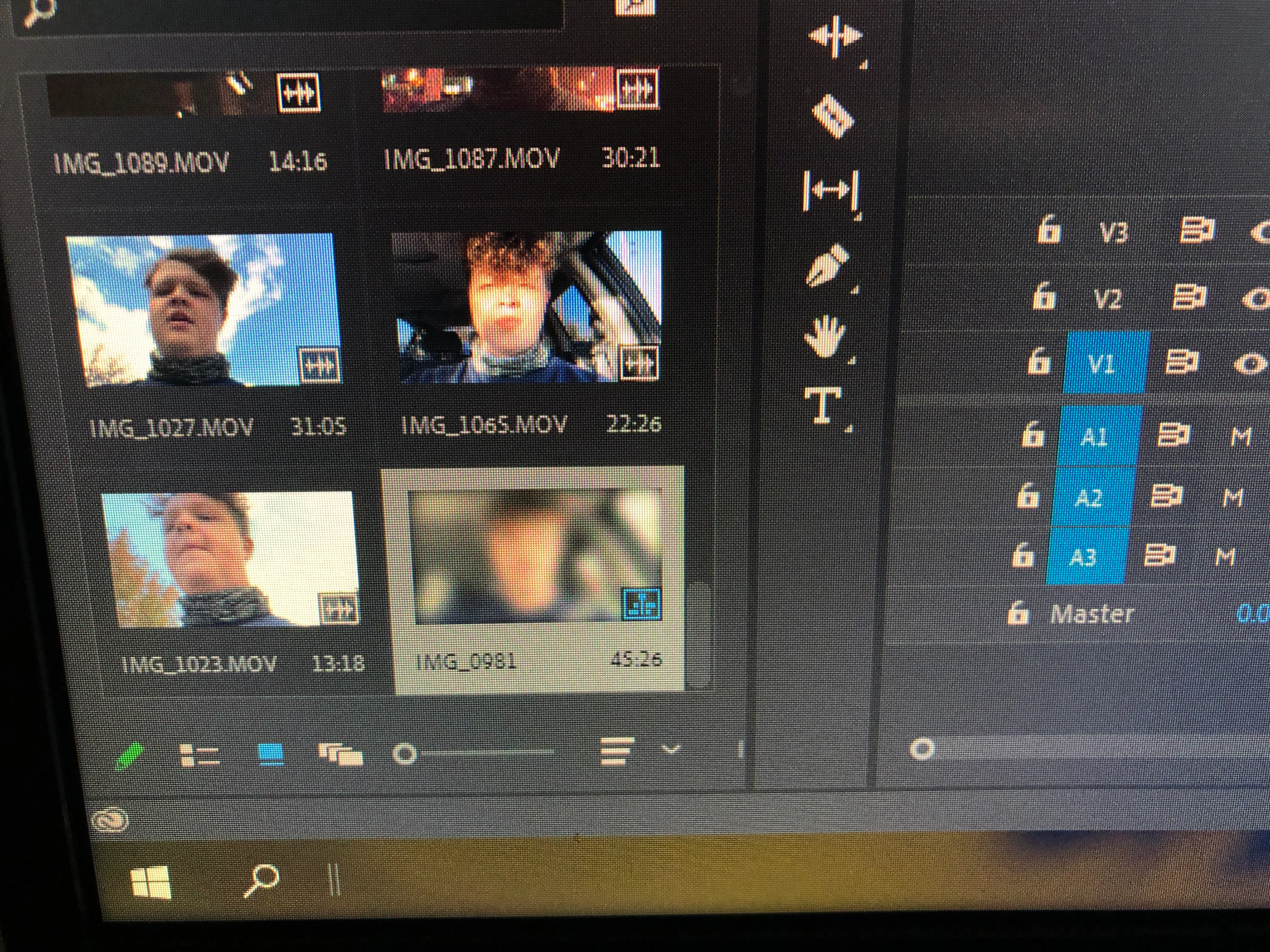
So I did that and now only the small preview where you can select clips are being blurred. 😕😕

Participant
February 10, 2024

I got it 🙂

That little blue button on the right-side of the Program monitor. Click that and make it not blue! That's the "Global Effects button". You can turn off all effects usually for performance reasons. I got caught with that once myself...


Ah, so helpful! Thank you so much!