Turnip Head
Participating Frequently
July 28, 2023
Question

My Premiere Pro Appears to Flicker Black

  • July 28, 2023
  • 2 replies
  • 428 views

I had seen some similar posts about this topic but, no real answers. My program appears to be flickering black whenever I try and do any task within the program. All of my other Adobe apps work just fine, like Photoshop, Illustrator, Dream Weaver, etc. I probably could call and ask for help which I will eventually but, I wanted to try out these forums to see if I could assistance this way. 

My system information in case anyone needs to know:

Windows 11 Home

AMD Ryzen 9 5900X 12-Core Processor

NVIDIA GeForce RTX 3080

32GB Memory

1TB SSD / 2TB HDD

1 244Hz Alienware Monitor + 1 175hz LG Monitor

I have a dual monitor setup and the cables aren;t an issue.
This topic has been closed for replies.

2 replies

Turnip Head
Participating Frequently
July 28, 2023

After the studio driver was installed, no changes @Ann Bens here below I have a video showing my issue, from my perspective I also spoke to a support guy. 

Turnip Head
Participating Frequently
July 28, 2023

nevermind cant upload

Ann Bens
Community Expert
Community Expert
July 28, 2023

Did you do a clean install and rebooted before and after installation?

Ann Bens
Community Expert
Community Expert
July 28, 2023

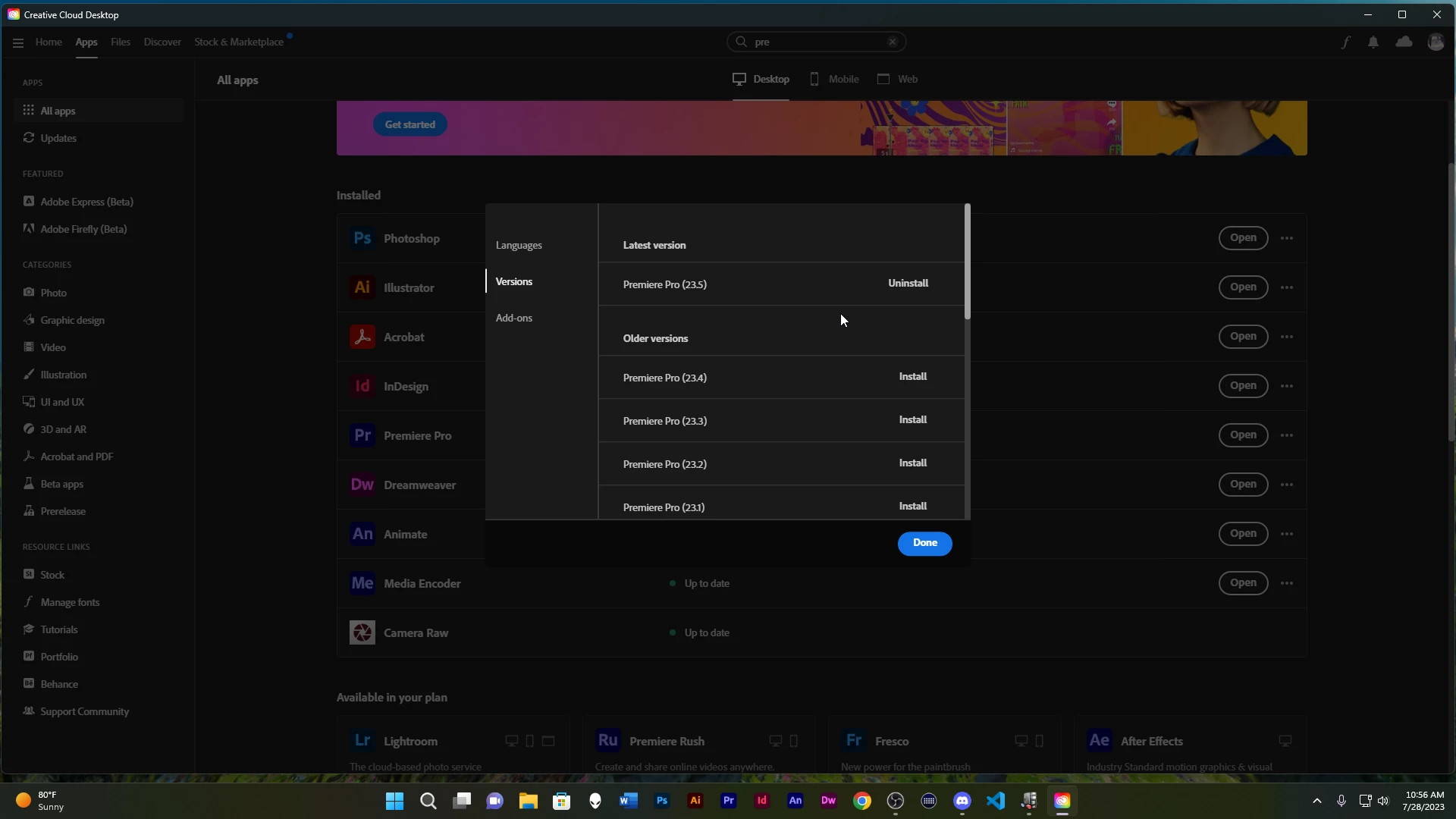
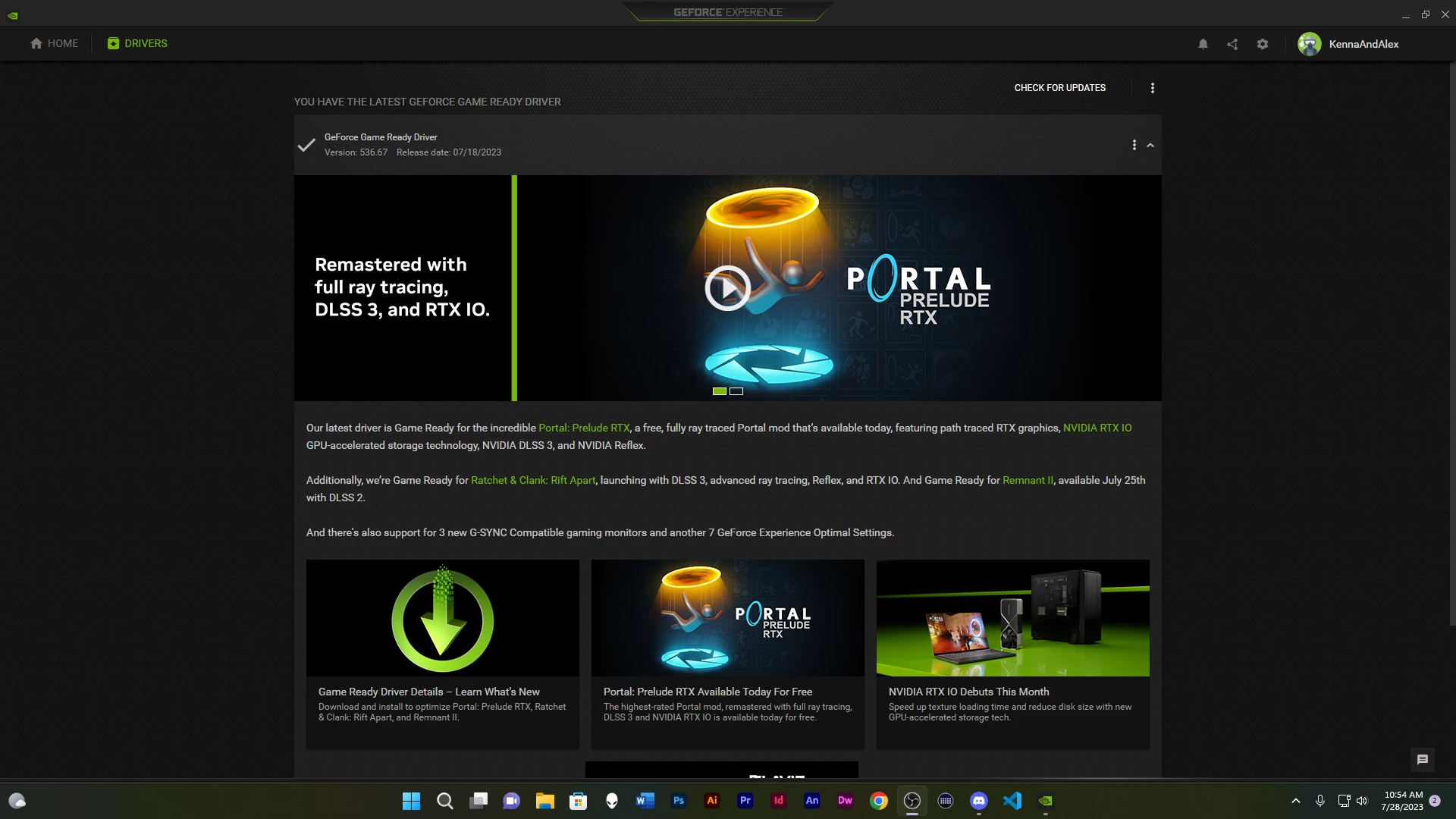
You need to install the studio driver instead of the game driver.

Turnip Head
Participating Frequently
July 28, 2023

I have it set to Game Driver because I primarily use it for Games and have always had it set to the game driver and never had issues beforehand, up until now, I appreciate the comment but, I don't think the driver will make a difference as it has worked with it before. For more insight, I have had a game driver on this pc for about 3 years and my premiere pro has awlays worked. Any other suggestions? 

Ann Bens
Community Expert
Community Expert
July 28, 2023

You need to choose: either its a game pc or a video pc.

Studio driver is recommended by adobe to use with Premiere.

Premiere has changed over time.