
My premiere pro keep crashing when exporting
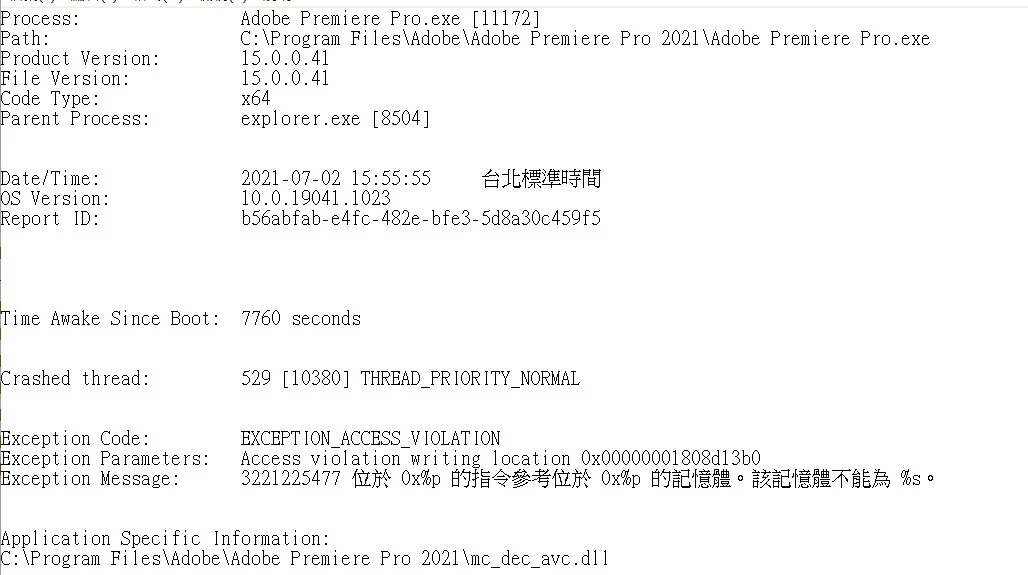
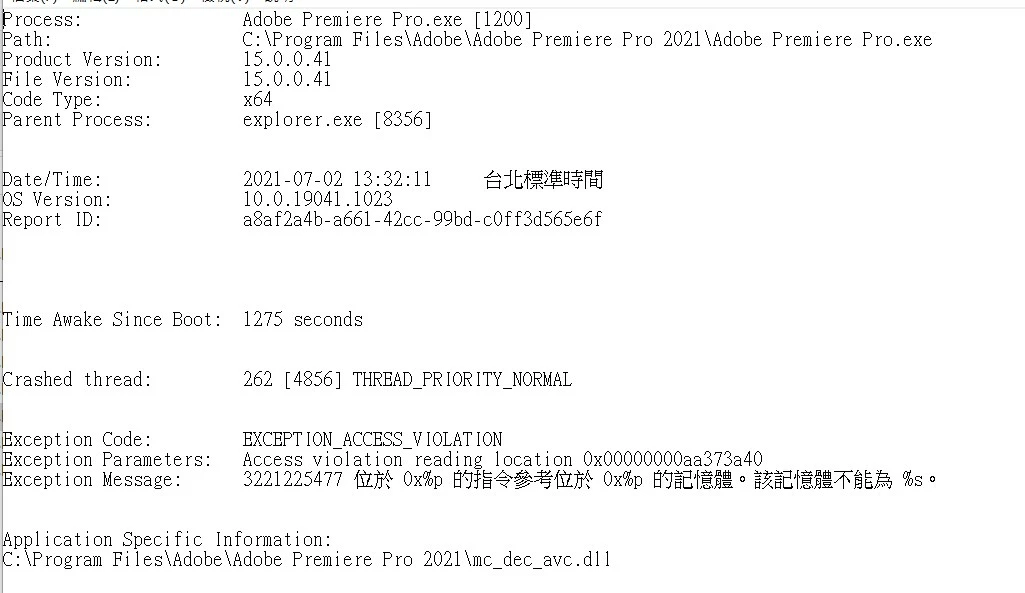
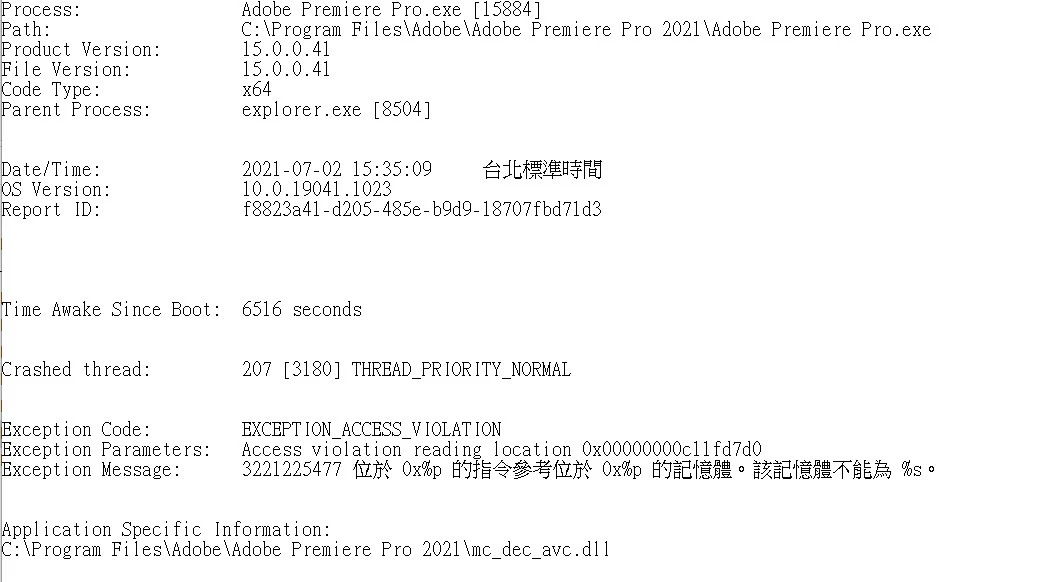
My Premiere keep crashing when exporting the video. These problems happens around these two months and gettting worse and worse in these two weeks. I have checked the crash log and it is caused by the same problem,
But my Premiere just worked fine for two years. I didn't change anything in my computer. I have almost done everything I can do and it just not working.
My PC spec
Windows 10 2004 19041.1052
AMD R9-3900X
ROG STRIX X570-E GAMING
NVIDIA 1060 6GB (Old one) / 1650 4GB (New one) using a 461.92 STUDIO driver
G.skill F4-3600C16D-32GTZNC 16GBX2 (Old one) / Crucial Ballistix 16GB DDR4-3200 x2 (New one)
Premiere Pro 2021 15.0
What I have done:
Changing a brand new GPU
Changing a brand new memory
use DDU to delete my Gpu driver and install a new driver
create a new project and import the old one
using a new SSD and install Windows 10 21H1
All of above is not working
One thing I can confirmed is that I use the same project on my notebook and export the video and it worked just fine.
Here is the screenshots, and there is more below
 AdChoices