
Participant
August 26, 2021
Question

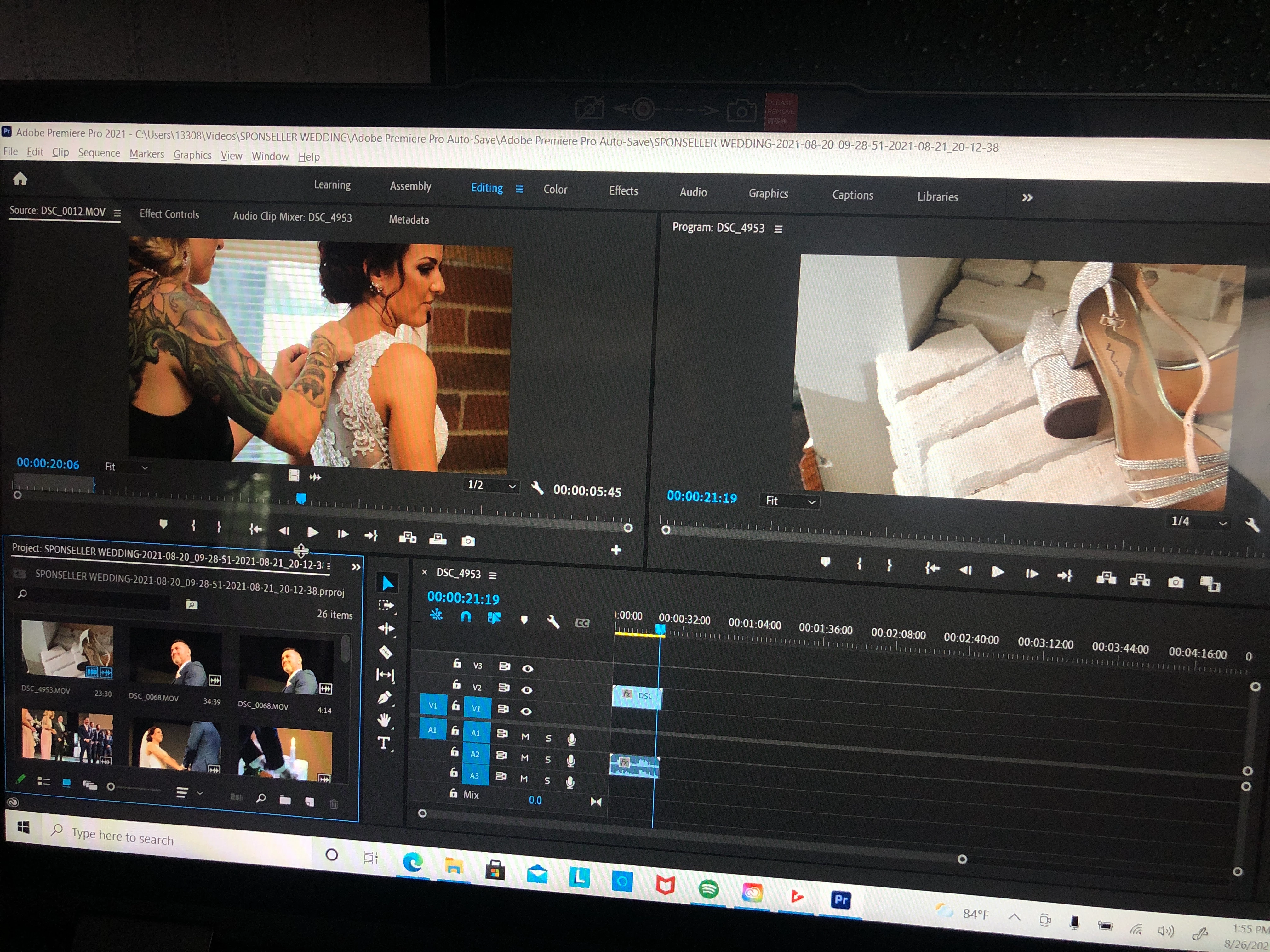
My timeline is empty except for one clip

  • August 26, 2021
  • 2 replies
  • 117 views

🟥SOS🟥 need some major Premiere Pro help! I opened up my laptop to finish a wedding video I’ve been working on for weeks and my entire workspace timeline is gone except for ONE CLIP😅😅😅 everything is still in my media cache, just gone from the timeline. I have tried to reset my workspace and obviously tried opening the previous auto save. Still gone. Please tell me someone knows how to get it back, I reallyyyyy do not want to have to start all over on this😭
[title edited by mod for clarity]

This topic has been closed for replies.

2 replies

Kevin-Monahan
Community Manager
Community Manager
September 3, 2021

Hi Mia Rose,

Did you resolve this issue? I'd try a search of your entire computer for ".prproj" to see if you might find the proper project file with your sequence in it. It's probably around there somewhere. Check also on your Creative Cloud folder. There could be a backup there.


Thanks,
Kevin

Kevin Monahan - Sr. Community and Engagement Strategist – Adobe Pro Video and Audio
Ann Bens
Community Expert
Community Expert
August 26, 2021

Make a habit of making backups.

Auto Save will not always save your butt.

See if Save Back Up Project to Creative Cloud was checked in the Preferences.

FAQ: When to use "Save A Copy," or "Save As," or just "Save".

If you cannot find any I am afraid you will have to start over.