Participating Frequently
January 27, 2021
Question

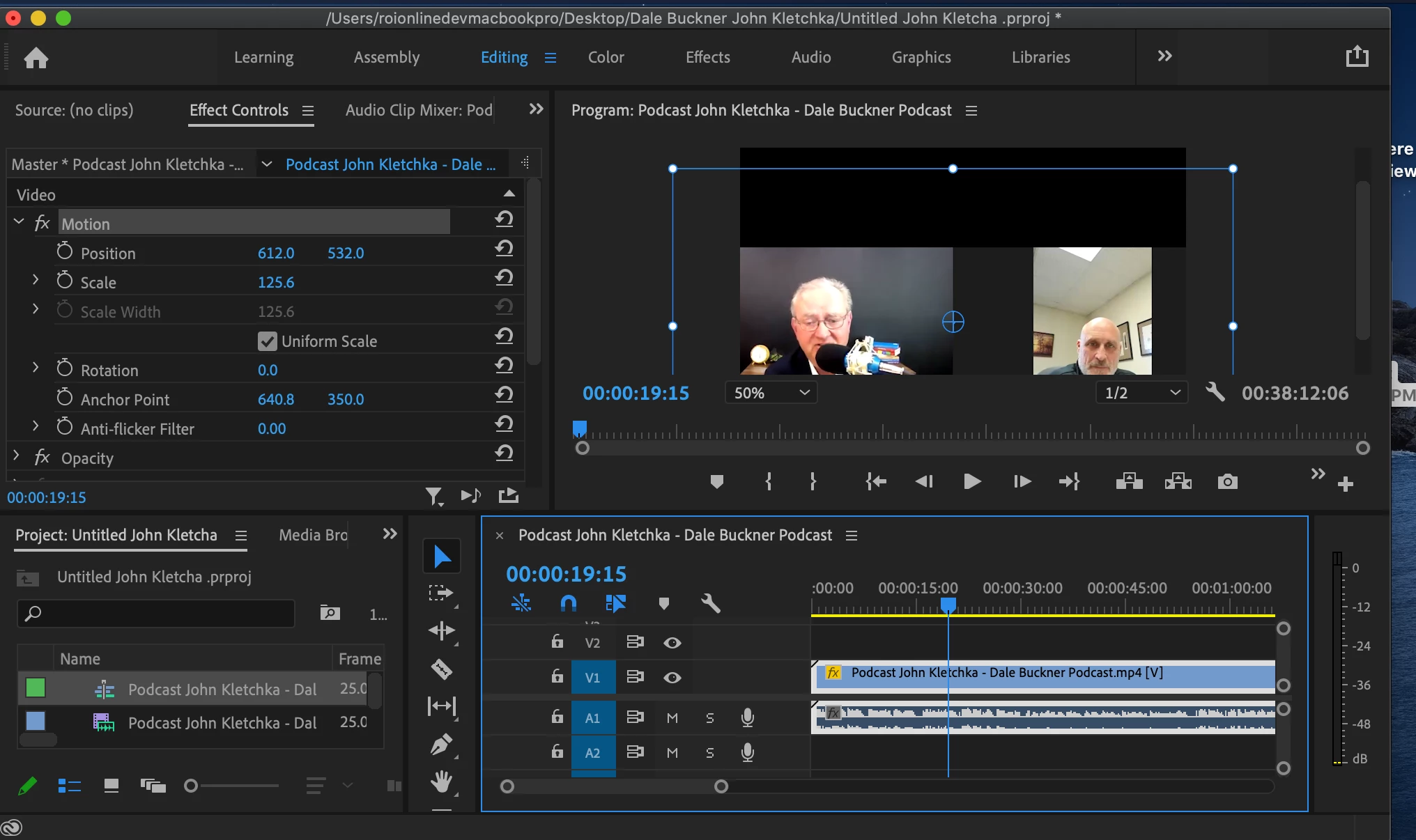
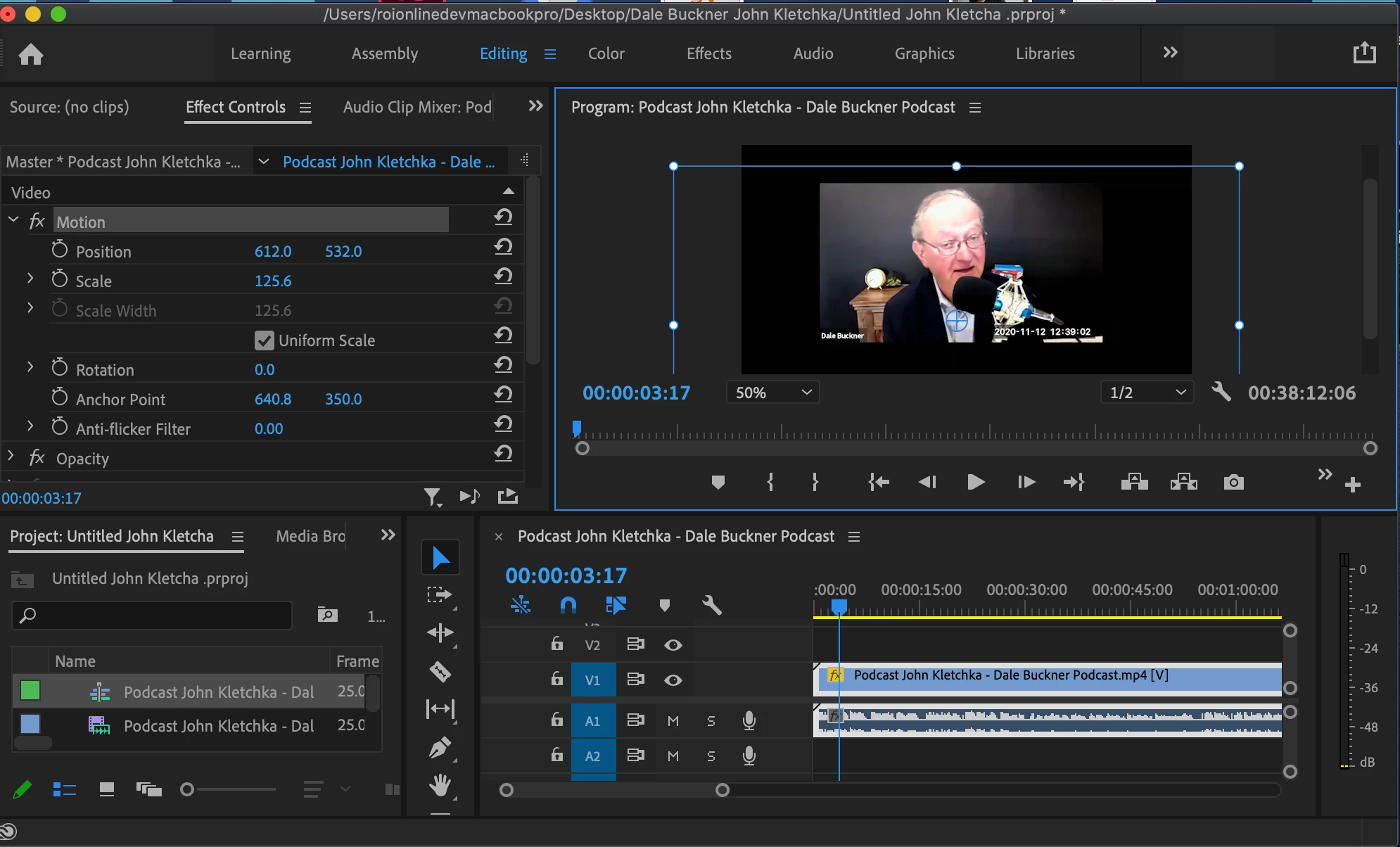
My video will not stay centered, even when setting the anchor point.
  • January 27, 2021
  • 1 reply
  • 1673 views


Trying to set the position and the anchor point in the control panel and my video is STILL moving. What is going on?

This topic has been closed for replies.

1 reply

Nibroc99Productions
Known Participant
January 27, 2021

It's hard to tell what's going on here from those screenshots.  Maybe you have some keyframes left over in effects that you missed?  Are you using any effects on the clip, like Crop or something like that?  In what way is the video moving?  A video of what's happening would be more helpful than those screenshots.

Participating Frequently
January 27, 2021

 http://video.getroionline.com/watch/sE4QWC5NPXjRFzquuPEJaY? 


There's a video. I'm simply trying to center my video. But when I move it to the center, it keeps' moving up, or down to the side and won't stay centered. Even when I reset the position and anchor point. For the life of me I can't figure out why.

Nibroc99Productions
Known Participant
January 27, 2021

And I just want to add one last thing. The split screen view, is filmed off of a desktop, so the camera is till. There's not movement during the zoom interview of the camera. So I don't udnerstand why that split screen view is still moving around.


The way that I can tell that the split screen part is moving within that video clip is by seeing the outline of the video clip.  The actual video clip doesn't move; the video call within that video clip is what's moving.  So to answer your initial concern - the video isn't moving around inside premiere.  It's moving around inside the video clip.  Again, please play the video clip in Quicktime or some other video player to see that the video feeds inside the video clip are moving around.