
pauld34571988
Participant
July 9, 2018
Question

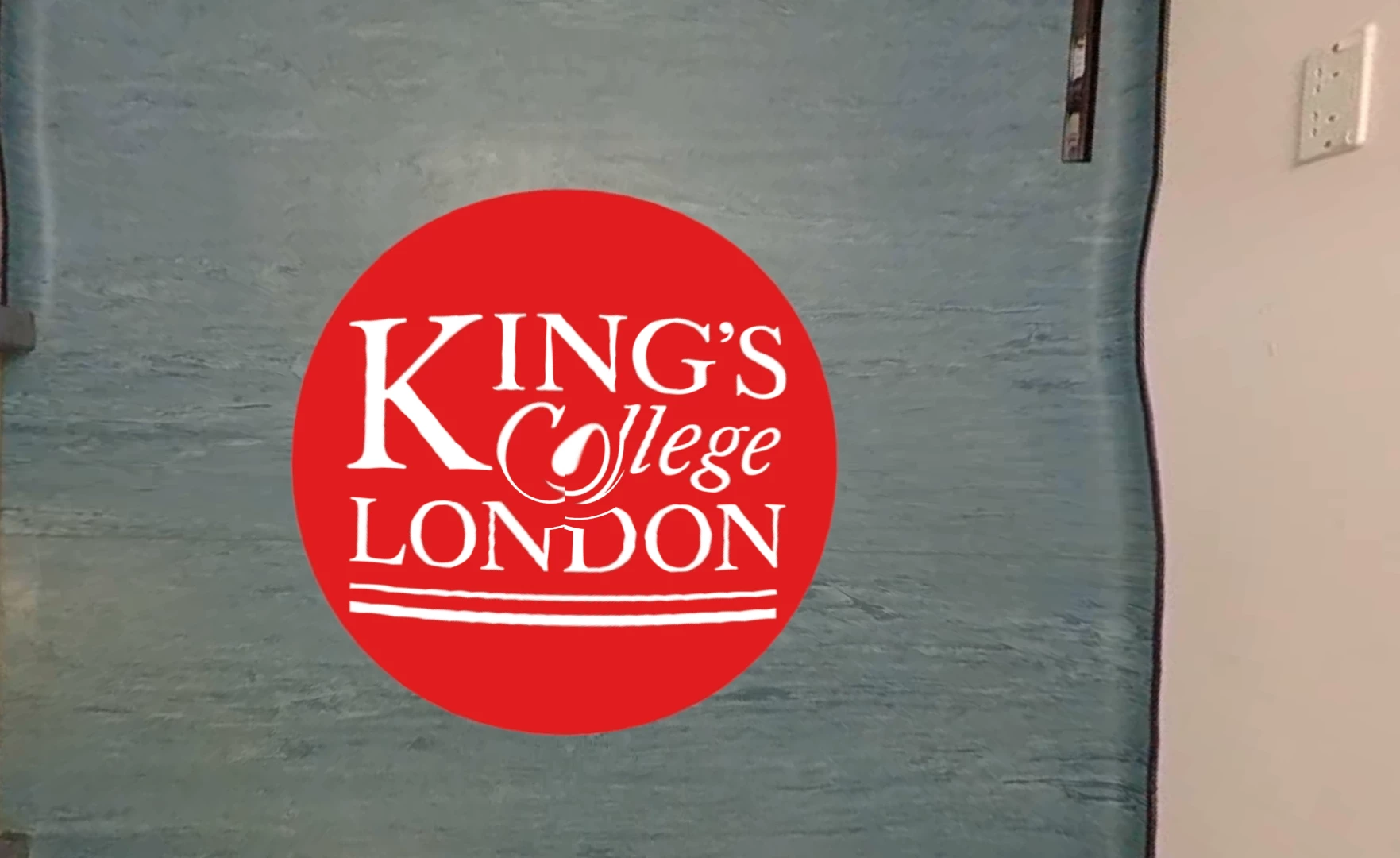
Nadir / 360 logo is rendering distorted/ swirly

  • July 9, 2018
  • 3 replies
  • 909 views

Hi,

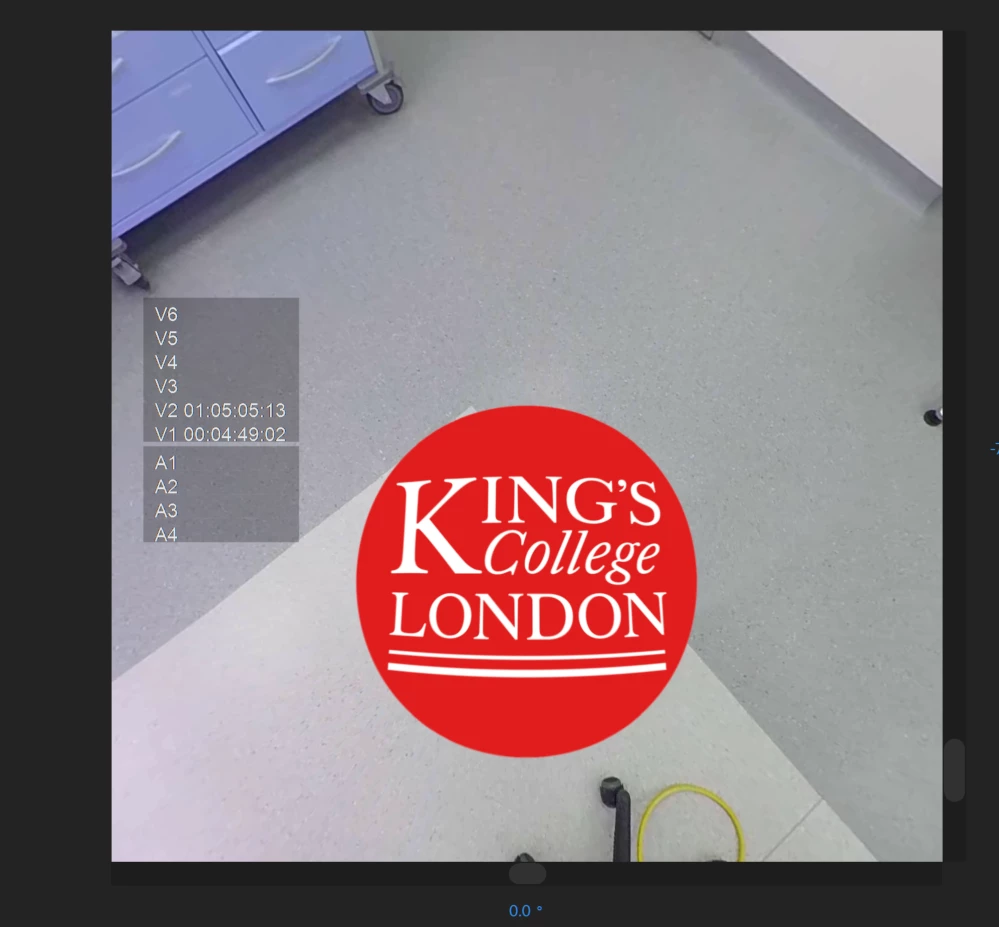
I've put a 360 logo on the bottom of my video to cover my tripod, it looks fine in Premier Pro before I render the footage, after I've rendered it the logo is twisted and distorted. Any ideas how to fix this?

BEFORE
AFTER
This topic has been closed for replies.

3 replies

Creative0658
Participant
February 8, 2019

Even i have same problem... its like whirlpool effect given to a lo at centre, please solve this@briwilli_adobe@Kevin-Manohan

briwilli
Inspiring
July 23, 2018

I've never seen this before! Paul, could we get your project and media?

Kevin-Monahan
Community Manager
Community Manager
July 23, 2018

Solve this yet, PaulD?

Thanks,

Kevin

Kevin Monahan - Sr. Community and Engagement Strategist – Adobe Pro Video and Audio
pauld34571988
Participant
July 24, 2018

Yes! After spending several hours googling, updating drivers etc. and even having Adobe support take control of my laptop. I found out it was windows media player! Downloaded VLC 3.0 and it worked fine! -_- wish I thought to check the media player sooner!

Creative0658
Participant
February 8, 2019

Thank you, this actually worked in vlc 3.0.2

I nthought , it was premiere pro not giving proper output, but instead it was "Films and TV" of windows 10 default aplication which swirls the image at bottom part

People reading this please make a note of it.

I almost wasted 2 days continuously on it.

Thanks for such a brilliant reply