
Participant
April 1, 2024
Question

Need help with a bug with "Replace with After Effects Composition" in Premiere.

  • April 1, 2024
  • 2 replies
  • 127 views

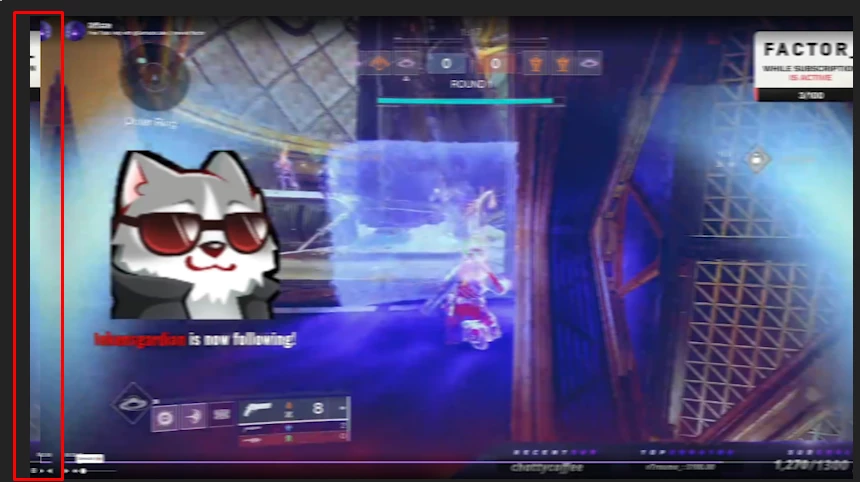
I have been having this issue for some time where I try to use replace with after effects composition but a weird visual bug occurs that is present in the final render as well as preview. I have looked everywhere online for a fix with no luck. I've tried reverting to older versions, clearing and reinstalling. The bug still persists. Anyone know why this is happening?
This topic has been closed for replies.

2 replies

kglad
Community Expert
Community Expert
April 1, 2024

in the future, to find the best place to post your message, use the list here, https://community.adobe.com/

p.s. i don't think the adobe website, and forums in particular, are easy to navigate, so don't spend a lot of time searching that forum list. do your best and we'll move the post (like this one has already been moved) if it helps you get responses.


<"moved from using the community">
HypzrAuthor
Participant
April 1, 2024

Essentially, the edges of the video are duplicated and played at the same time but there is no duplicate video track in the timeline.