
Answered
New Captions are cutting off characters, Edit Graphics workspace does not look like tutorial
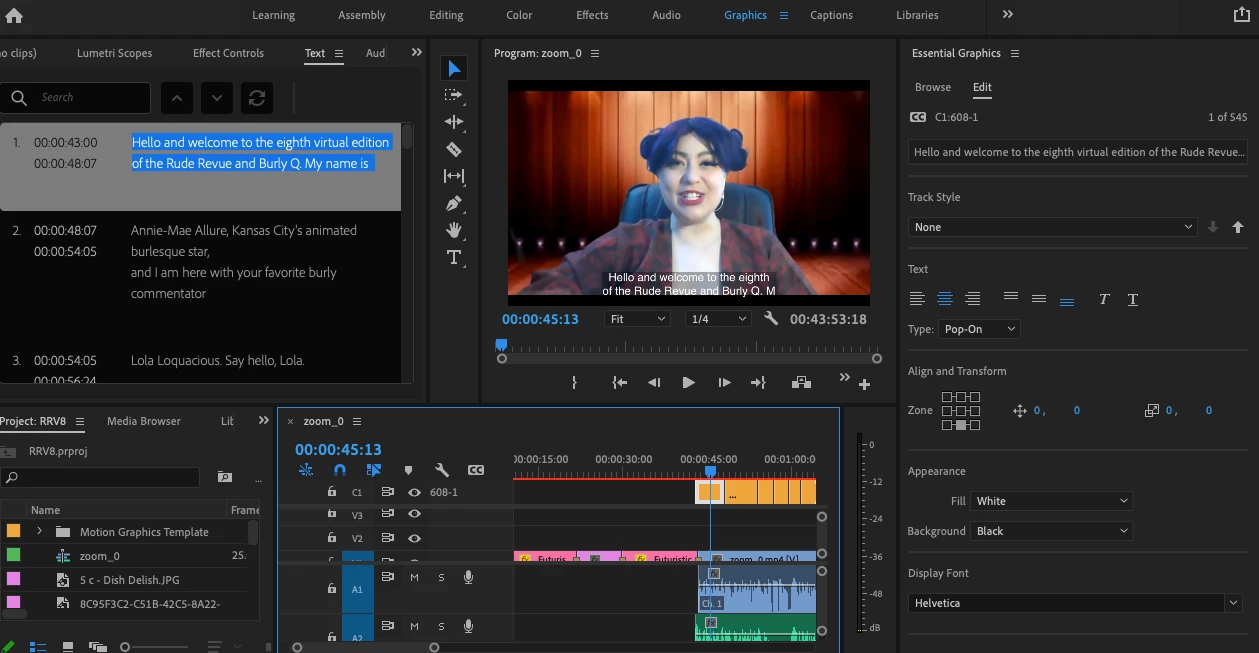
I am having an issue with the new captions. I have imported an srt file to the caption track and everything is lined up on the timeline correctly. However, it is truncating each line of text, so you cannot see the whole caption. They look fine in the text box but do not appear on screen. All the video tutorials I can find show how to edit the size of the text box in the Edit Graphics panel. But mine is missing A LOT of the things they are using. See picture below. How can I make the entire caption file visable without completely redoing them with fewer characters in each line?
 AdChoices