
Inspiring
June 1, 2023
Answered

No Entry Sign on Video Transition

  • June 1, 2023
  • 1 reply
  • 1116 views

Have been using Prem Pro Video Transitions quite happily. Then, needing some whizzier ones, bought The Most Useful Transitions (Premiumilk) and imported them into a project. Now when I try to use the regular Pro transitions, I'm not allowed to click and drag – I get the circle with the diagonal bar. Anyone else ever suffered this? (Am on a Mac with a 2023 Premiere Pro subscription.)
This topic has been closed for replies.
Correct answer simon290504419lfs

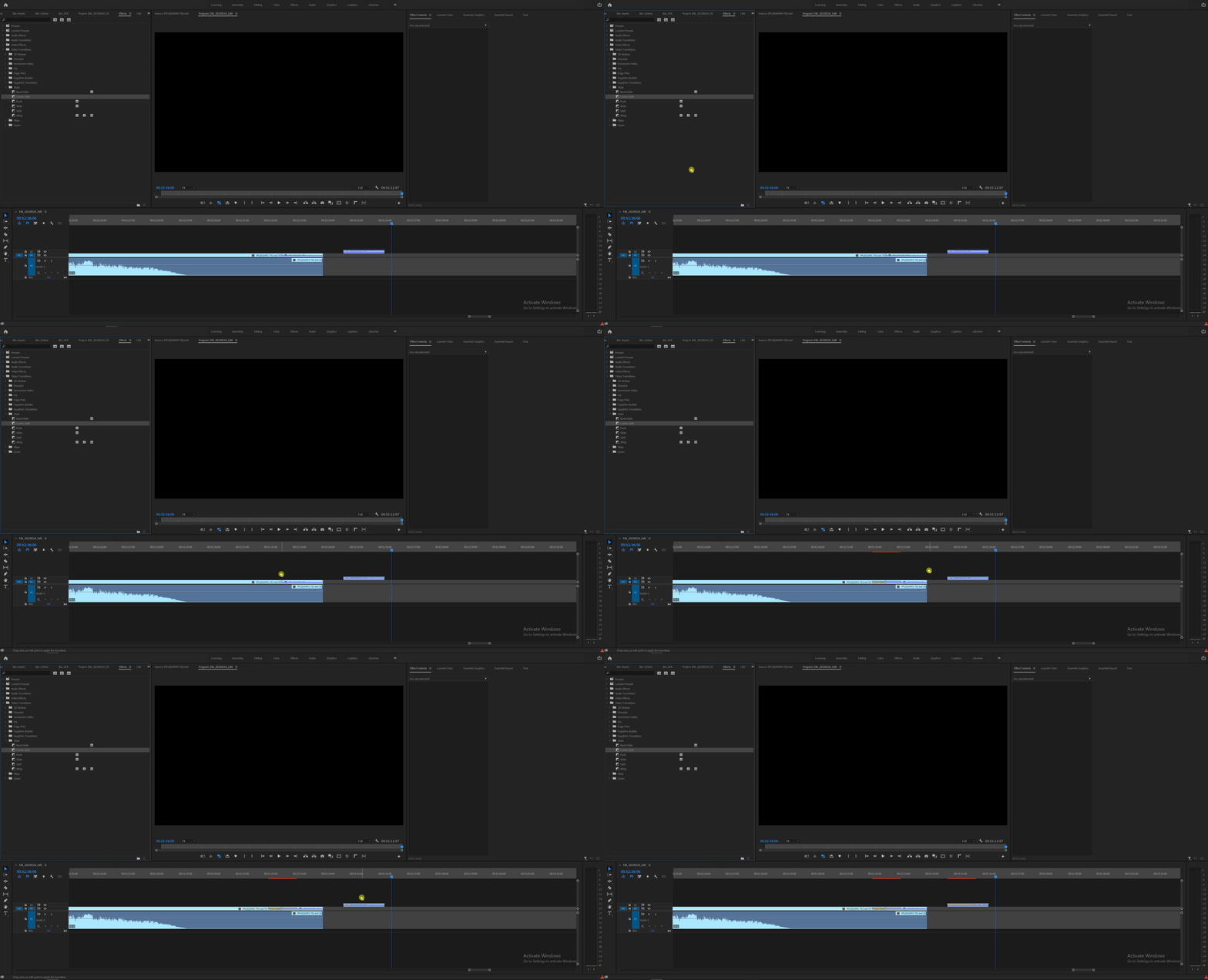
The "No Entry circle", as you call it, will appear as soon as you start dragging it until your pointer reaches an edit point on your timline.

Check the below gif, is this not the behaviour you're seeing?


I don't believe it! I was sighing when I read your suggestion saying "I'm not a COMPLETE idiot!" but it turns out I AM and you are ABSOLUTELY RIGHT. I've been applying transitions for a couple of months and suddenly I stopped being able to – despaired, obvciously – and you have brought me back from the brink. I am EXTREMELY grateful, thank you!

1 reply

Inspiring
June 1, 2023

Screenshots please so we can better understand and help you.

Inspiring
June 1, 2023

Thank you, Sami: 


When I go  to this panel for a transition, and click on one of them, I get this circle with a diagonal line disallowing its use:


Inspiring
June 1, 2023

And just for the avoidance of doubt – I get the same circle when there are two images side by side in the timeline.