Answered
No longer able to copy and paste Keyframes
Since updating to 2019, I am now unable to copy and paste keyframes in the Effects Controls panel:
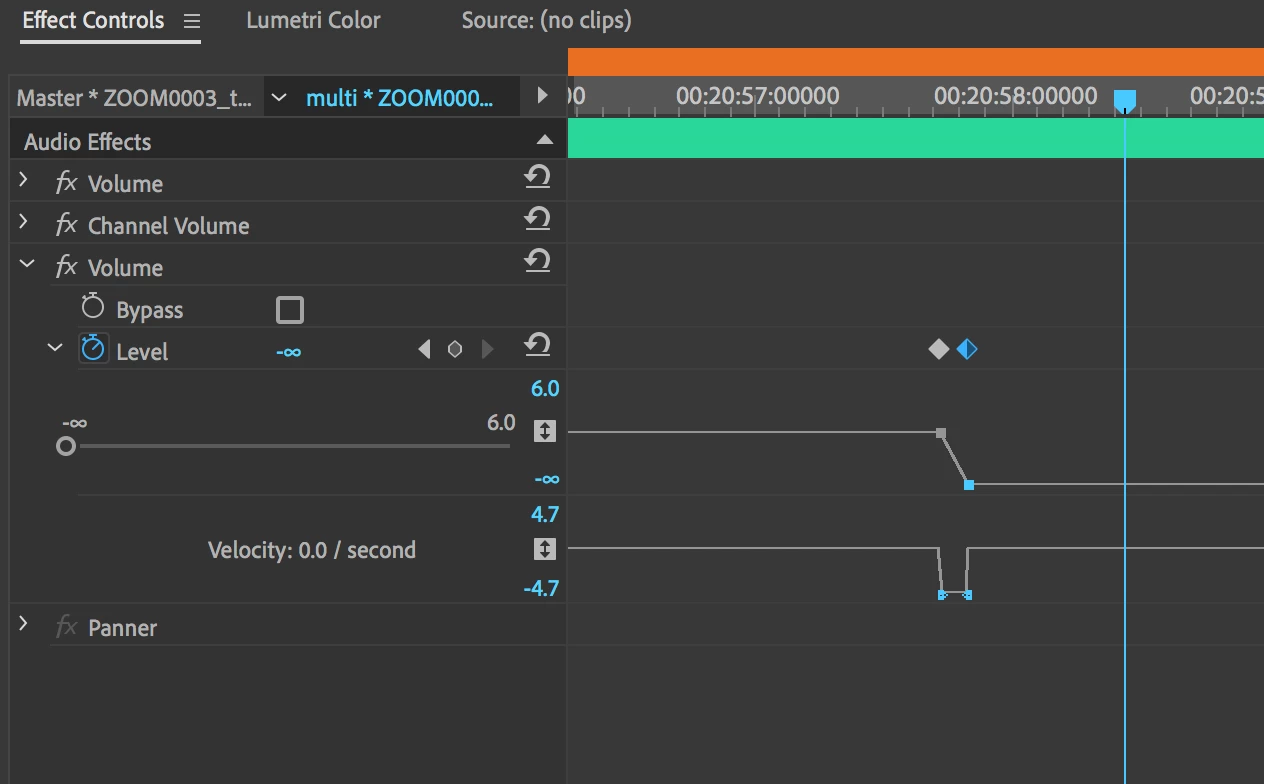
Is there a new setting I may have missed?
Using 13.0.2 (Build 38) on OSX 10.12.6
Thanks

Since updating to 2019, I am now unable to copy and paste keyframes in the Effects Controls panel:
Is there a new setting I may have missed?
Using 13.0.2 (Build 38) on OSX 10.12.6
Thanks
Try resetting the preferences:
FAQ: How to reset preferences in Premiere Pro?
If that doesn't work, try resetting the Workspaces:
Reset a workspace
Reset the current workspace to return to its original, saved layout of panels.
- Do one of the following:
- Click the Workspace menu icon and select Reset to Saved Layout.
- Choose Window > Workspace > Reset to Saved Layout.
from here:
Already have an account? Login
Enter your E-mail address. We'll send you an e-mail with instructions to reset your password.
 AdChoices