
Participant
May 8, 2020
Answered

No MP4 In Adobe Premire Pro CS4 Web Premium

  • May 8, 2020
  • 2 replies
  • 1193 views

Hello everyone,

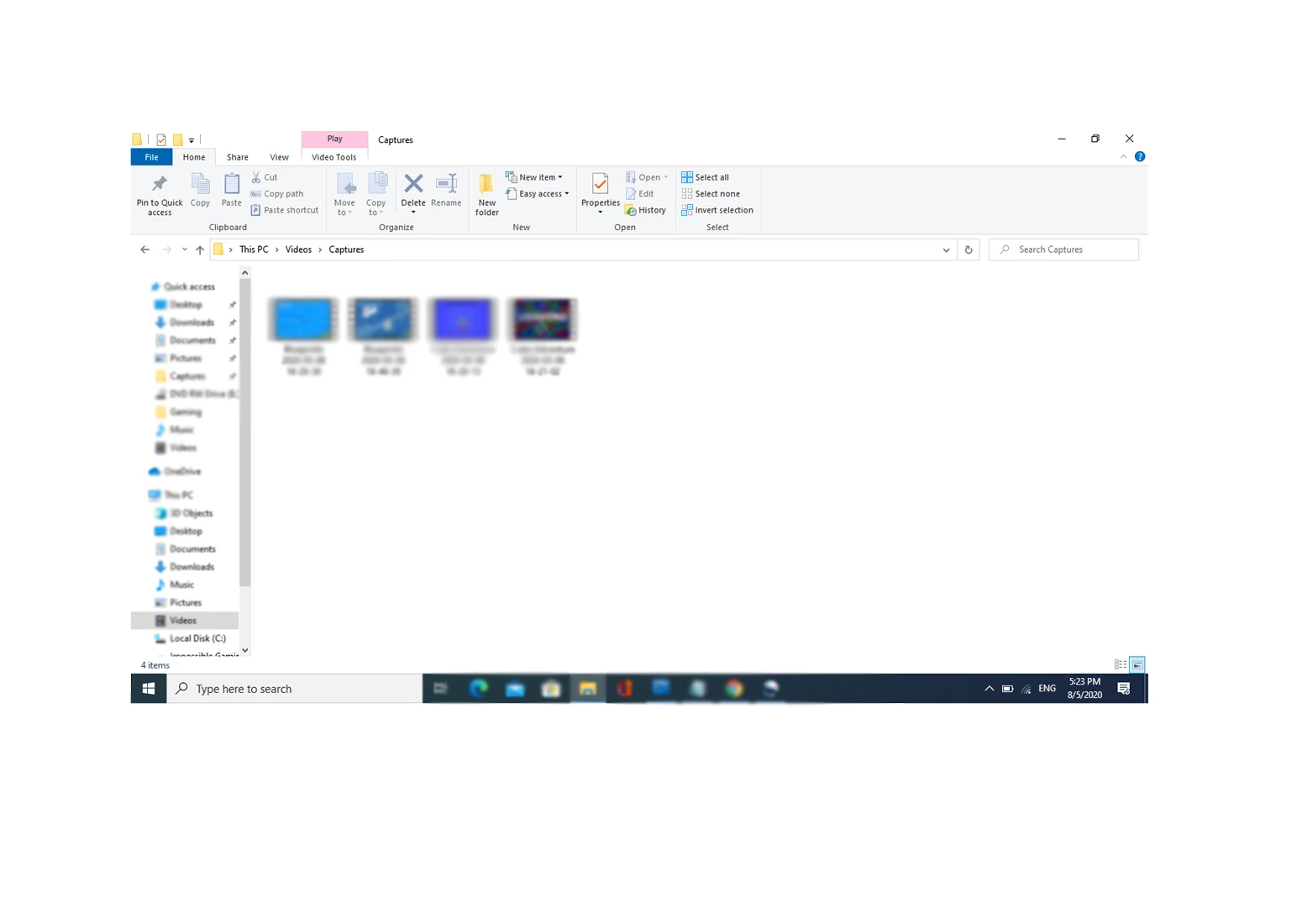
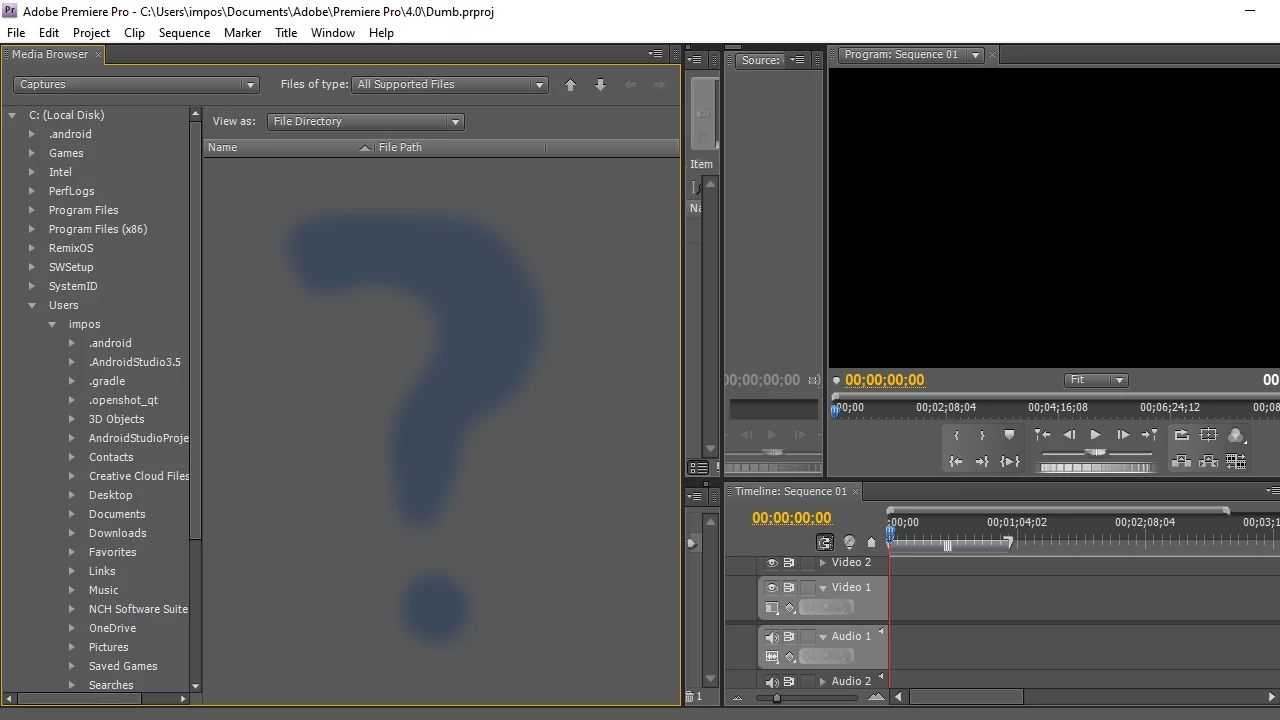
I am new to this fourm but I really need help in my Adobe CS4 Web Premium. When I try to import my videos of MP4, it does not show up in my Media Browser at all but I really have the video as shown in picture below. When I try to load "all files" and tried to import it, it says that its not compatible (as seen in the picture below) and it would not work. Is it because it dosen't suport .mp4? Someone, please see this and help meeee! Thanks BTW...
This topic has been closed for replies.
Correct answer ah_photo

Without seeing more information about the videos, my off the cuff guess is that the codec (or some other variable) of your MP4 files are not supported by Premiere Pro CS4, which is now 12 year old software.


For example, those blurry filenames look like they are timestamps which leads me to think they may be screen recordings which are likely variable frame rate, which despite never using CS4, I can almost guarantee that is not supported. All speculation from blurred images though. You can get more information on a file via a program like MediaInfo.

2 replies

ah_photoCorrect answer
Legend
May 9, 2020

Without seeing more information about the videos, my off the cuff guess is that the codec (or some other variable) of your MP4 files are not supported by Premiere Pro CS4, which is now 12 year old software.


For example, those blurry filenames look like they are timestamps which leads me to think they may be screen recordings which are likely variable frame rate, which despite never using CS4, I can almost guarantee that is not supported. All speculation from blurred images though. You can get more information on a file via a program like MediaInfo.

Participant
May 9, 2020

Thanks so much bro!

Ann Bens
Community Expert
Community Expert
May 8, 2020

If you blur out half of the screenshot its hard to tell.

You need to find the Video/capture folder.

Participant
May 9, 2020

My videos are all mp4