

No transformation options in MOGRT template
I've just started using MOGRT files between After Effects and Premiere.
I successfully created a MOGRT with After Effects and the only parameters I included was the ability to change the Source Text. That works fine, however, I see no options to change anything else. I really need to be able to change the text size in case the text is too long.
In the tutorials I have watched it seems like there are lots of options to modify the text, including changing size, color, stroke, etc. I don't have any of these options in the edit panel. I thought maybe these options had to be enabled when building the template but there is no option in After Effects to change the font size.
I am using After Effects CC v 14.2.1.34 and Premiere Pro CC v 2017.1.2
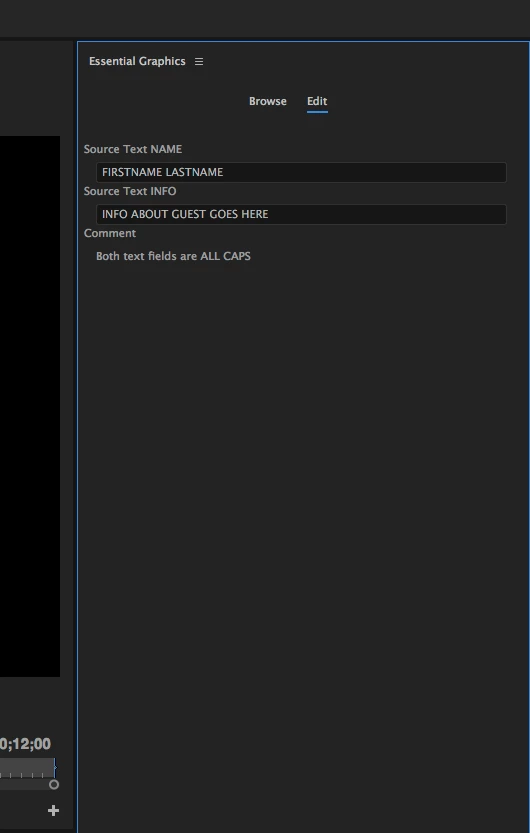
This is what my Edit panel looks like:
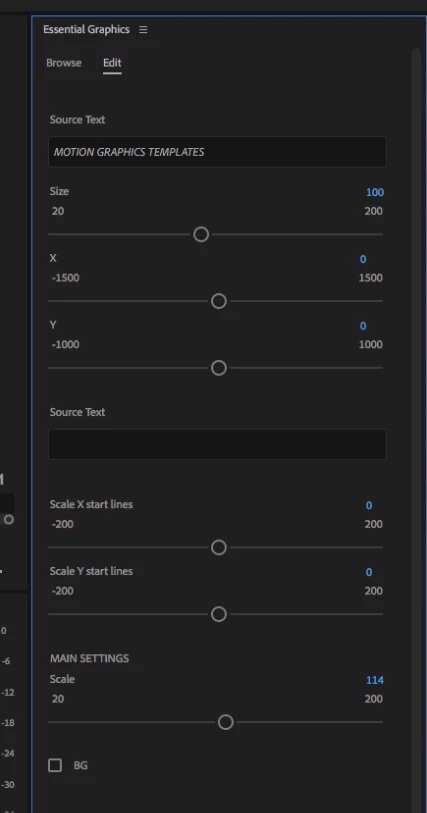
This is what I expect it to look like, according to tutorials I have watched:
 AdChoices