

(NOT SOLVED) Premiere Pro Program monitor darkening the footage
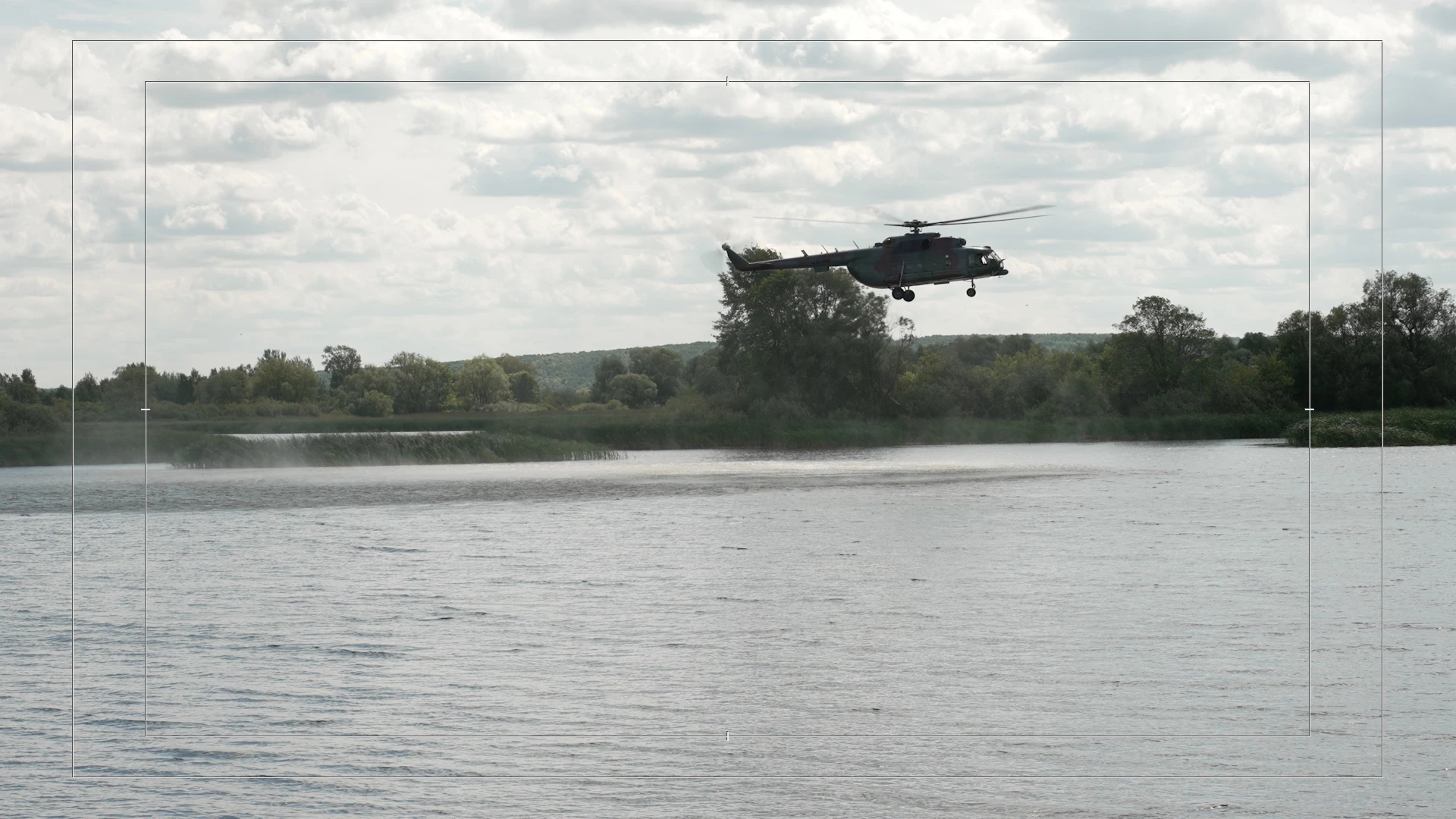
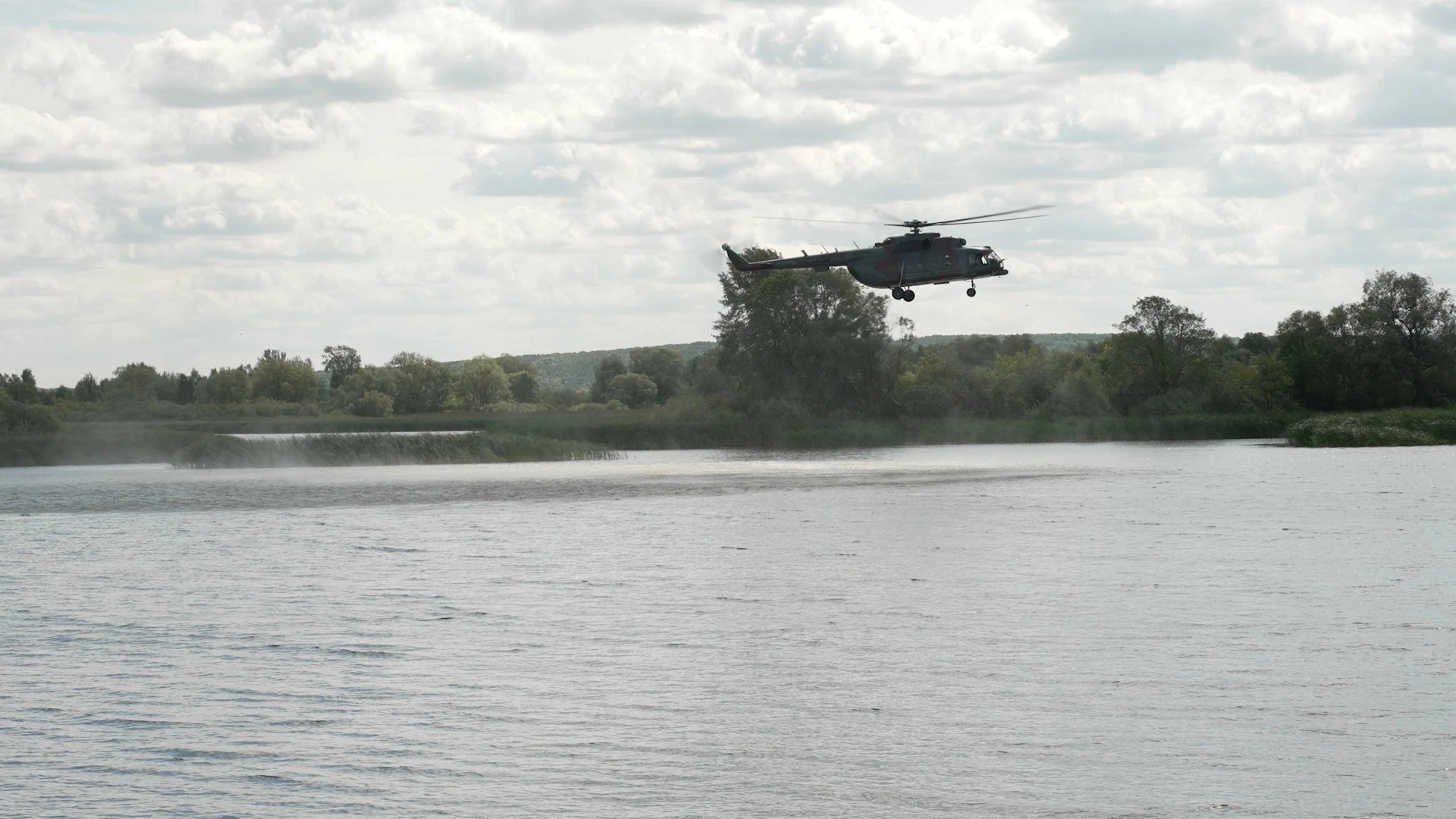
Here are 2 screenshots: 1) Printscreen in Premiere Pro Program monitor. 2) Printscreen in a videoplayer (no matter which one, the picture is the same everywhere)
Then, there are 2 other screenshots: 1) Printscreen in program monitor of Davinchi Resolve and 2) in a player.
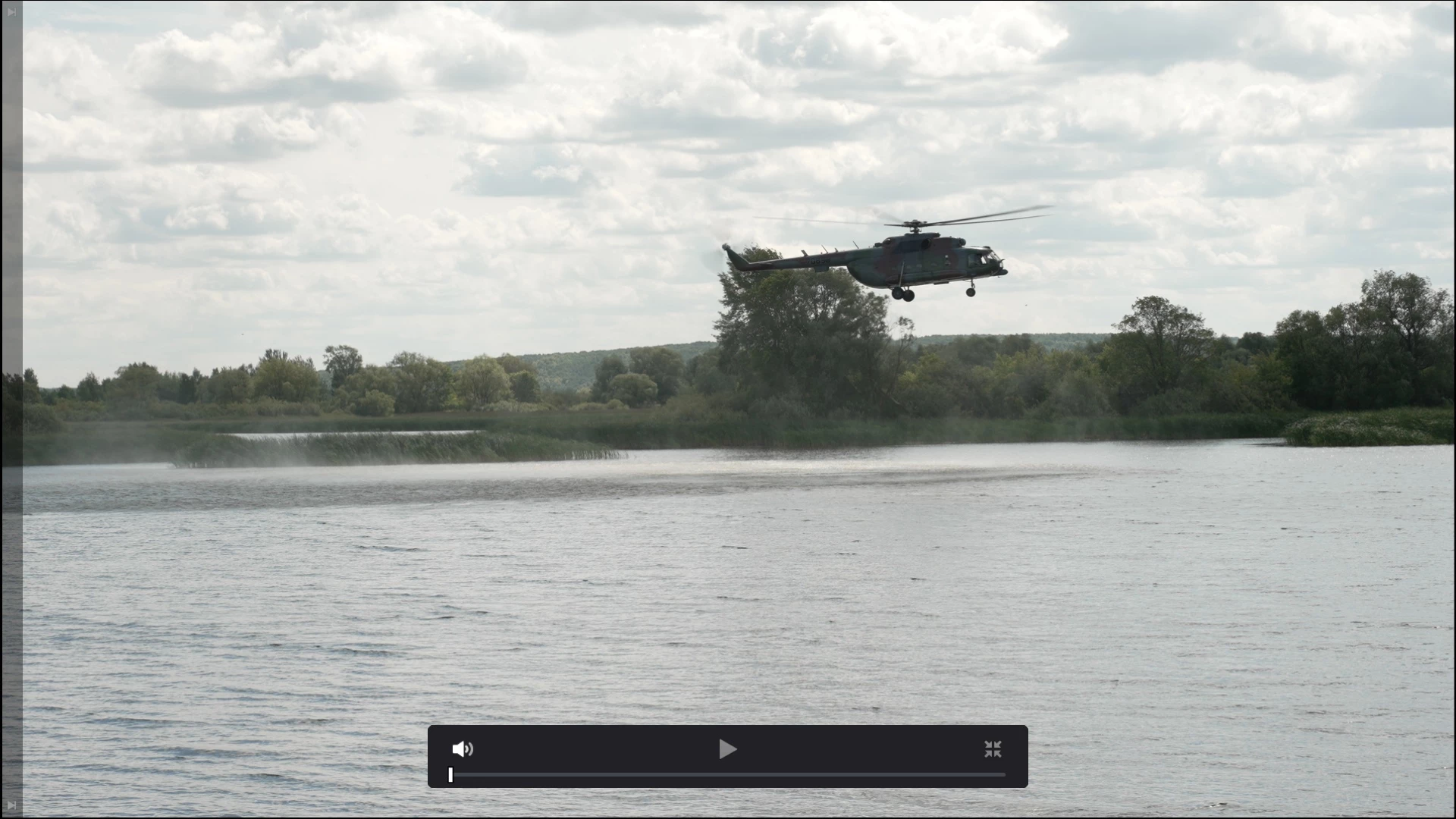
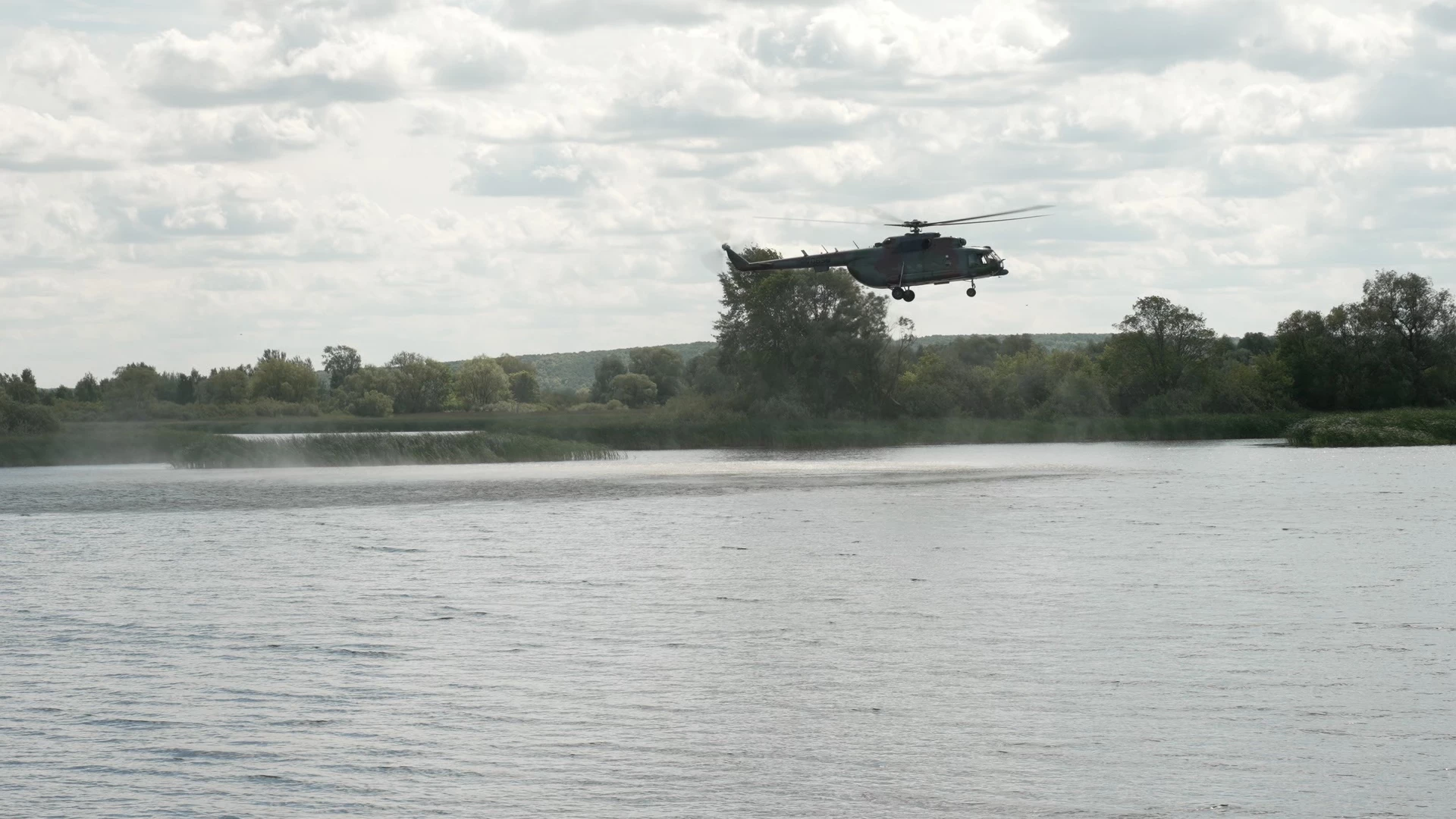
In the Premiere Pro case it is obvious that the picture in the program monitor is darker than that in the player. Why is that and how to correct it?
Additional data: - footage taken with Sony FX3
- In Premiere and Davinchi nothing changed: import - printscreen - export - printscreen
- Every export Premiere pro format and codec tried
- Rec09 set, display color management (GPU) and extended dynamic range swithed on and off.
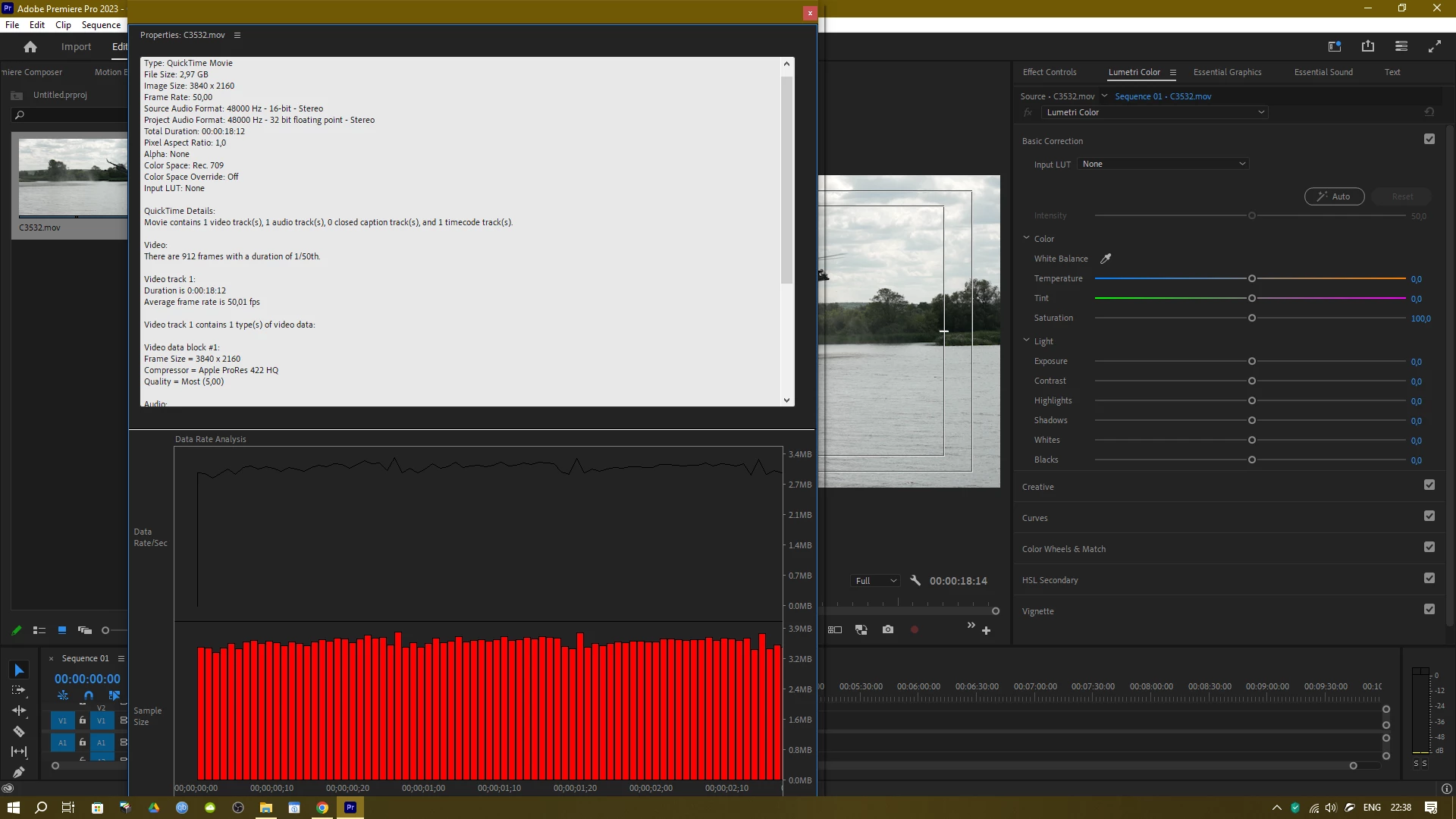
Once again: the problem as I am sure of lies in the Premiere pro way of showing footage in the program monitor. Every exported file is identical to both the original footage and Davinchi result. But Davinchi shows the same it exports.
 AdChoices