Exit
  • Global community
    • Language:
      • Deutsch
      • English
      • Español
      • Français
      • Português
  • 日本語コミュニティ
  • 한국 커뮤니티
2

Only SOME clips not visible in the timeline? Urgent help!

Explorer ,
Oct 08, 2023 Oct 08, 2023

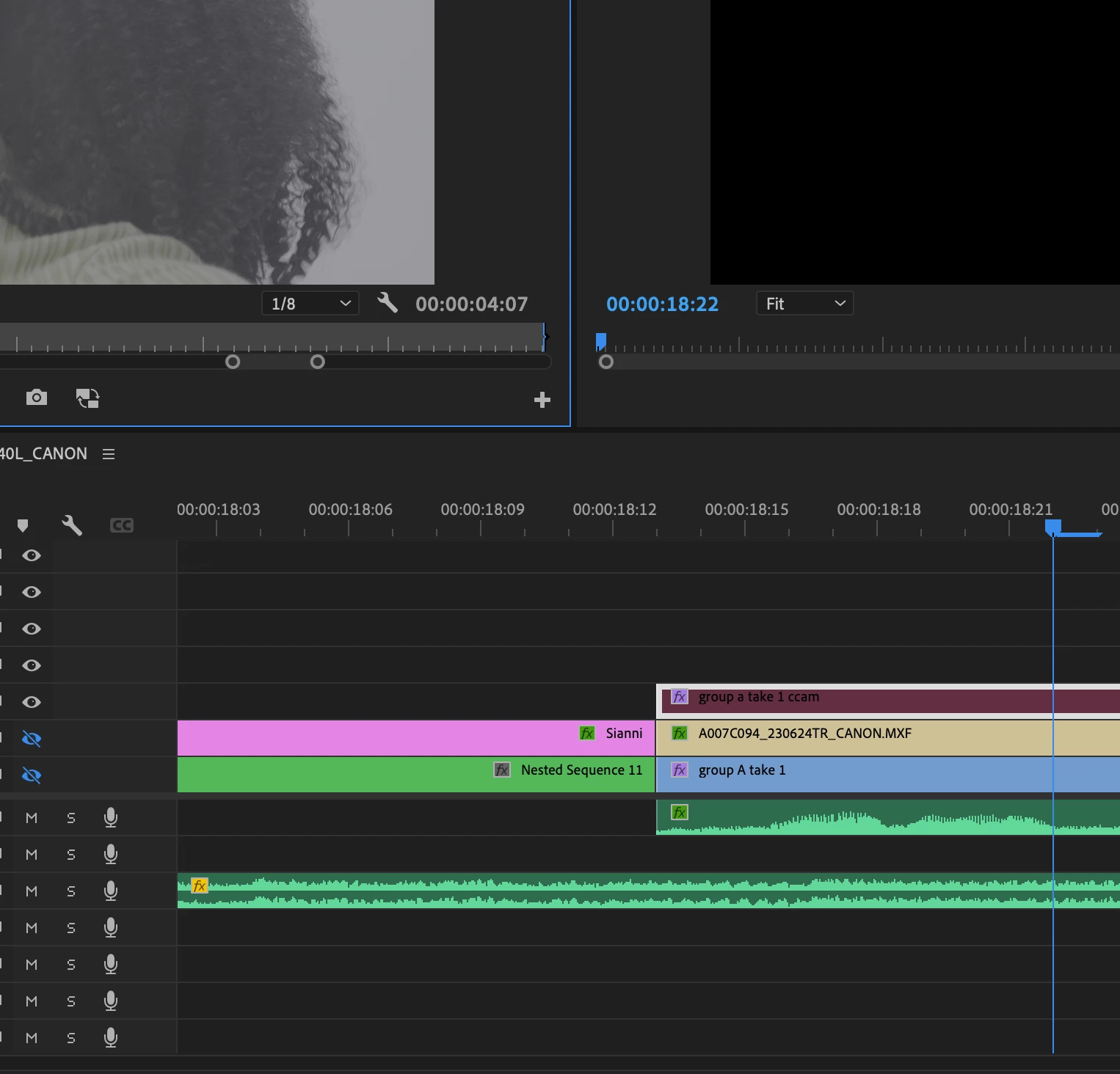
I have several sources, all with linked media and running fine in the project, and all clips are labeled different colors. Except, all throughout the timeline there's a handful of clips that are darker in color, and those clips are not visible when scrubbing the timeline. Does anyone know a quick fix for this? I'm not able to re-link media. In the picture, only the V3 track is visible to isolate this clip (highlighted), yet it's still not appearing and the screen remains black. When double-clicking the clip, the source opens in the source moniter just fine. Am I missing something?Screenshot 2023-10-08 at 5.54.57 PM.png
TOPICS
Editing , Error or problem
308
Translate
Report
Community guidelines
Be kind and respectful, give credit to the original source of content, and search for duplicates before posting. Learn more
community guidelines

correct answers 1 Correct answer

Explorer , Oct 08, 2023 Oct 08, 2023

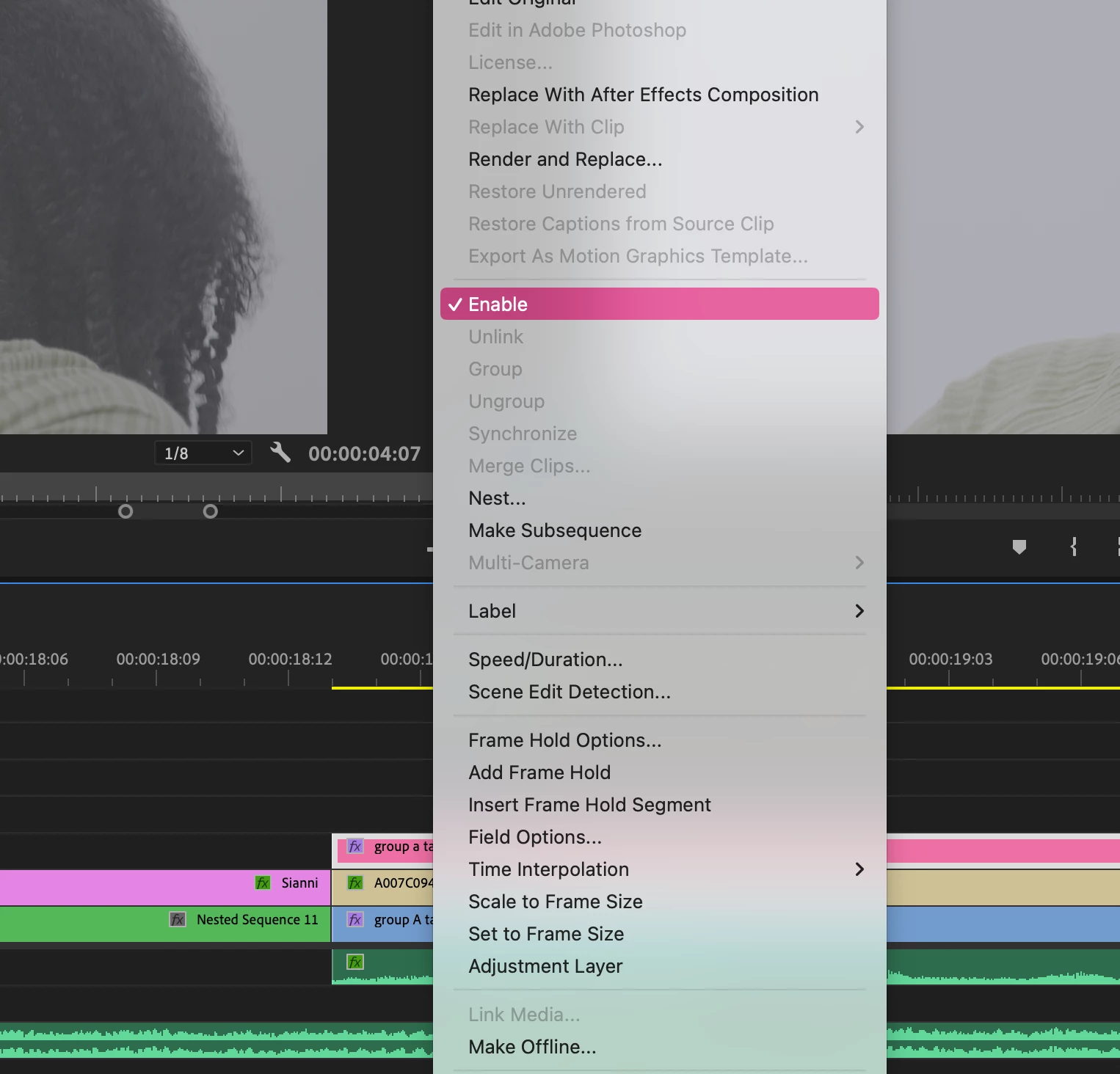
FIXED - I had to go back and toggle "enable" for all the clips individually, this was a shared project so I didn't know they were disabled. I'll keep this up in case it helps someone!Screenshot 2023-10-08 at 6.12.26 PM.png

Translate
Explorer ,
Oct 08, 2023 Oct 08, 2023

FIXED - I had to go back and toggle "enable" for all the clips individually, this was a shared project so I didn't know they were disabled. I'll keep this up in case it helps someone!Screenshot 2023-10-08 at 6.12.26 PM.png

Translate
Report
Community guidelines
Be kind and respectful, give credit to the original source of content, and search for duplicates before posting. Learn more
community guidelines
Community Expert ,
Oct 09, 2023 Oct 09, 2023
LATEST

Disabled clips are always have a very dark color in the timeline.

Translate
Report
Community guidelines
Be kind and respectful, give credit to the original source of content, and search for duplicates before posting. Learn more
community guidelines