

Open captions reset to default when I click +
I'm using open captions in premier pro. I'm new to it. I usually just do everything in After Effects but have been assured it's simpler in Premier.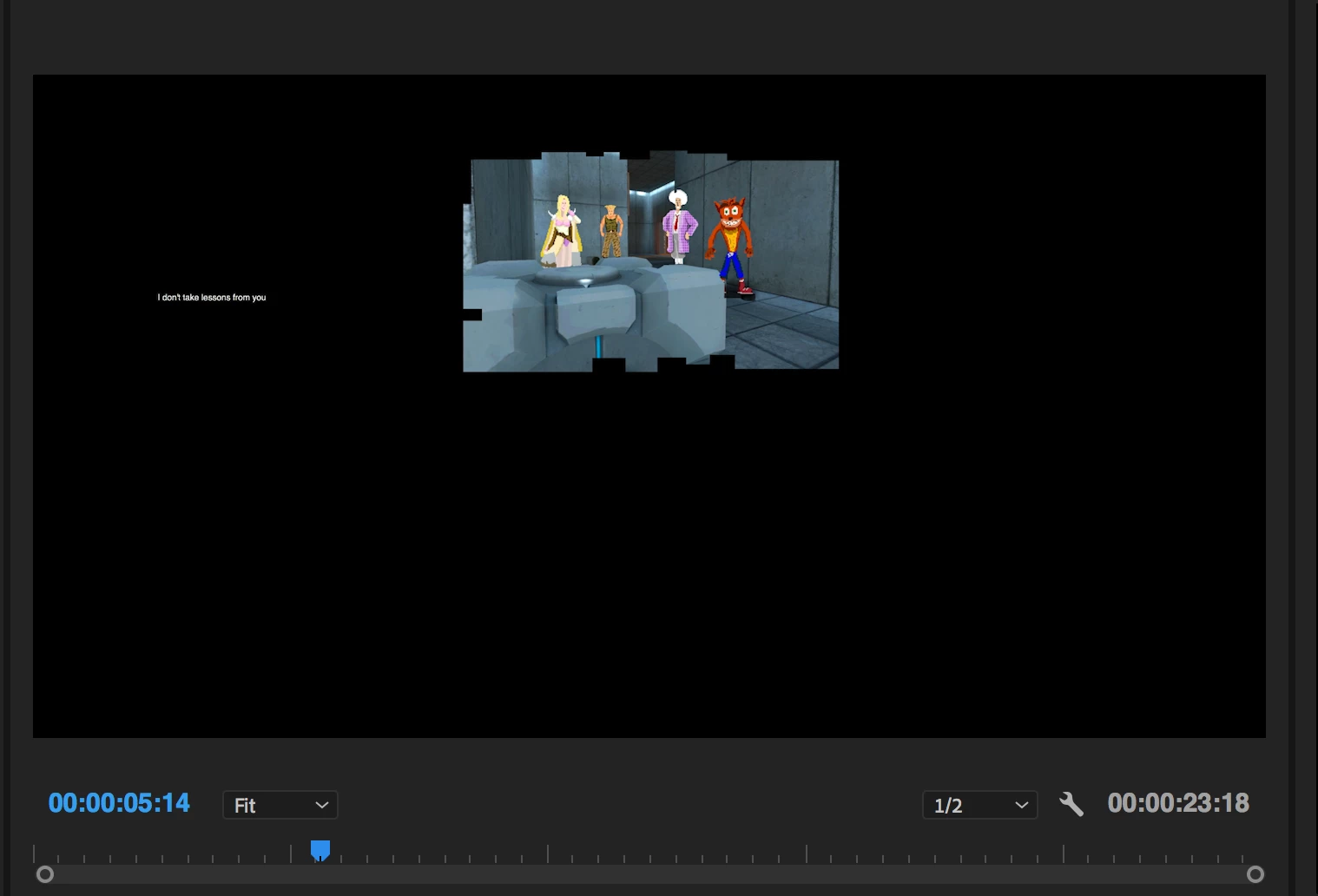
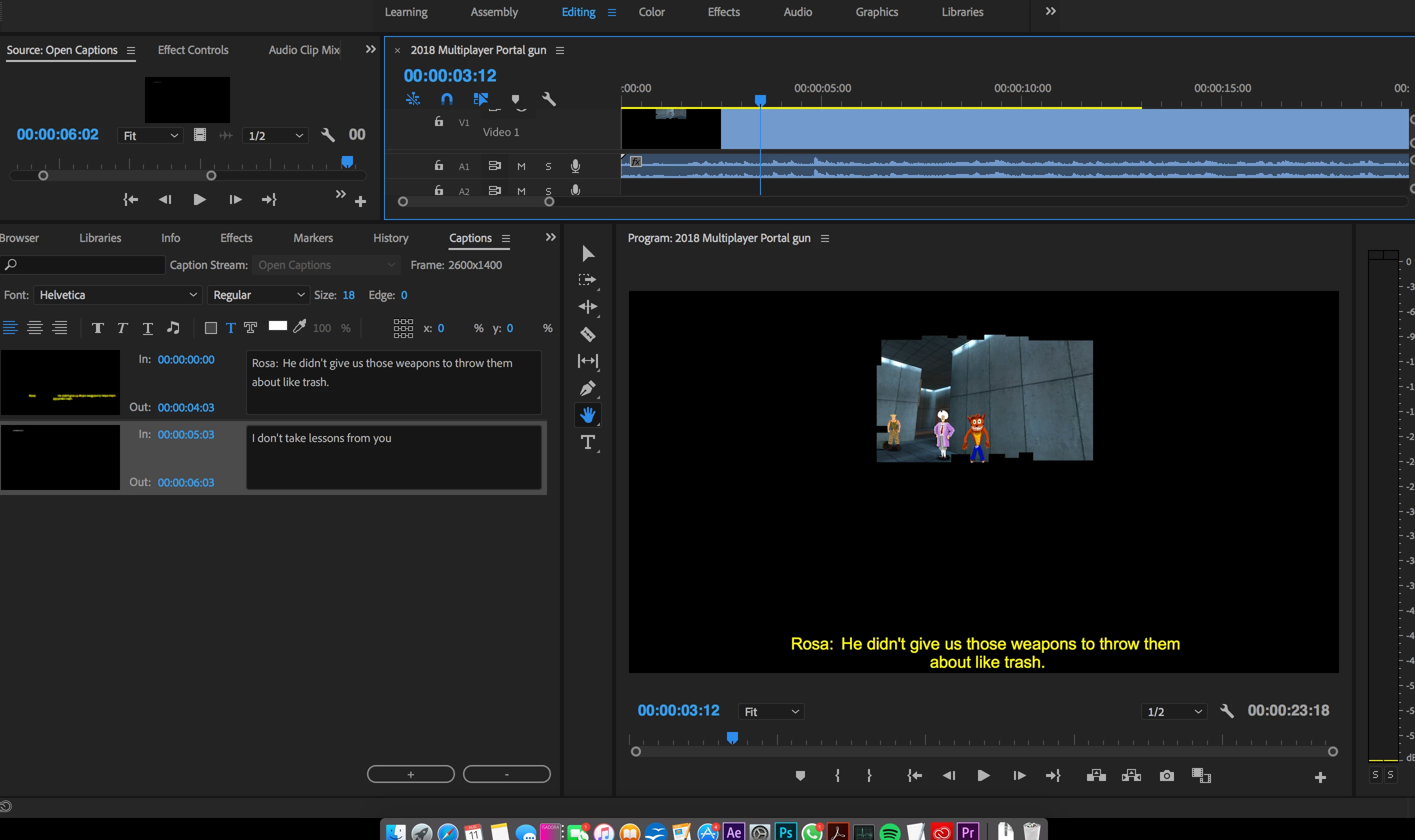
I've made one open caption with some text. I've changed the style, font, colour, edge, position and size.
Then I click the '+' button to add another caption but the new caption ignores the settings I made and positions the new caption very small on the top left side of the screen.
I don't know what I'm doing wrong but hopefully it's something simple. One time I managed to get it to work right but I think it must have been a fluke as I've replicated the steps and it didn't work again.
I've edited the caption in the effects panel as well, changing the position. Could this have messed it up? I'd assume they'd be completely separate and not connected.
[Here is the list of all Adobe forums... https://forums.adobe.com/welcome]
[Moved from generic Cloud/Setup forum to the specific Program forum... Mod]
 AdChoices