SWBoatman25
Inspiring
December 10, 2022
Answered

Overexposed Imported Videos from iphone! need to fix

  • December 10, 2022
  • 2 replies
  • 1640 views

Hello, I have gone through posts here but still can't figure out how to get correct color on imported videos (particularly from iphone).


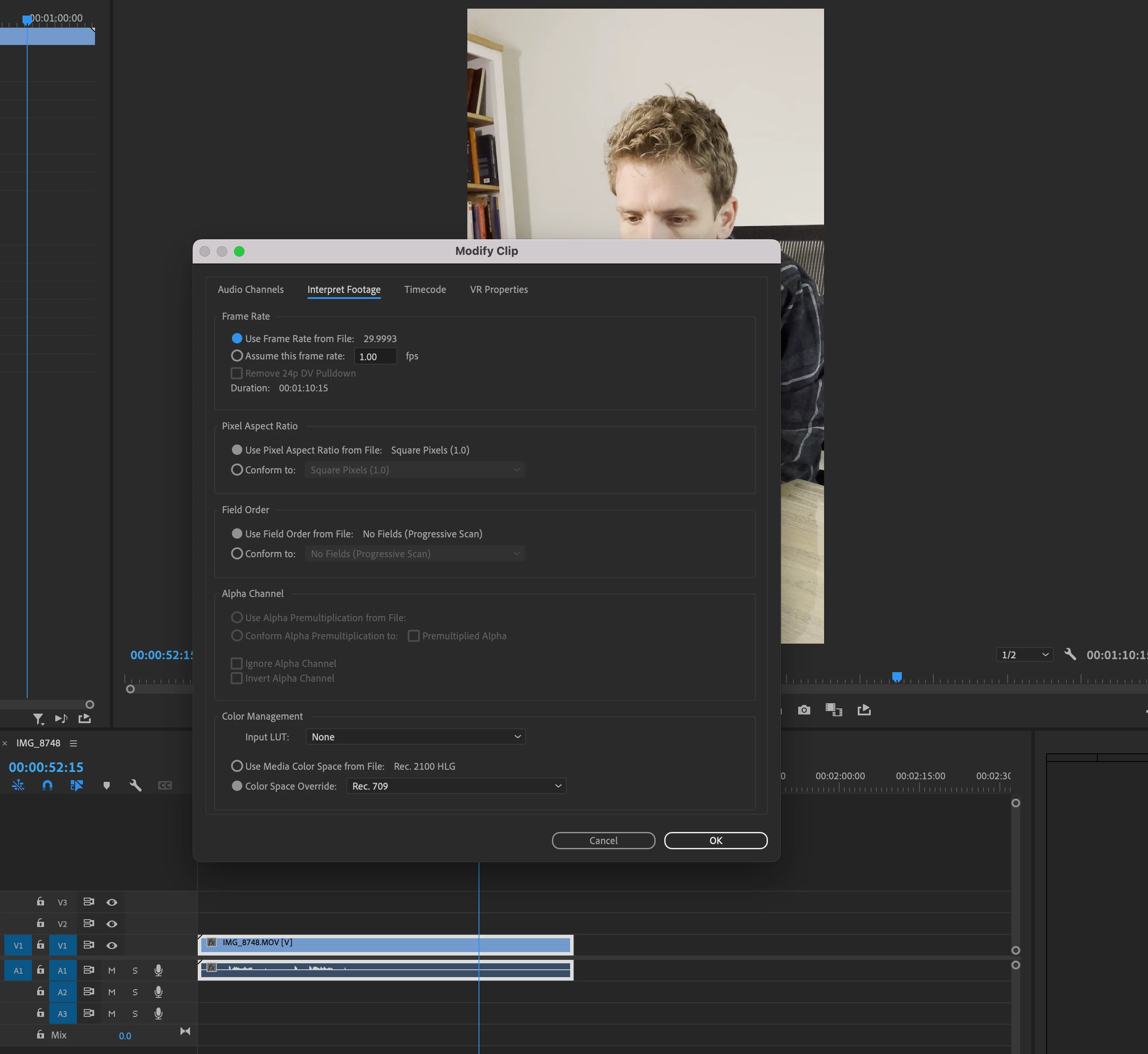
I have right clicked a clip > Modify > Interpret Footage > Color Management > Rec. 709

then

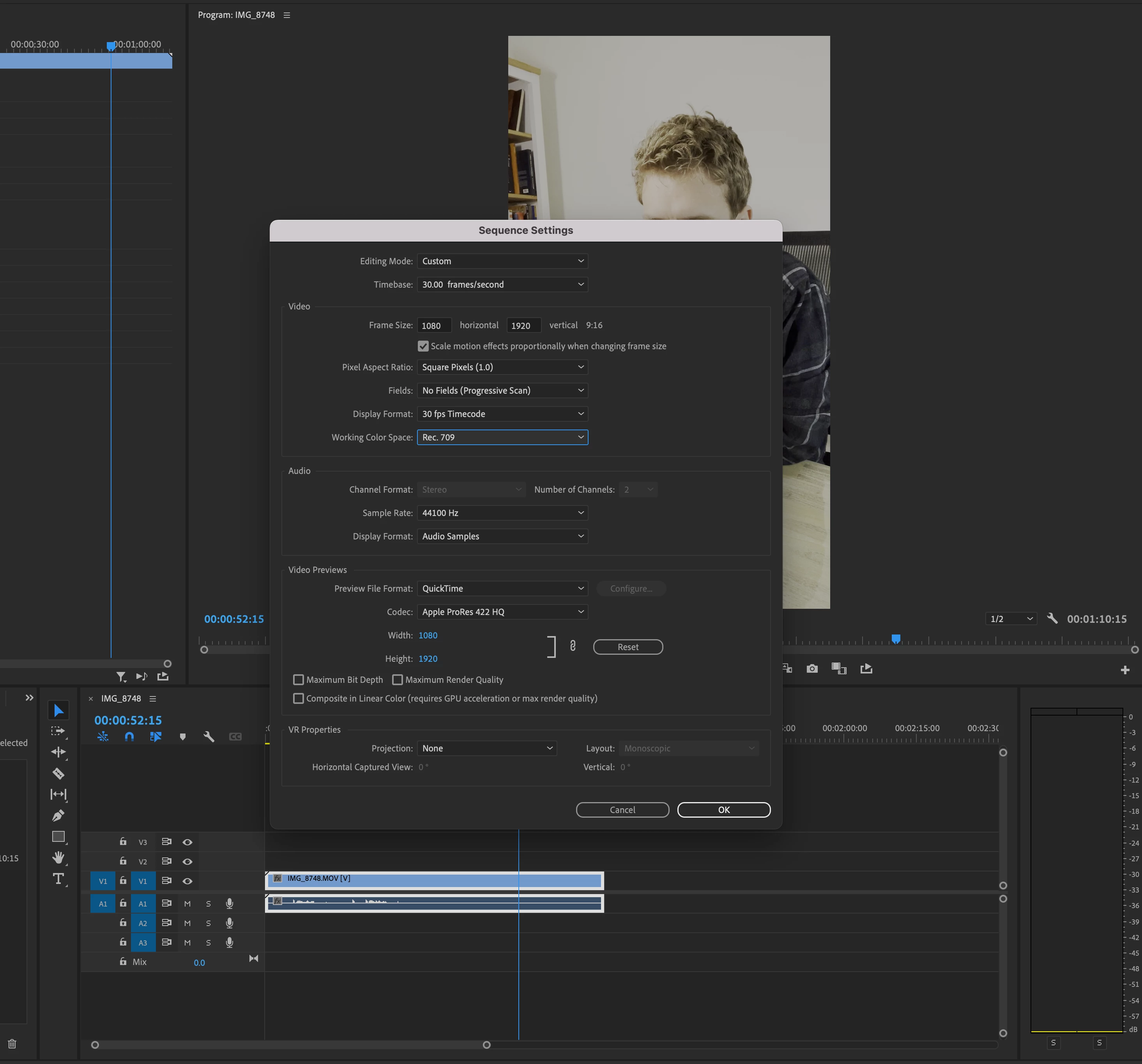
Sequence > Sequence Settings > Working Color Space > Rec. 709


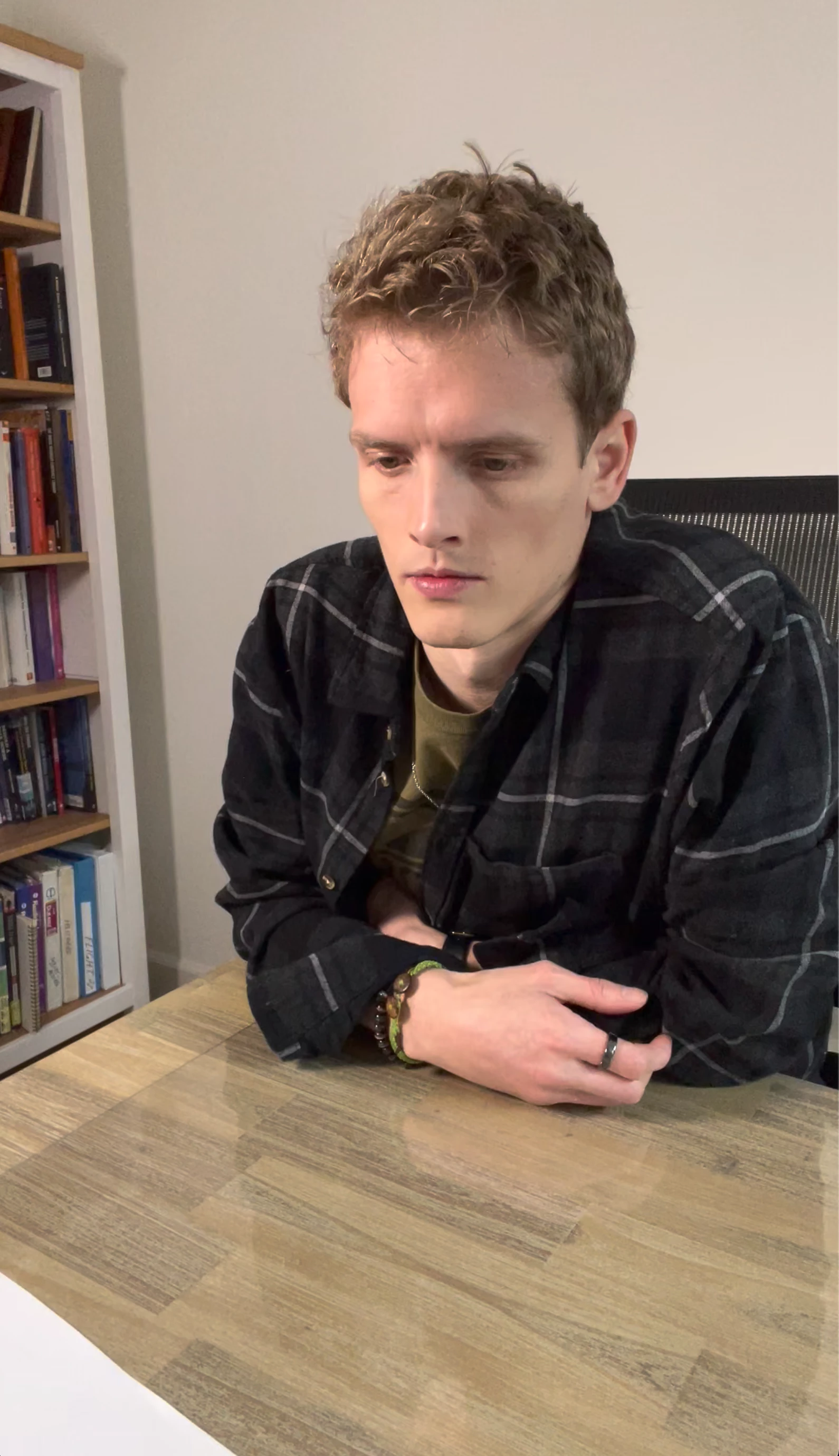
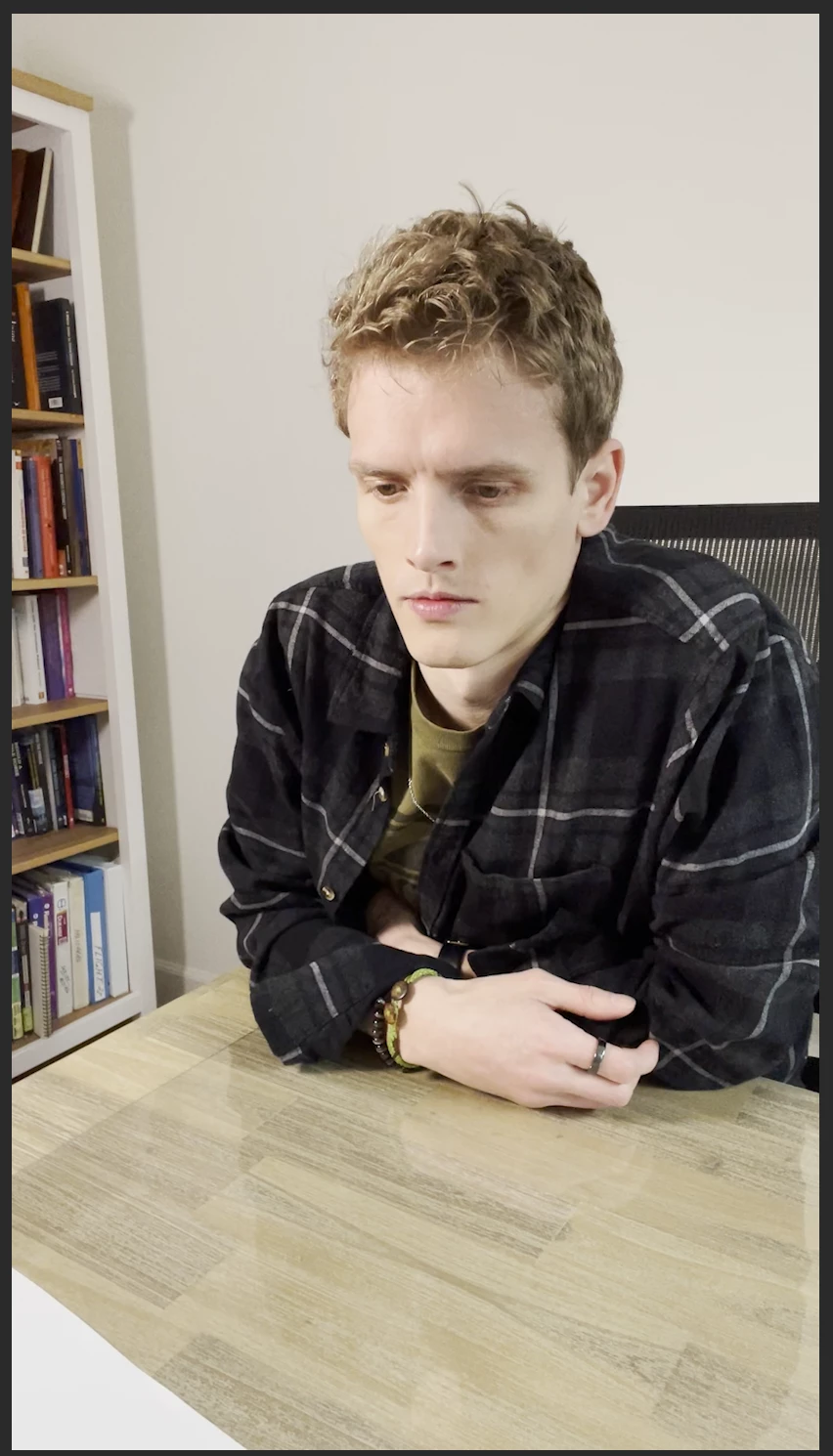
Still, the color looks unchanged. What am I doing wrong? How can I import all future videos with normal color when filmed? PHOTOS ATTACHED: desktop unedited video of how color should look.  Also, how it looks in Premiere Pro or Rush.
This topic has been closed for replies.
Correct answer SWBoatman25

The monitor setting for an SDR/Rec.709 workflow should be to Rec.709/sRGB if possible. The Mac does some funky stuff with the Rec.709 settings which as noted will cause differences between inside-Premiere and outside.


If you set your iPhone to Rec.709/SDR rather than HLG, the issue wouldn't be an issue of course. HDR ... of which HLG is one of several forms ... is still the Wild Wild West.


Neil


Thank you for helping me out and being so knowledgeable! On my iphone I turned the HDR setting off and went to formats > camera capture setting, and turned it from "high efficiency" to "most compatible" and that did the trick when I uploaded a quick video to Premiere right now. Thank you again.

2 replies

R Neil Haugen
Legend
December 11, 2022

It looks like you are on a Mac ... and there's another issue there. Which is Apple's odd take on Rec.709, applying only the original camera transform function (equivalent of a gamma of 1.96) ... but not applying the also required Display transform funtion to gamma 2.4.


However, it looks like images within Premiere on your system are lighter than outside? That's ... unusual. It's typically dramatically the reverse.


As the image within Premiere (which follows the full Rec.709 specs precisely) will normally appear a bit darker than outside Premiere. At least on any typical player or browser such as Quicktime Player, Chrome & Safari browsers.


So I'm wondering what your monitor is set to for color space?


And do you have the Preferences option for Display Color Management selected?


Neil

Everyone's mileage always varies ...
SWBoatman25
Inspiring
December 12, 2022

Yeah I am wondering why that is too. It was never like this before and I only started having issued on this recent update or in the past few months.


Correct, I am on a desktop iMac. I enabled: Display Color Management in preferences and that hasn't changed anything. Monitor settings for color space have been the same when it was normal, will changing my color space settings on my monitor adjust colors outside of premiere?

R Neil Haugen
Legend
December 12, 2022

The monitor setting for an SDR/Rec.709 workflow should be to Rec.709/sRGB if possible. The Mac does some funky stuff with the Rec.709 settings which as noted will cause differences between inside-Premiere and outside.


If you set your iPhone to Rec.709/SDR rather than HLG, the issue wouldn't be an issue of course. HDR ... of which HLG is one of several forms ... is still the Wild Wild West.


Neil

Everyone's mileage always varies ...
kglad
Community Expert
Community Expert
December 10, 2022

<moved from using the community >