
Overexposure Issue in Adobe Premiere Pro 2022
Hey Creators,
I hope you can assist me with a pressing issue. I'm currently working on a project using Premiere Pro 2022 on my Windows 11 PC.
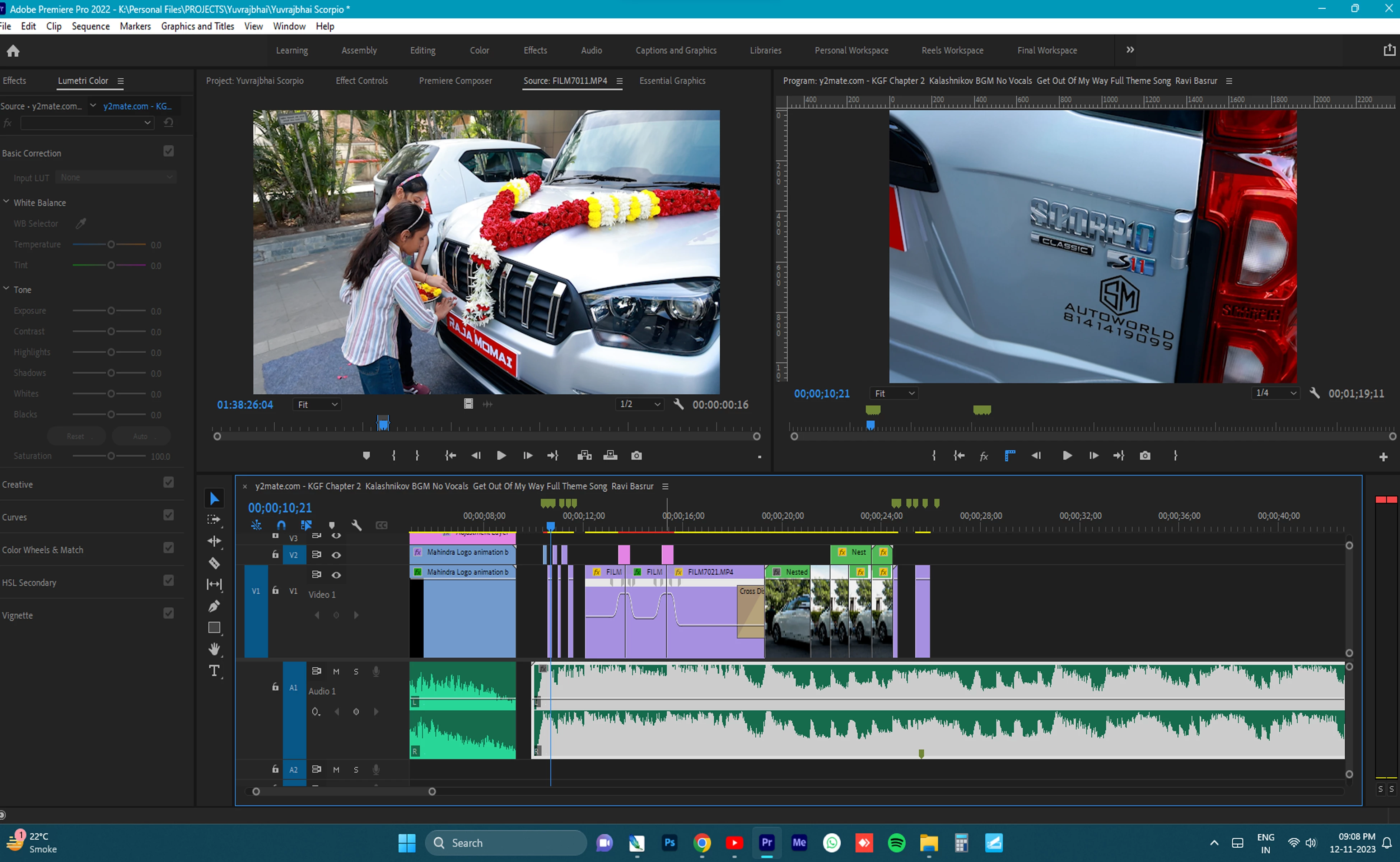
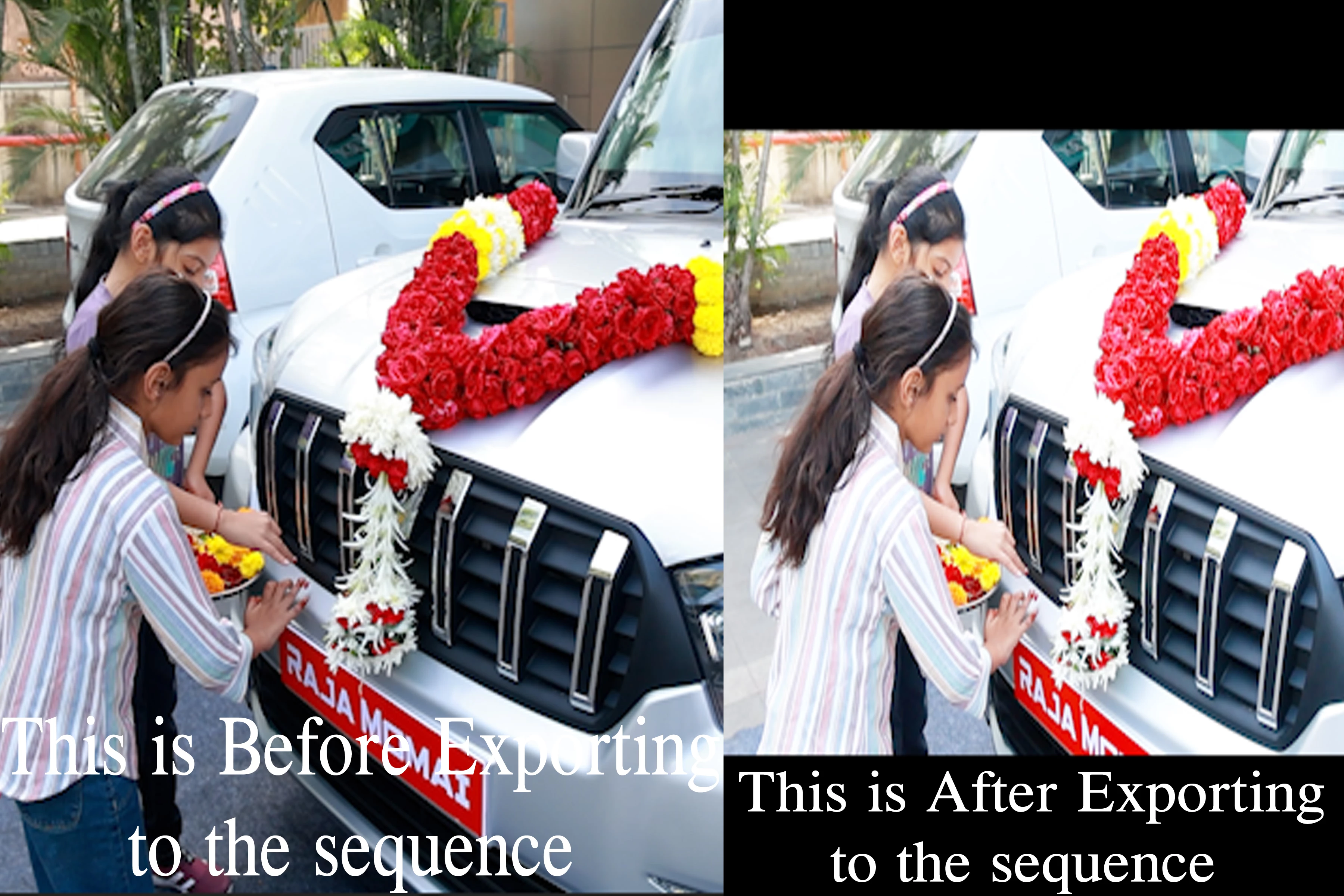
While importing footage into the Bin Folder, everything looks normal. However, when I add the footage to the Sequence, it becomes excessively overexposed. Oddly, this problem emerged halfway through my video editing process and wasn't present from the start.
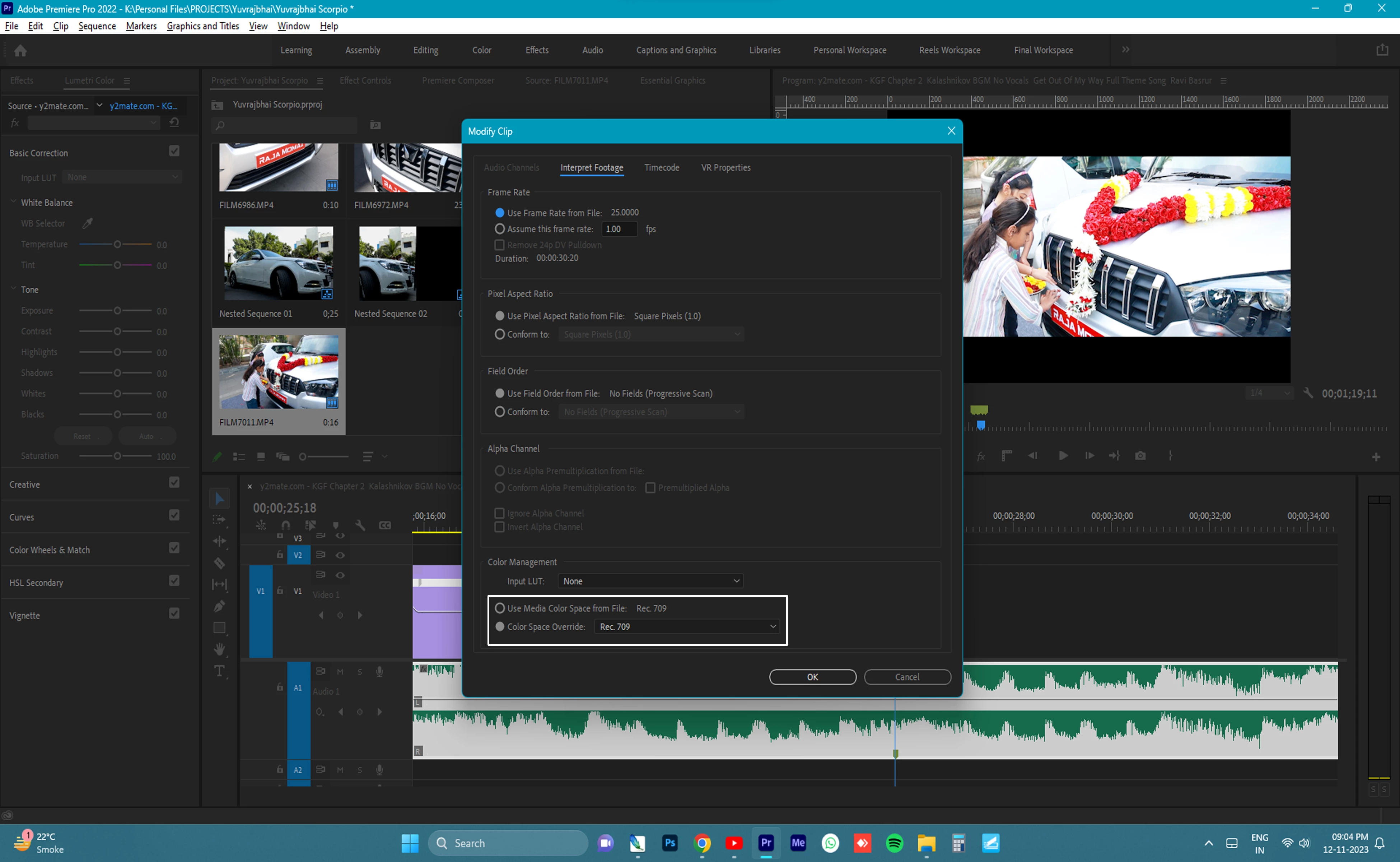
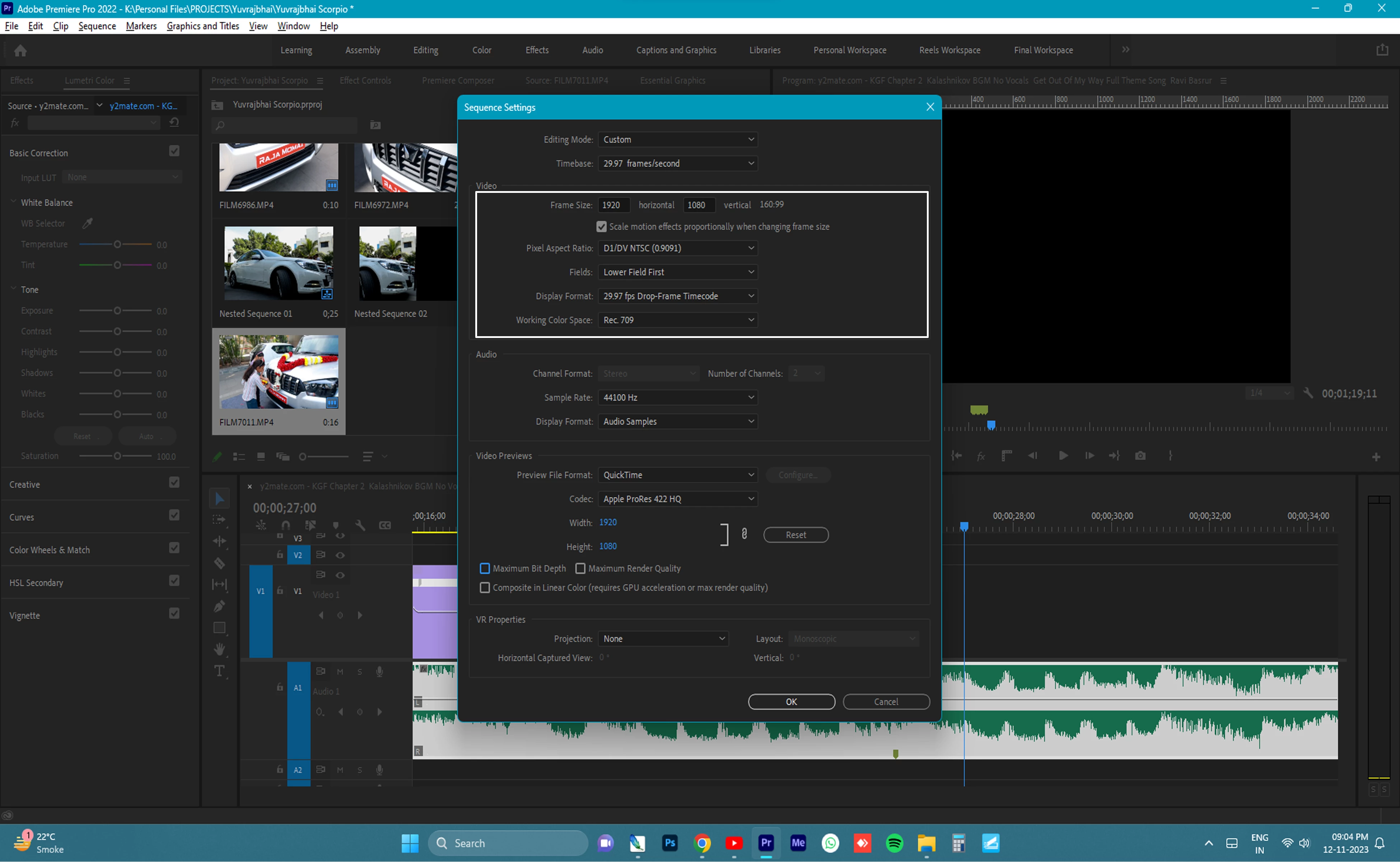
The urgency lies in the fact that I shot this video today, and the customer specifically wants the same day edit. I've uploaded screenshots of crucial Premiere Pro settings for reference.
If anyone has encountered a similar problem or can provide guidance on resolving this issue, I would greatly appreciate your help. Time is of the essence, and I want to deliver a quality edit to my client.
Thanks in advance
 AdChoices