Answered
Pen tool not making a straight line in premiere pro 2024
Hello, I was trying to make a line with the pen tool, for some reason it seems to be broken. PLEASE HELP!
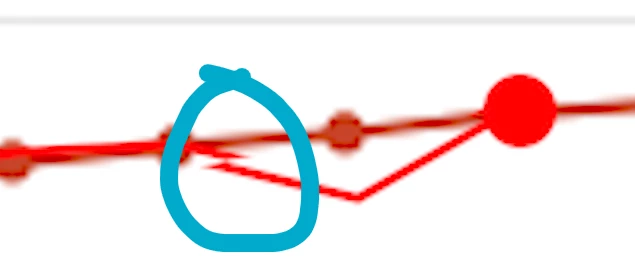

Hello, I was trying to make a line with the pen tool, for some reason it seems to be broken. PLEASE HELP!
Click once move to your new spot, click again. Or, click once, move to new spot, hold down shift, click again.
Do not drag a line or drag once you click, if you do, you get a bezier handle.
Already have an account? Login
Enter your E-mail address. We'll send you an e-mail with instructions to reset your password.
 AdChoices