Participating Frequently
September 27, 2022
Question

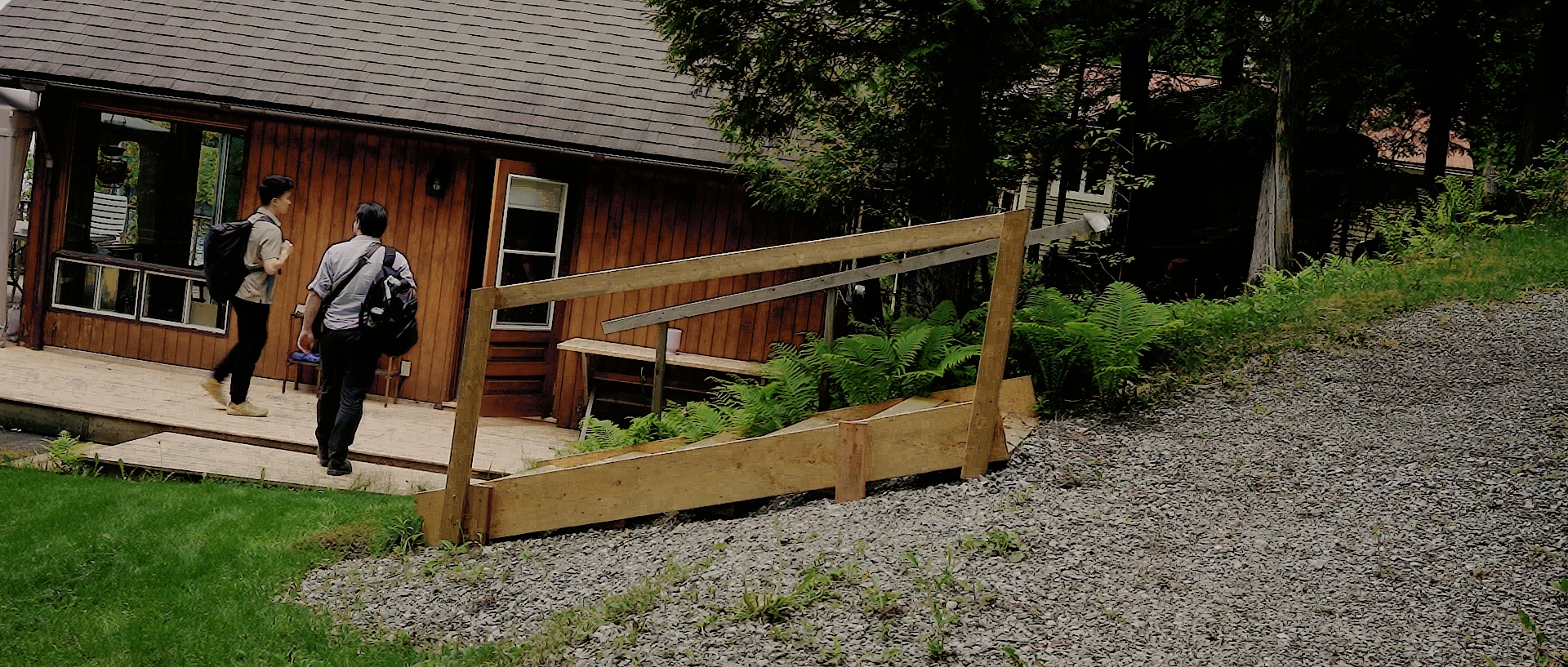
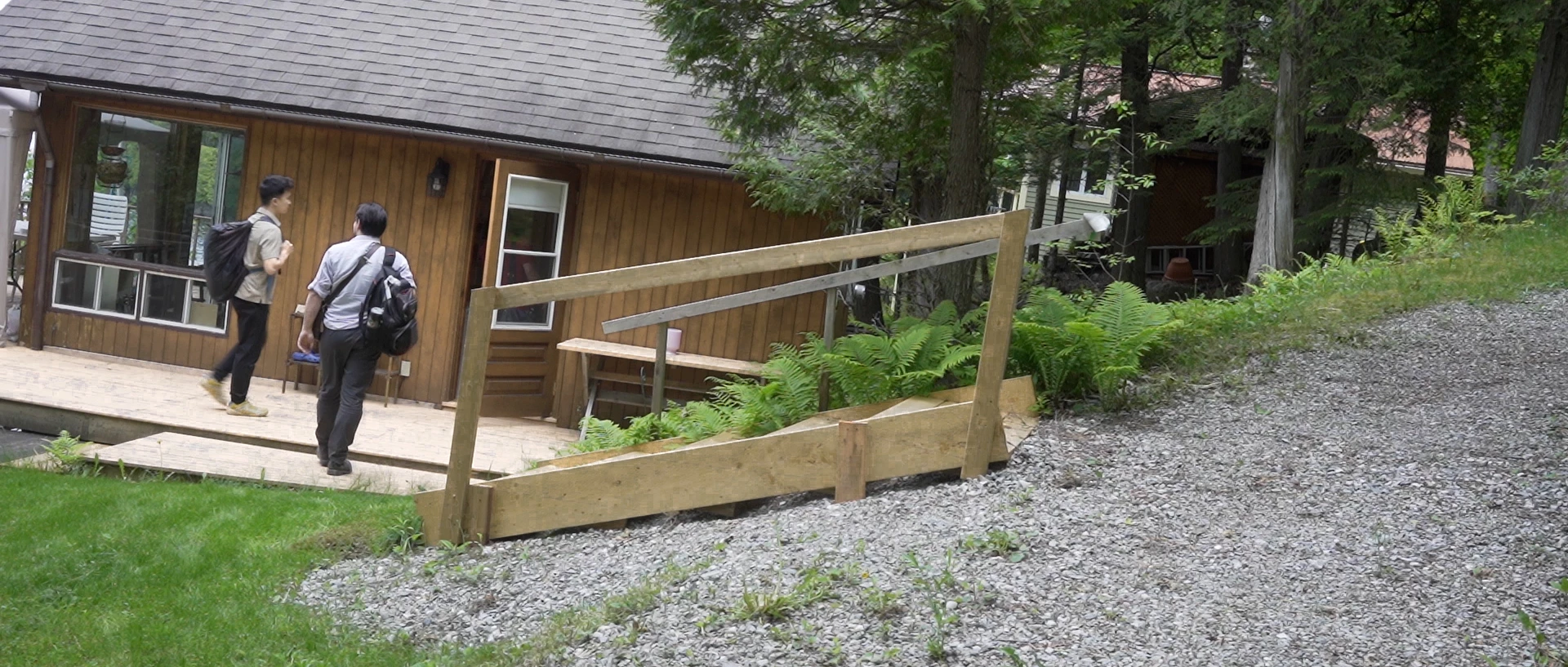
Pixelated and grainy footage after colouring

  • September 27, 2022
  • 2 replies
  • 866 views

Hello,


I'm hoping to find a clear answer in this community since I can't seem to find anyone who has had similar issues. My footage appears fine from the start, but if I add any presets to it or play with the colouring a bit too much, it gets very pixelated and grainy. I don't know if it's visible in the picture below. but the first still is before the colouring and the second still is after. I can't seem to find any reason for this. Is it the settings on my camera when I shot it? I always shoot at a very low ISO but maybe there is something I'm missing. Any help would be greatly appreciated.


Thanks and regards,


This topic has been closed for replies.

2 replies

R Neil Haugen
Legend
September 28, 2022

XAVC is  I think in most options recorded as a log-encoded file. Which Premiere 2022 oft can miss-see and treat as if it is HLG, an HDR form. But that's not the problem here.


What are you doing with color corrections on the clip? And what's the sequence settings for framesize/framerate, do they match the clip?


Neil

Everyone's mileage always varies ...
Participating Frequently
September 28, 2022

Well I'm doing basic corrections such as adjustments to exposure and contrast but I'm also adjusting curves, hues and saturation. Basically using most of the tabs found in the Lumetri colour panel.


The sequence settings for framesize is 4096 horizontal and 2160 vertical and for framerate it's 23.976 fps. It looks like my clips math the framerate but not the frame size (my clips are 1920 x 1080). Could this be part of the problem?

R Neil Haugen
Legend
September 28, 2022

Yes, that could be part of the problem. How did you create the sequence? If Premiere Pro 'chooses' it normally does a pretty good job matching the media of the first clip.


Neil

Everyone's mileage always varies ...
R Neil Haugen
Legend
September 27, 2022

What was the camera? And what is your computer OS?


Are the clips Rec.709 or 'SDR', standard video, or are they say HLG, a form of HDR?


Are they log-encoded by the camera?


One thing that can help us fully understand your media is using the free utility app MediaInfo ... download and install that. Then drag/drop a clip onto that app's icon on your desktop. Go into the "Tree view" after MediaInfo launches.


Make a screengrab, and post that here by drag/dropping the image onto your text reply box. So we see something like this ...


Neil

Everyone's mileage always varies ...
Participating Frequently
September 27, 2022

Hi Neil, thanks for replying.

The clips are Rec.709. I'm not sure what you mean by 'log-encoded' (I'm still fairly new at video editing).


Here is the screenshot from MediaInfo


Thanks,


Alexander

Participating Frequently
September 27, 2022

Oh, and the clips were shot on a Sony A7III camera.