Participating Frequently
September 19, 2017
Answered

Pixelation in Premiere Pro Export

  • September 19, 2017
  • 4 replies
  • 67218 views

While viewing my project in premiere pro in the preview window, everything appears to be just fine. However, when I export the video it looks terrible and pixelated: I don't even have a word to describe what happens. If I pause the playback marker over the clip it also appears pixelated. The only time it doesn't is when playing back in premiere pro.

I know this isn't the footage I'm using because it has happened with all different types of video formats, frame rates, etc. It must be something with the project settings or something within premiere pro. Please see the screenshots below of what the video looks like vs. what it's supposed to look like. Please advise with how to fix.
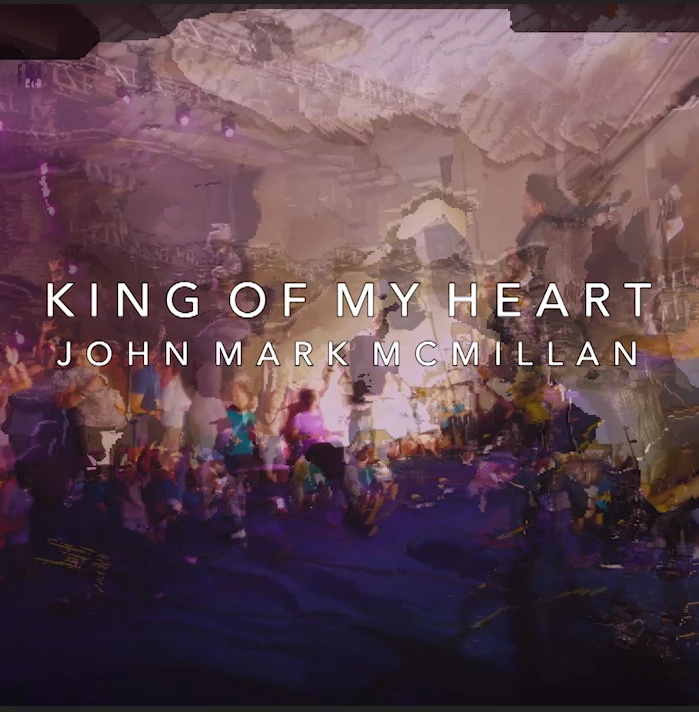
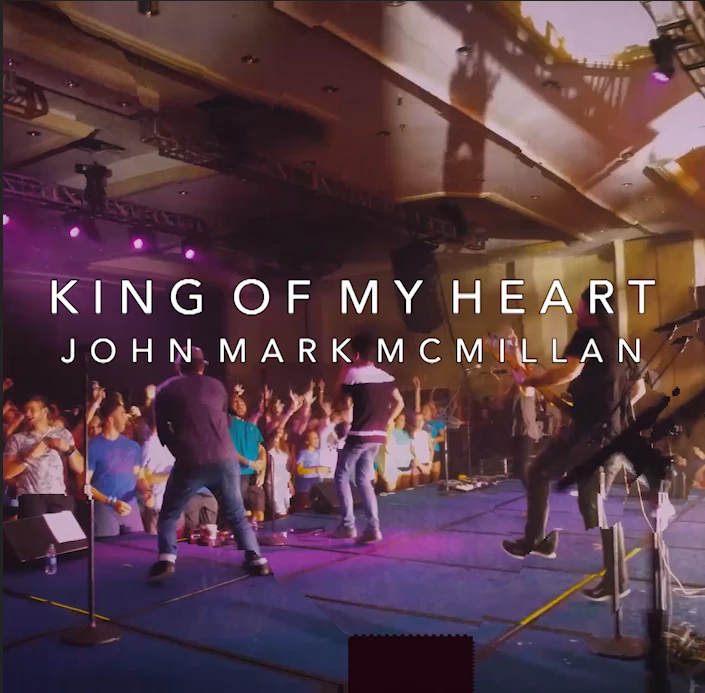
And again here:
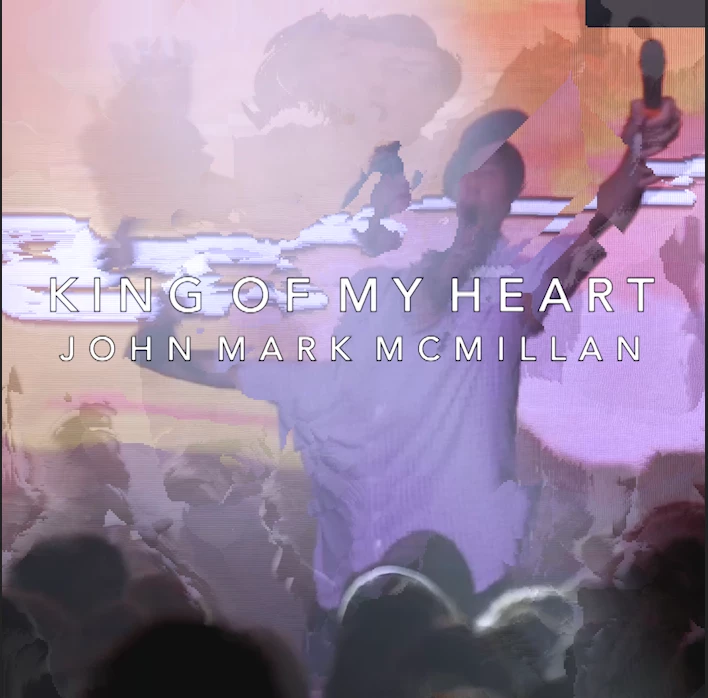
    This topic has been closed for replies.
    Correct answer SAFEHARBOR11

    Follow Ann Bens advice to check your graphics card driver.

    I would also uncheck the Maximum Bit Depth, Maximum Render Quality, and Composite in Linear Color.

    MtD


    You have many issues going on there. Source video is 24p (23.976 frames per second) but Sequence is set up as 29.97fps (30p). Then you have interlaced video (lower) enabled. Not good. Change Sequence to 23.976fps and progressive, then also export as 24p. Keep things consistent for best results. You might also set audio to 48k to match source. Everything is wrong ;-)

    Thanks

    Jeff

    4 replies

    Participant
    March 7, 2020

    Hi, the same happened to me, turns out the export video dimensions were different to the original. I had to increase the level and change them

    yvad60
    Participant
    October 1, 2018

    I was having the same issue and i switched performance to software encoding and it worked

    Inspiring
    September 19, 2017

    Can you post a screen shot of your export settings summary, like this example below:

    MtD

    Participating Frequently
    September 19, 2017

    Inspiring
    September 20, 2017


    I'm not sure what the problem is, Maybe someone else can help you.

    Can you post a screen shot of your sequence settings? (Menu Sequence > Sequence Settings)

    MtD

    Jeff Bugbee
    Community Expert
    Community Expert
    September 19, 2017

    Are you exporting your sequence at the same resolution as your source footage?

    Also, are you exporting at a high enough bitrate?

    Participating Frequently
    September 19, 2017

    Hey Jeff. Thanks for offering to help. I am exporting it as the same. I'm currently exporting at 30 bitrate and I exported it as a raw quicktime movie and it did the same thing. I'm thinking the issue is bigger than bitrate.