Answered
Playback error after recent Mac OS Update
Having playback errors on my source and programme screens after recent Mac OS update.
Re-installed update and re-installed Premiere. No change. Anyone else having similar problems?
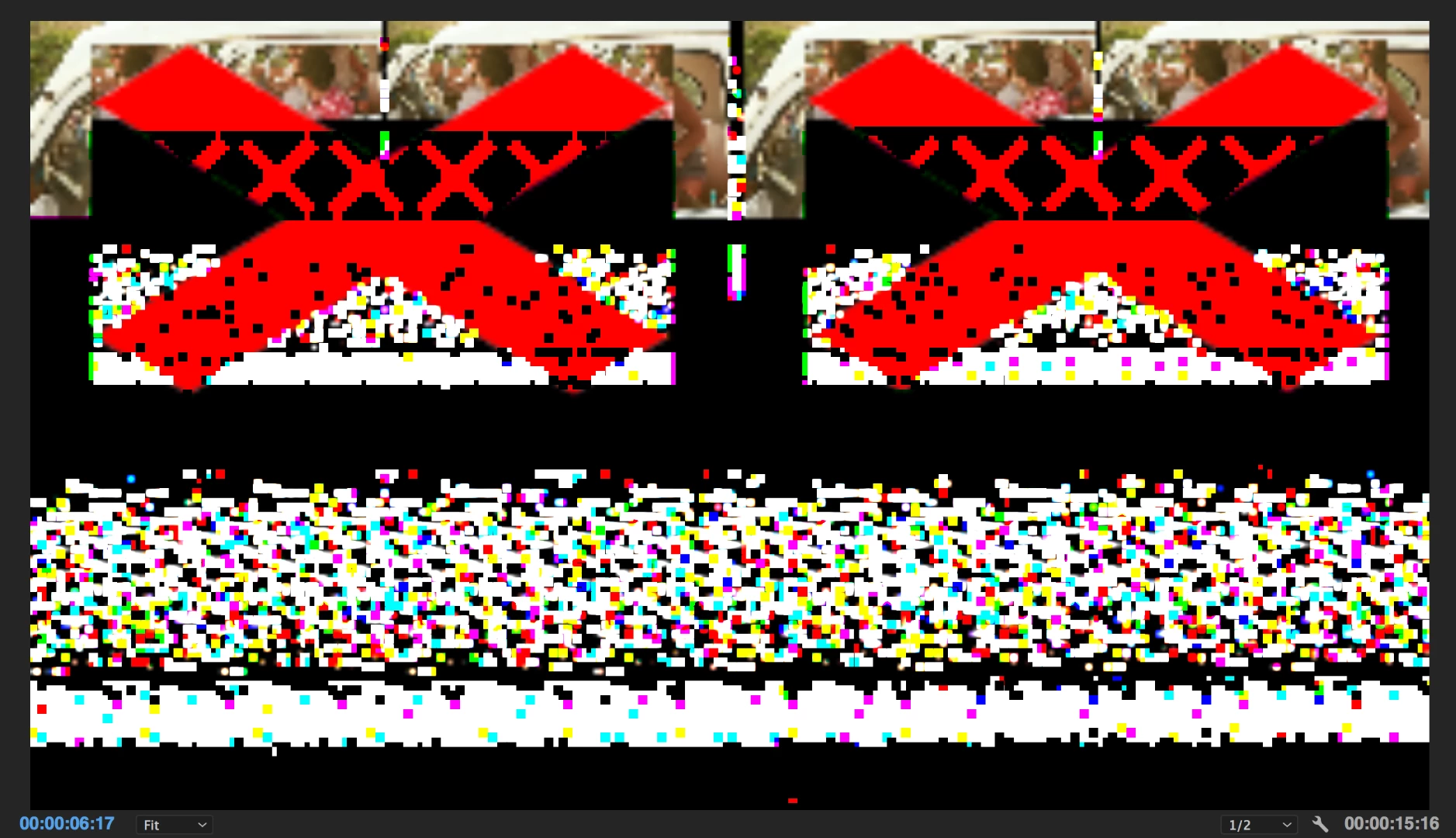
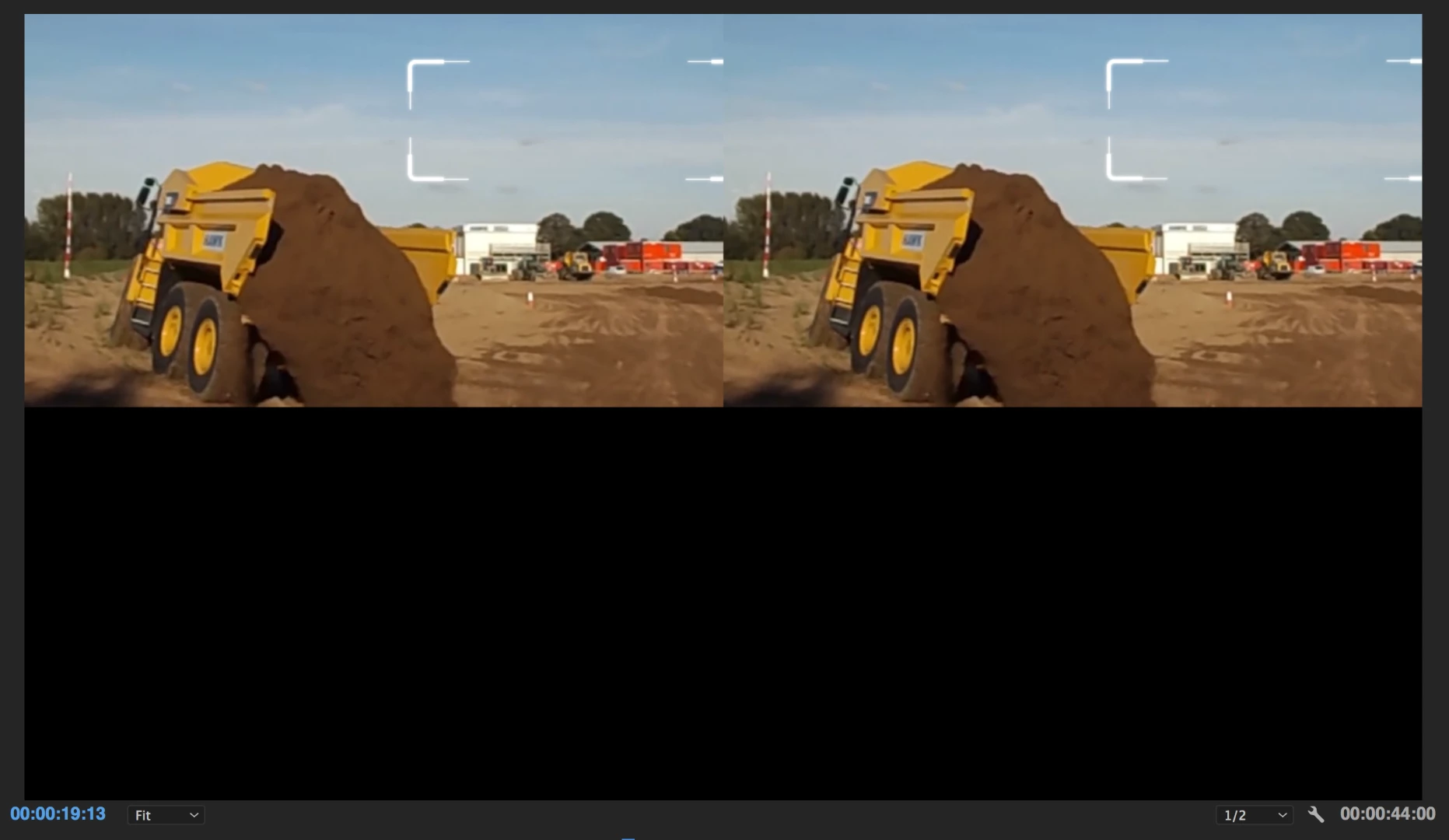

Having playback errors on my source and programme screens after recent Mac OS update.
Re-installed update and re-installed Premiere. No change. Anyone else having similar problems?
Thanks for the update!
What are your system specs & check if changing the video renderer makes any difference:
Open your project, click on File > Project settings > General and change video renderer to 'Software Only Mode' and delete previews.
Thanks,
Kulpreet Singh
Already have an account? Login
Enter your E-mail address. We'll send you an e-mail with instructions to reset your password.
 AdChoices