Participant
November 4, 2017
Question

Playback Stops Half Way Through - After Export

  • November 4, 2017
  • 5 replies
  • 7136 views

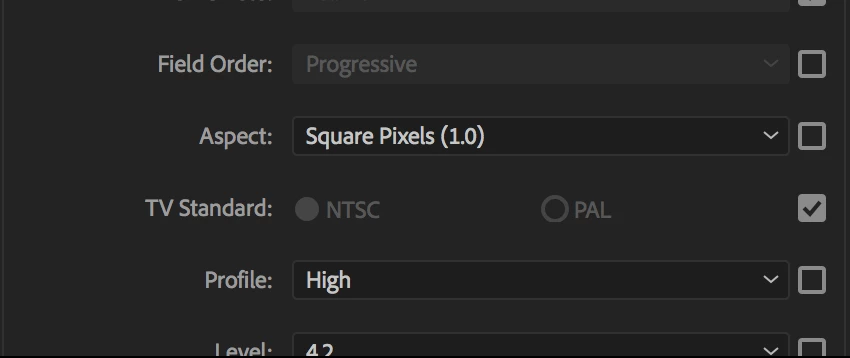
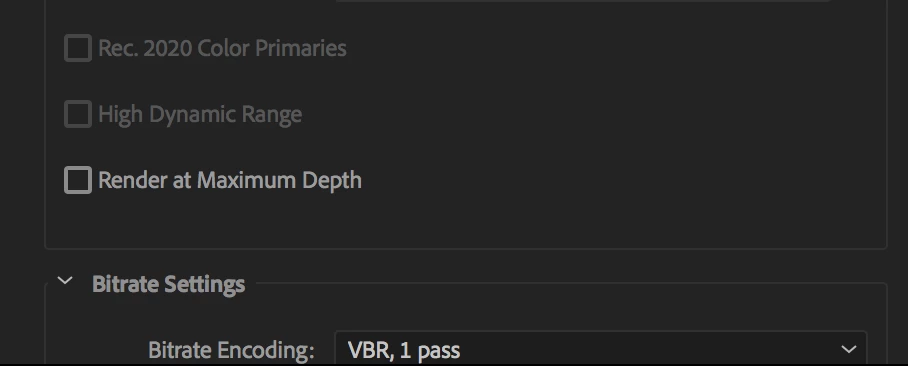
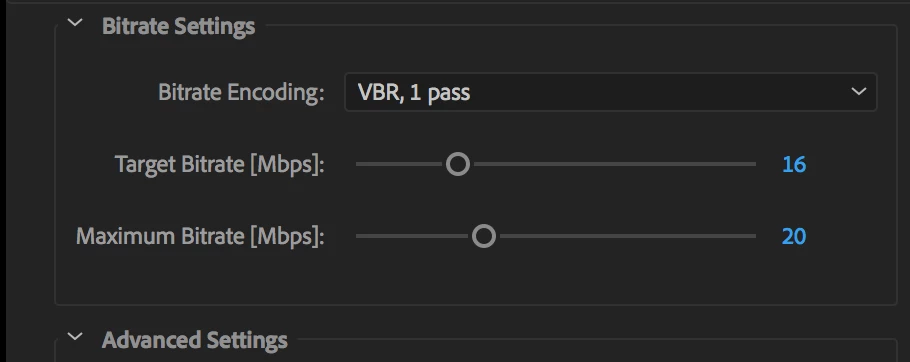
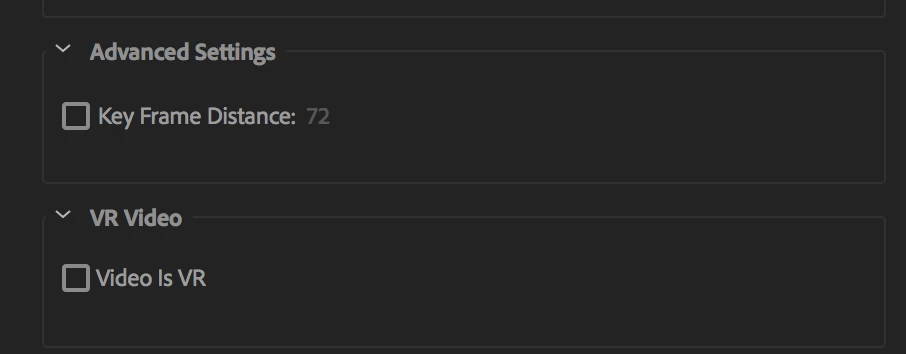
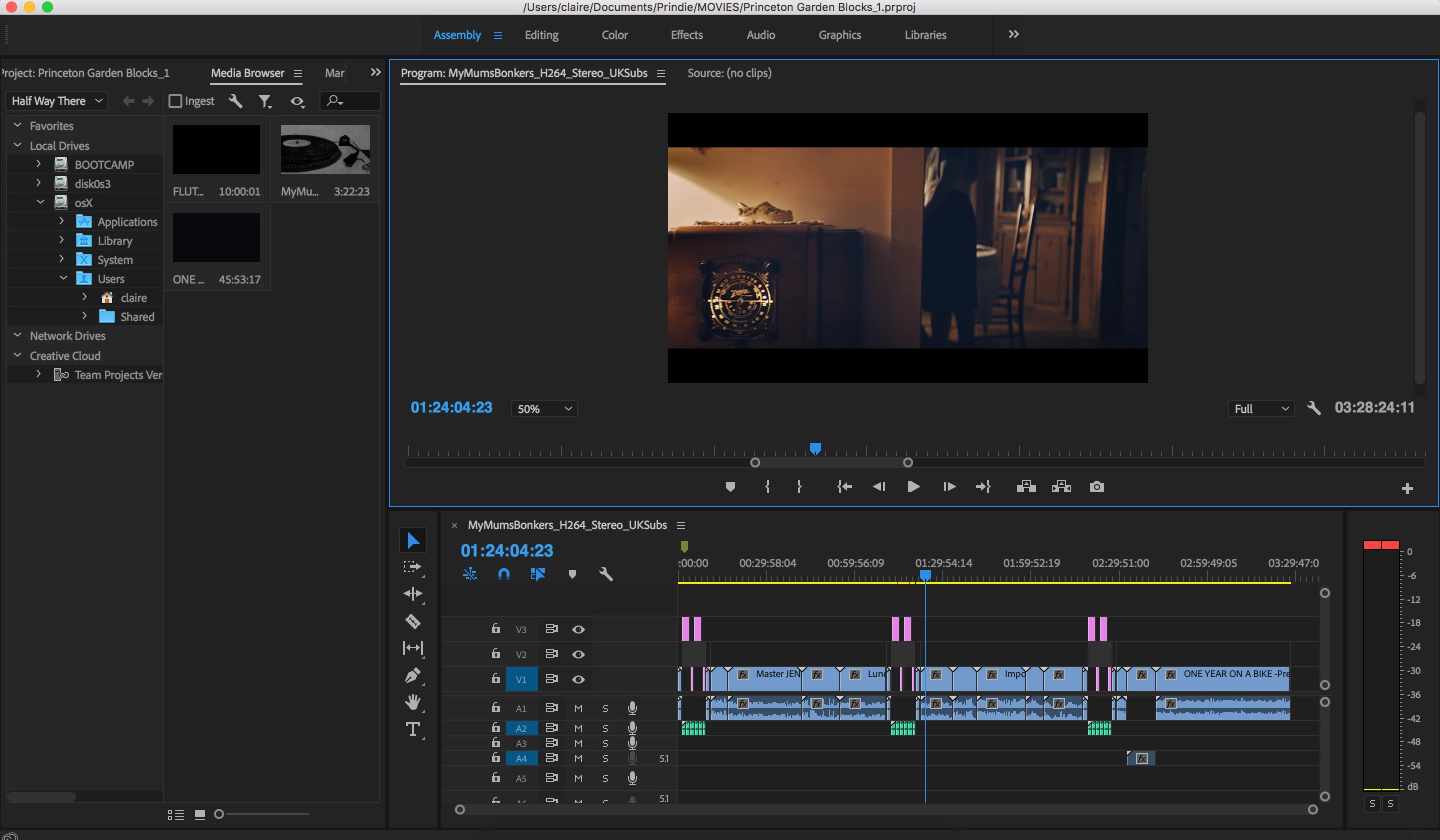
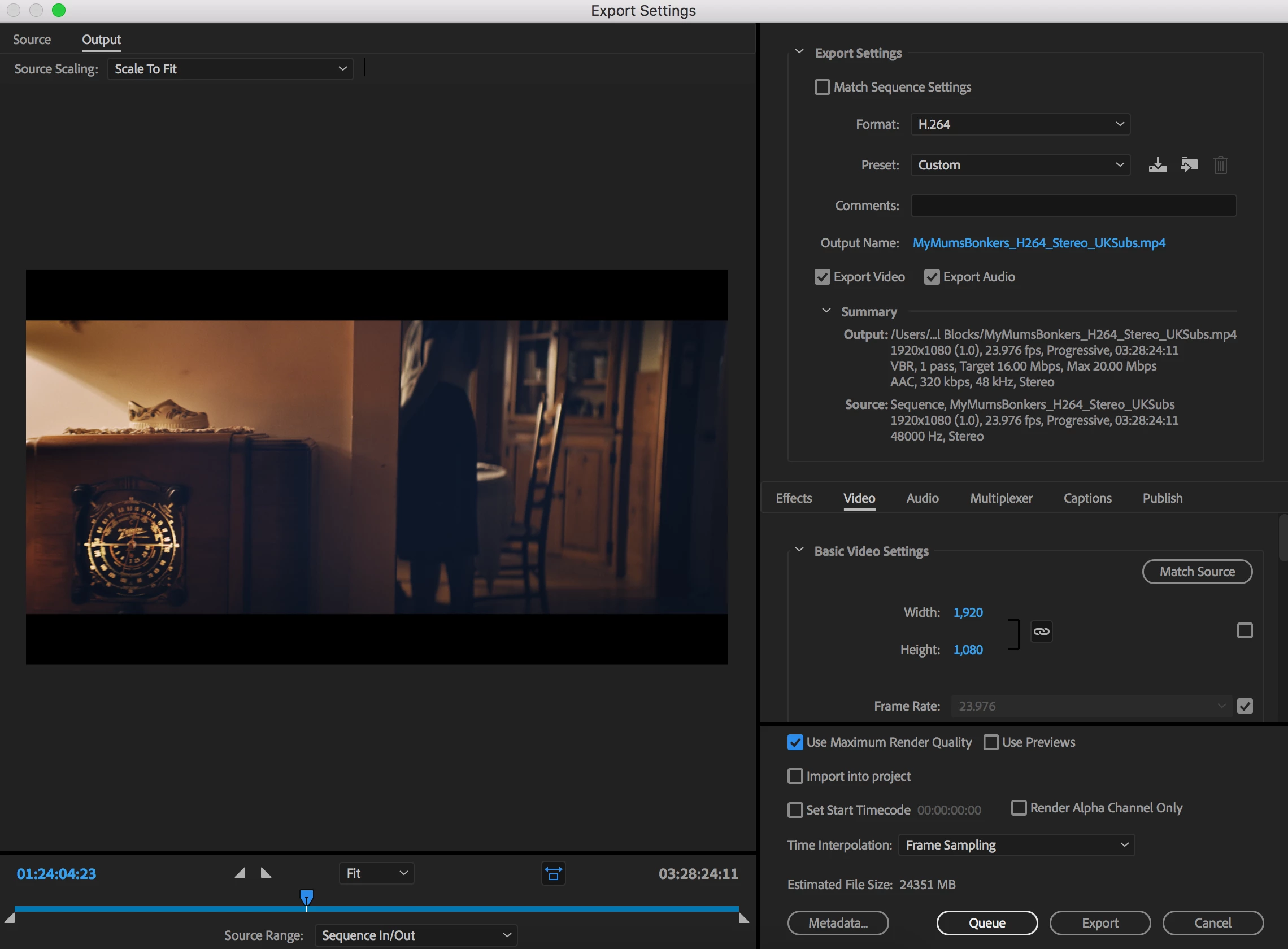
Very new to Premiere Pro. I have a 3.5 hour movie that I am exporting as an H264 using "Maximum Render Quality" checked after electing Vimeo 1080p HD.  I did not nest any of the clips as I hear that can cause problems. I have tried exporting it 3 times now and the first two tried left me with an mp4 that stopped playing about 2.5 hours into the movie and the third and most recent attempt stops about half way through. Below is a screenshot of the clips and also my export settings.

Please let me know if you need any more info to try and help me out! Thank you in advance! I need to do two more movies like this for the middle of next week and have to get this figured out ASAP!
This topic has been closed for replies.

5 replies

Participant
November 10, 2024

I had the same problem rendering a 4 hour movie. After rendering the file was small (like 10GB) and it was impossible to watch it completely, the movie would stop halfway through. I tried to render it again. I tried 3 times in total (which took a very long time). I went to this forum and read to free up some disk space. It really helped! My movie takes up almost 40GB. Before I had about 70GB free disk space, which was not enough. I freed up some space and it really helped. 140GB free space was enough to encode the movie. I came back here to leave this comment because I am very grateful that my problem is finally solved. Thanks for your help and I recommend people who have a similar problem to free up some disk space. It really helps!

Participant
May 7, 2018

Ryan,

I had the same problem, having to come out with an answer for it, without to been able to find any useful source for it on the web (at least for Windows OS). 
For me, exporting the video on my secondary HDD instead of SSD worked out fine.
I guess it has to be something with the space available on the drive you choosed to export on (as Jason said).

The file I was trying to export, was 8 GB, with the space available on the SSD to be 14 GB.

Even after changing some export settings (droped the quality) or changing the program i used for the rendering (used Media Encoder instead) I couldn't find any solution for it.
Exporting the video on an external drive will might help you, based on the induction I already made.

I hope to have been a help for you.

Participant
March 2, 2022

Bookmarking this page for future reference. This is the solution that worked for me as I couldn't find a proper explanation for why the same issue kept happening to me. I was able to free up about 40GB on my internal SSD from the original 13GB I was previously trying to export with. Geo_smyrniotis you are amazing! 


I'm not sure the exact space needed, but I'm gonna go with at least 40GB free space since that is what I tried after reading this and that's what got it to work for me. I'm sure exporting to an external with at least that much space would work as well. Just know that the video pausing (corrupting) halfway through (give or take) playback is caused by lack of space wherever you may be exporting to. In the past, I unknowingly circumvented the issue by exporting to an external, but can confidently say lack of space IS the issue.


Adobe, if you're reading this, please put a note somewhere stating that "X" amount of storage space is required to properly export a file without running into this issue! People shouldn't have to refer to this article to fix an issue that could simply be fixed by a message being added prior to exporting. Thank you again, Geo!

Participant
March 2, 2022

Also, it should be stated that I had 40GB free space after my 5GB video file was done exporting. So, a safe bet would be to add however large your file is to 40GB and make sure you have that much space available. Best of luck!

jasontcox
Inspiring
November 4, 2017

How's your hard drive space looking? You're creating a single TWENTY FOUR GIGABYTE file which is ABSOLUTELY GINORMOUS lol. If you have a enough hard drive space, I'd suspect that Premiere is simply having a challenging time creating a singular file THAT large. Does it HAVE to be one file? Does it have to be very high quality (you could lower the bit rate a bit).

Legend
November 5, 2017

You're creating a single TWENTY FOUR GIGABYTE file which is ABSOLUTELY GINORMOUS

Not these days.  I regularly export files many times larger without issue.

Of course, having sufficient drive space is required, but if that space is available, PP has no trouble at all creating files that large.

jasontcox
Inspiring
November 6, 2017

I mean, you're right, I know it's certainly not unheard of, but I could see on some underpowered systems, Premiere struggling a bit. Just a thought!

Legend
November 4, 2017

Change your Source Range to Entire Sequence.

Ann Bens
Community Expert
Community Expert
November 4, 2017

Turn off MRQ it only will add unnecessary render time.