Participant
January 20, 2022
Question

Please help with Basic 3D/ Distance to image

  • January 20, 2022
  • 2 replies
  • 559 views

Hi,


I am trying to use a simple Track Matte Key (video playing inside an image) + with Basic 3D/ Distance to Image (zooming into image) with the aim to fully transition to the video playing within the image.


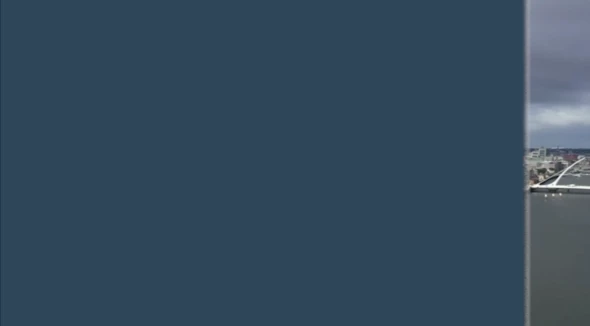
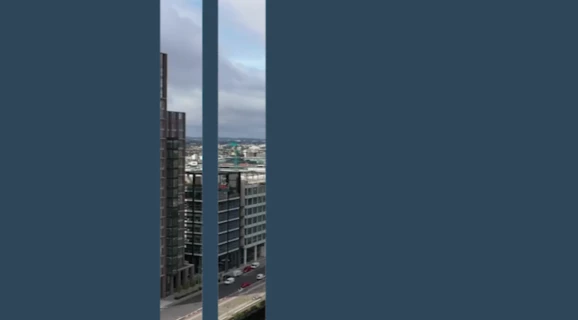
However, I could not get the zoom animation to land within the image and not the blue part in the empty part (screenshots).


I have tried using Transform/ change Position on the image in a bid to change the final position. However, this does not seem to work as it pushes away the image quite dramatically before landing in the right position as on linked video: https://youtu.be/W9700bO0YxE 


I would greatly appreciate your help!
  

This topic has been closed for replies.

2 replies

Community Expert
January 21, 2022

Also, check the Anchor Point. That's the little crosshair symbol in the middle of the layer/graphic. I think you want the scaling effect to happen from the video portion and not the blue matte so reposition the anchor point.

-------------------------------------------------------------------------JVK | Editor/Designer/Software Instructor. Pr, Ae, Ch, Ps, Ai, Id
R Neil Haugen
Legend
January 20, 2022

I'm curious ... is the Basic 3D effect needed, or could you simply size/position the clip of video?


Neil

Everyone's mileage always varies ...
Participant
January 20, 2022

Hi Neil,


Thank you for your message.


Unfortunately, it seems that if I use simple Scale & Position, the image gets very blurry.


Ann Bens
Community Expert
Community Expert
January 20, 2022

You have to make the image size quite large to start with.

Work backwards.