

PNGs change brightness/gamma on import into Premiere
Hey everyone! So here’s a riddle I’ve been trying to solve - not sure if it's a bug or whether I'm just missing something obvious:
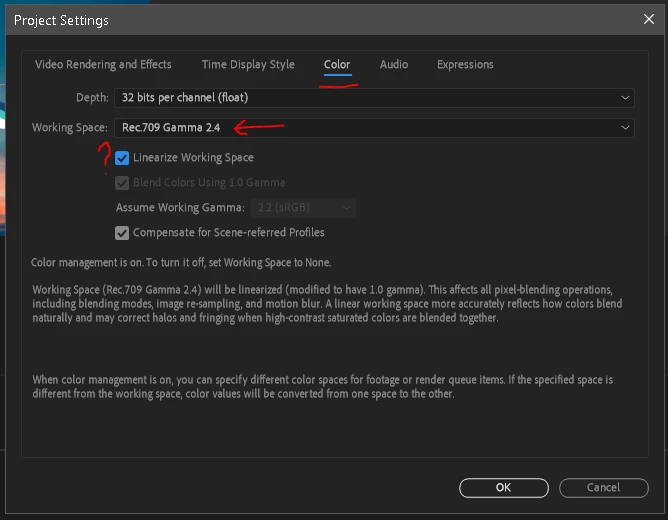
When I import a PNG Sequence into Premiere 2021 it is shown to be brighter than a TIF version of the same sequence. I’ve switched color management on/off, but the two sequences still don’t match in Premiere. Whereas inside both AE and PS the TIF and PNG are correctly shown to be identical.
When I then export the PNG Sequence from Premiere as another PNG Sequence (just to check), the resulting sequence is brighter than the original one. So it doesn’t seem to be just a display issue within Premiere, because the PNG files have actually changed brightness during the trip.
The same goes for export as mp4, which obviously does have its own set of gamma issues anyway - but exporting the aforementioned TIF sequence as an mp4 delivers perfectly normal results. So in terms of workflow, I could just switch to TIF sequences as a way of losslessly getting from AE to Premiere, but that would drastically increase the file size and also shouldn’t really be necessary (as PNGs were handled just fine in the past).
I’m trying to test and google my way through this - though because color management in Premiere seems to be somewhat in flux (?) and also differs between Win and Mac (I’m on a windows pc), I’m never quite sure which info actually still applies here.
 AdChoices