Participating Frequently
February 24, 2025
Question

Poor quality export for YouTube help.

  • February 24, 2025
  • 1 reply
  • 1535 views

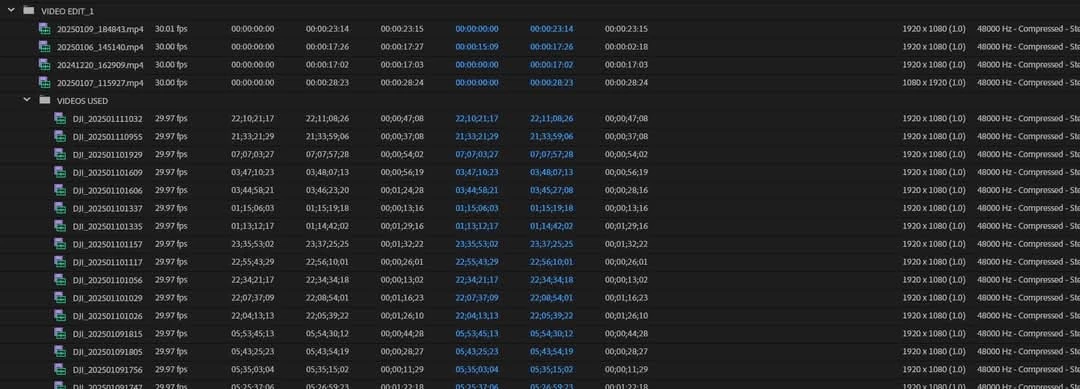
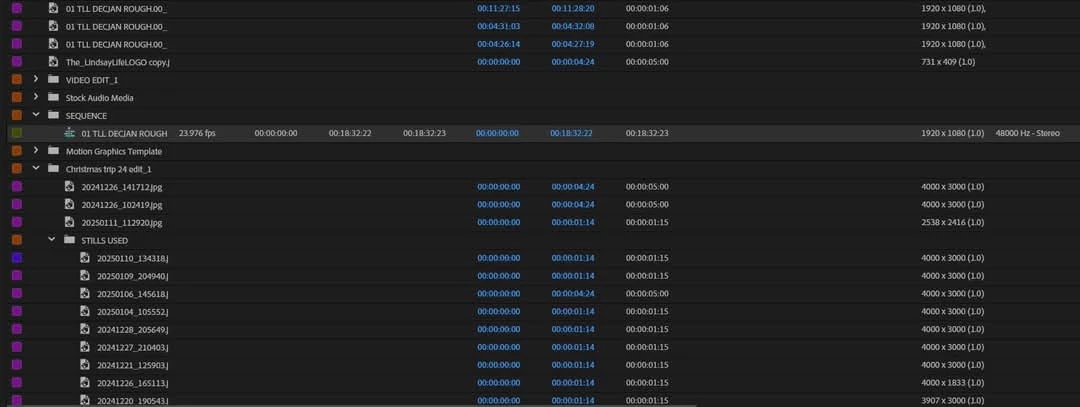
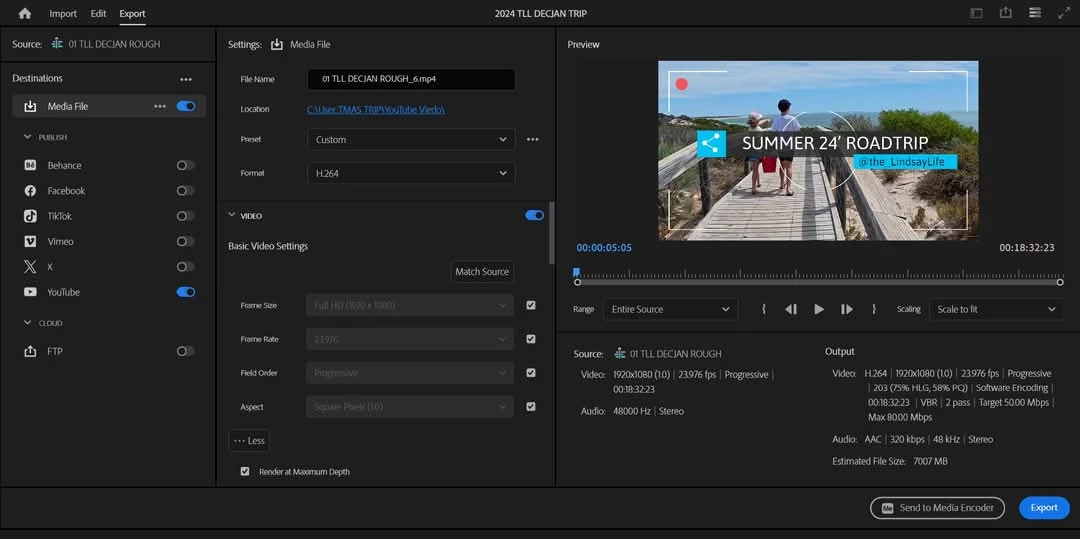
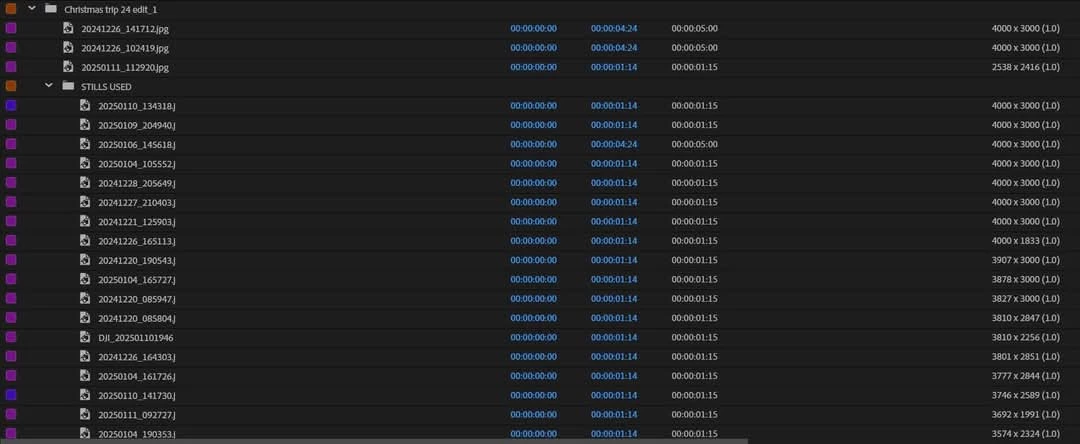
Hello! I am very new to Premier pro and exporting my first video. I have googled and googled and googled and can't for the life of export to a clear HD quality for YouTube. Settings I have as below. Is there something i am missing. Video input source seems consistent at 1920 x 1080(1) 29.97Fps and my stills are all different dimensions but that's ok it works for the best part. It's mainly the video that I would like to improve the export quality of.
Published video quality as it is for reference:
You tube video example 

What am I missing?

1 reply

Community Expert
February 24, 2025

The compression quality looks fine to me. The issue is likely due to your sequence settings. It appears that you're working with footage filmed in 29.97 or 30 fps but editing on a 23.976 fps timeline. This frame rate mismatch causes Premiere Pro to drop approximately six frames per second, which can result in choppy or less smooth motion.


To fix this, try adjusting your sequence settings:

  1. Go to Sequence > Sequence Settings.
  2. Change the Timebase to 30 fps.
  3. Click OK and check if the playback looks smoother.


Also, great to see Echuca! I haven't been back there in over 25 years.

Participating Frequently
February 24, 2025

Thank you for your prompt reply. Echuca was a great stop! so much to do down the street now it's a good destination to visit. 

I adjusted the sequence settings to 30fps and then exported to match that quality. The export quality has slightly improved but I still think it's pixeleated and lagging. Or is it just me? Other You tube videos just seem tV quality and so crisp and clear like your there as well, this one looks 80s. LOL. 

Thinking about it, maybe it's my input files from the DJI OSMO Action 5, I've been staring at the same clips over and over I am not sure what i am seeing anymore.  I've attached one from onedrive and the updated version of the youtube clip for reference.  

Any suggestions for any other settings I might not have googled? Very greatful for any help I can get. 

DJI action 5 Files look sharp on my phone & laptop but not on a desktop screen / TV when I play them stand alone. 


https://youtu.be/ypEZes9GhZo