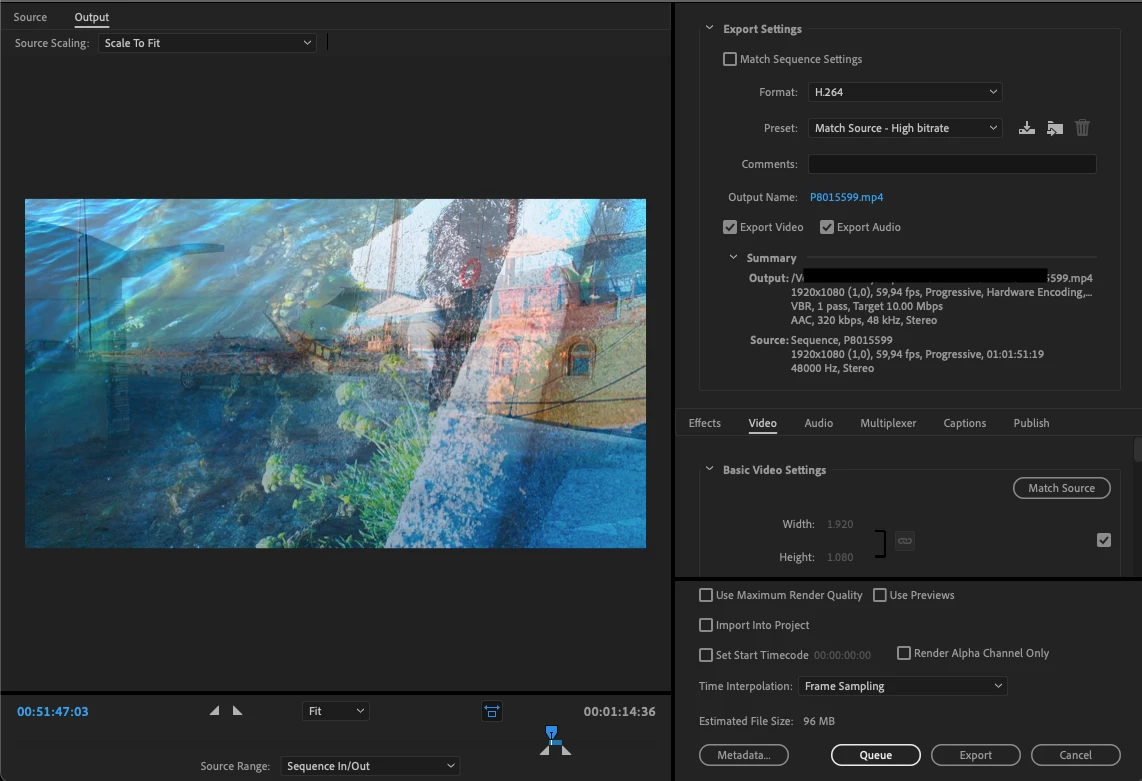
To improve your export quality you'll need to increase the datarate when exporting. Currently you are using 10Mbps on a 59.97 frames per second HD video. I would up that to at least 20Mbps or even 30 or 40Mbps (you may need to experiment for the best result). The higher the better.
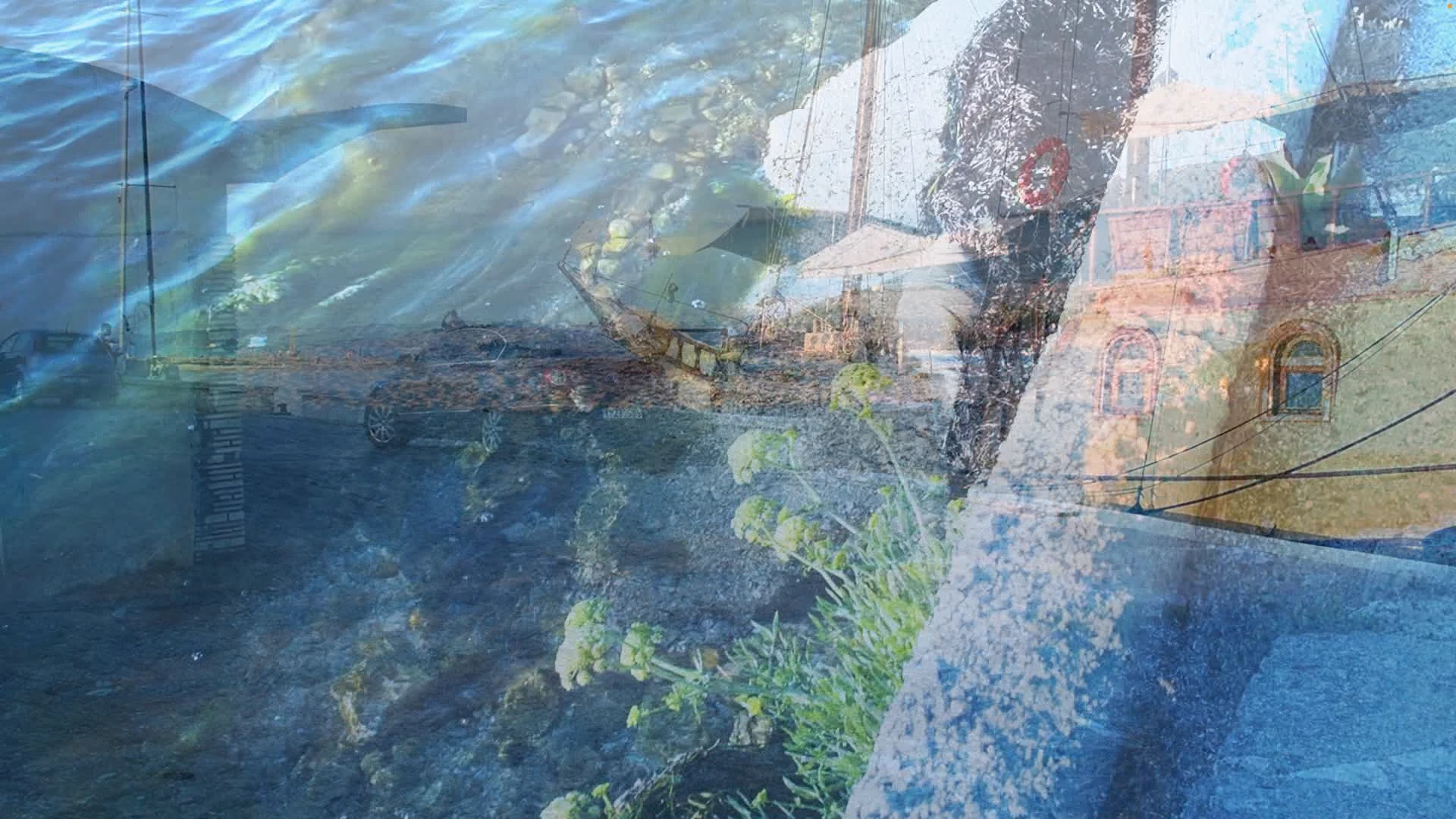
Also - dissolving between two complex images requires more data than your normal static or moving image as every pixel is changing during the dissolve ... so lower datrates are going to mean that a lot of details is lost after compression. Water images, as well, needs high datrates to maintain image quality because they too are harder to compress due to the areas of large constant motion.
To increase your datarate for exported videos - open the export window as normal but look for the 'Video' tab, select it, then scroll down until you see 'Bitrate Settings' and 'Target Bitrate (Mbps)'. adjust the slider to increase the datrate from 10 to whatever you want to experiment with.


 AdChoices