
Position and Scale Transition Speed
- September 8, 2022
- 1 답변
- 384 조회
Hello Everyone!
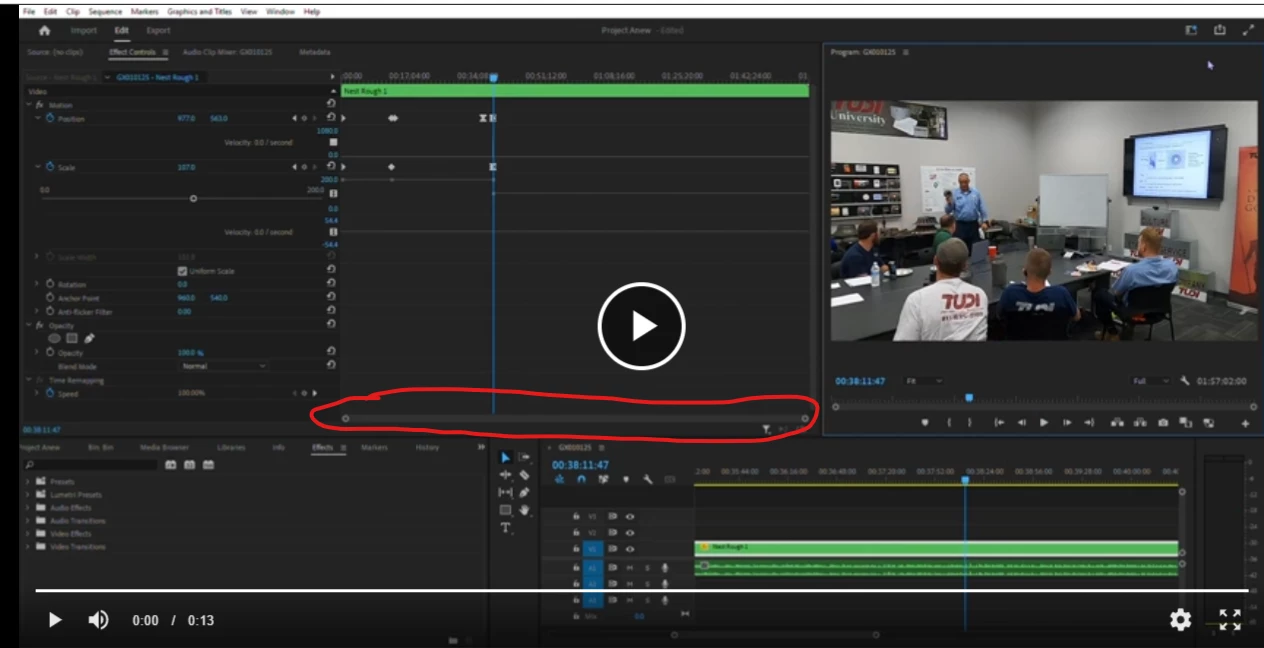
I have been banging my head against the wall trying to get my head around keyframes. I finally have a basic understanding but I am having 2 big issues. I understand that you have to put keyframes closer together or further apart to control the speed, however, my timeline is not spaced out enough so it makes it extremely difficult to control keyframes that are minutes apart. Therefore, I am not able to do much when it comes to the speed of the effects. How do I scroll in an out of the timeline like I can in the timeline section? Also, I have achieved what I have been trying to do once but I have no idea how to replicate it. I was able to create a quick zoom out and pan effect but I can't seem to recreate the keyframes to zoom and pan back in at the same speed. Attached is a video and picture of what I am trying to do.
 AdChoices