
ppro panel install error: -410
I'm trying to package the test cep extension, and adjust the command-line parameters, the error imformation has changed during the installation process.
This is my operation steps below:
step 1:
Generate the self-signed certificate:
D:\permiere\signpackage>ZXPSignCmd -selfSignedCert ZH BEIJING xuguohui dayang dayang123 dayang.p12
Self-signed certificate generated successfully
It is able to the certificate successfully. the certificate name is dayang.p12
step 2:
Based on the previously generated certificate, I packaged the test CEP extension to a zxp file.
D:\permiere\signpackage>ZXPSignCmd -sign D:\permiere\CEP-Resources-master\CEP_11.x\Samples  dayang.zxp dayang.p12 dayang123  -tsa https://rfc3161.ai.moda
Signed successfully
step 3:
And I installed the zxp plugin that generated in the previously step by Anastasiy’s extension manager.
It shows the error:
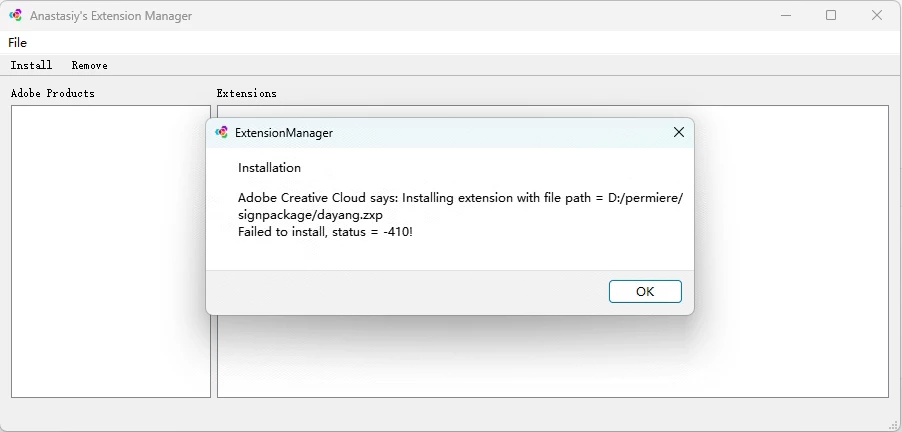
How can I solve the problem?
the premiere pro vsion is :

Is there need to downgrade the version of premiere pro?
PS:
I previously raised a related issue on Git as well.
The link is: https://github.com/Adobe-CEP/Getting-Started-guides/issues/47
 AdChoices