
Question
Premier: Export subtitles from a section of timeline using "Work area", and have subs start at 0:00?
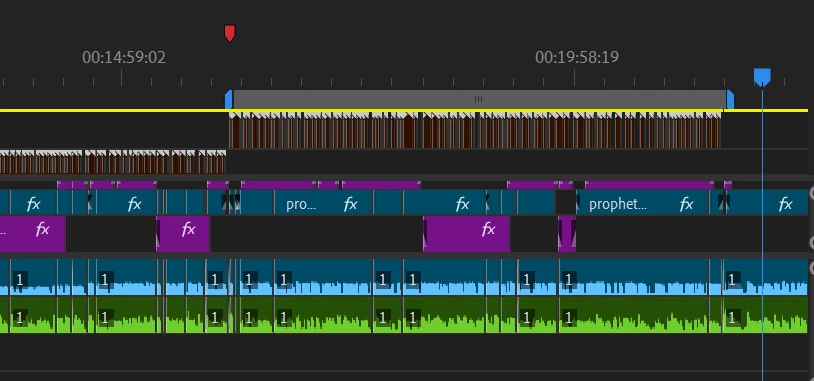
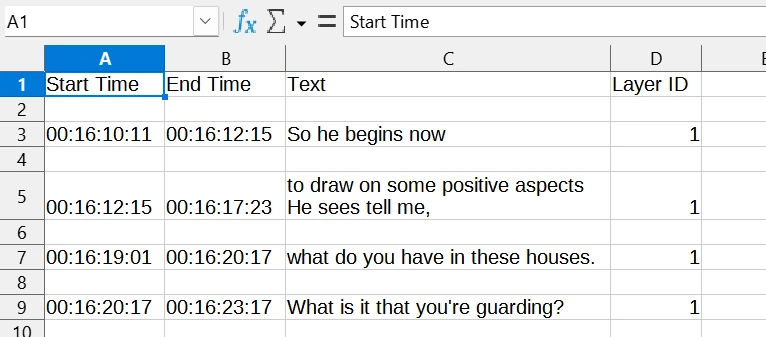
I have a 1.5 hour discussion I am editing in my timeline. I want to export a 5-minute section and post the video online. (See image, and work area bar shon). I have created subtitles for this section and want to export the .srt file for this section alone. When I do, however the timestamp for the first subtitle is not 0:00 of the exported video, but the 0:16:00 of its position on the whole timeline (See screenshot of .csv file).
How do I export an .srt file with the timestamp for the exported section relative to the work area bar?
Thanks for any advice!
 AdChoices