Participant
January 24, 2024
Answered

Premier Pro caption panel is empty

  • January 24, 2024
  • 2 replies
  • 479 views

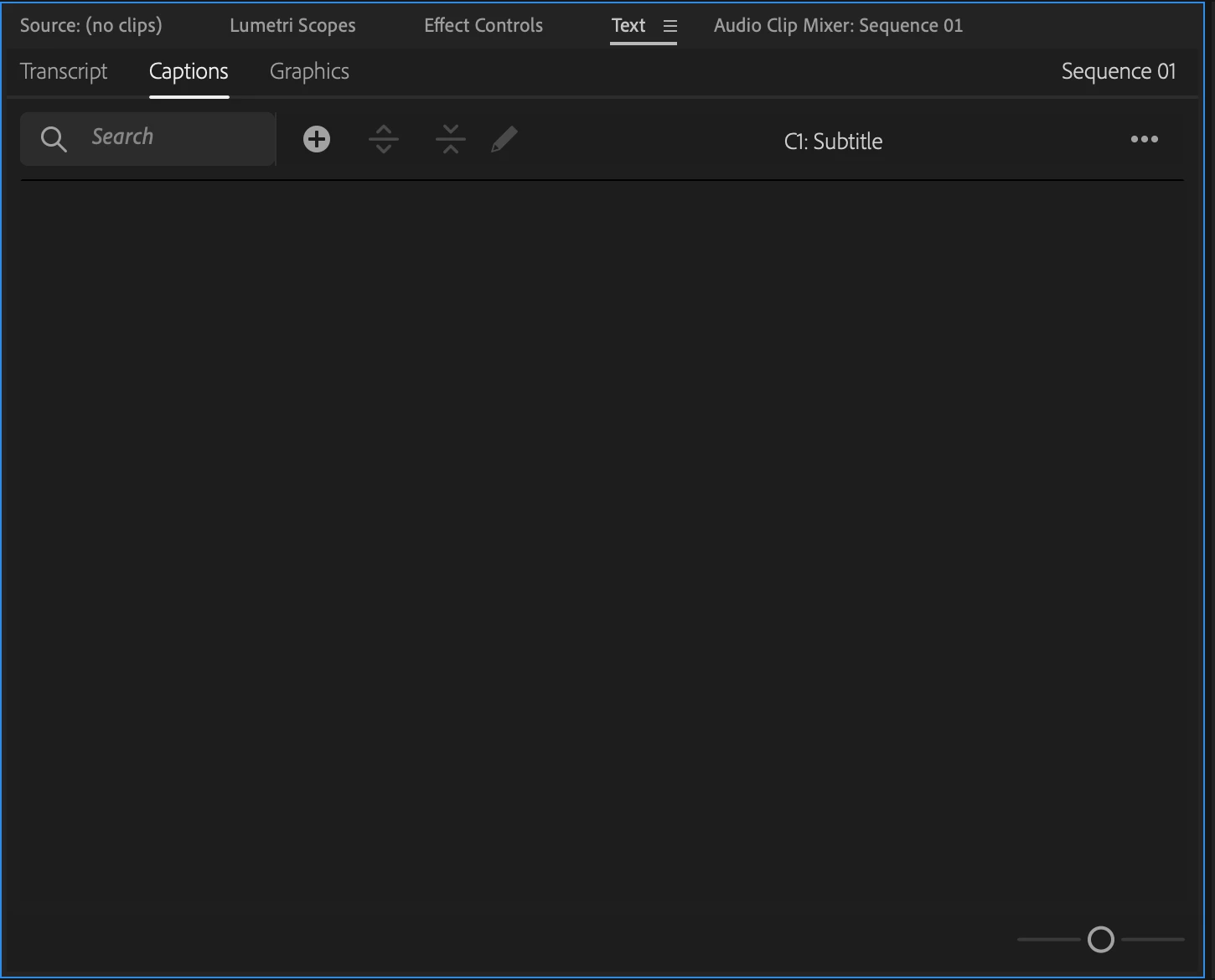
Hi guys, I just started using premiere pro and am trying to add captions. My captions panel is empty, like this:


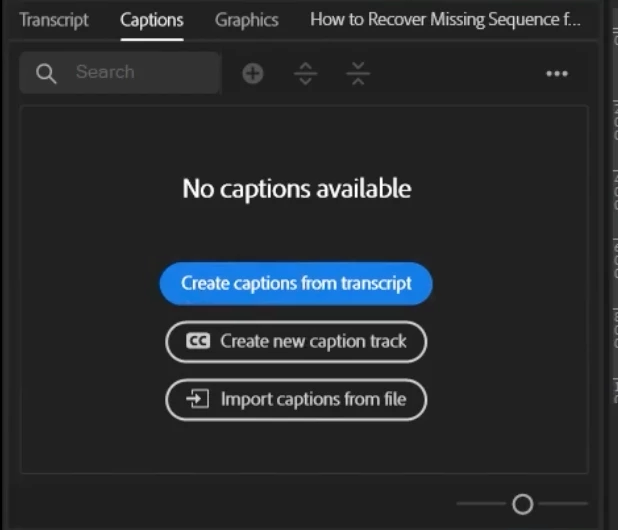
I am watching tutorials on how to add captions, and their panel looks like this, with the text and buttons:


How can I get those options to appear?


I am using an Intel Macbook.

This topic has been closed for replies.
Correct answer AnnikaKoenig

It looks like you have already created a caption track and that track is empty. Now the question is: how do you want to generate your captions? Here some typical options...

a) automatically transcribe a video and then create captions from that transcription

b) manually create them

c) from an SRT


Here's how to do it:

a) you will need to select your video/audio in the Project panel and as @Ishan Y pointed out, go to the Transcription tab in the Text panel and click on transcribe and take it from there

b) select the sequnce and click on the plus button in the Captions tab in the Text panel

c) import your SRT into Premiere Pro and drag and drop it onto your captions track in the timeline

2 replies

AnnikaKoenig
AnnikaKoenigCorrect answer
Legend
January 24, 2024

It looks like you have already created a caption track and that track is empty. Now the question is: how do you want to generate your captions? Here some typical options...

a) automatically transcribe a video and then create captions from that transcription

b) manually create them

c) from an SRT


Here's how to do it:

a) you will need to select your video/audio in the Project panel and as @Ishan Y pointed out, go to the Transcription tab in the Text panel and click on transcribe and take it from there

b) select the sequnce and click on the plus button in the Captions tab in the Text panel

c) import your SRT into Premiere Pro and drag and drop it onto your captions track in the timeline
Ishan Y
Community Manager
Community Manager
January 24, 2024

Hey there,

Welcome to the community. Did you previously delete your captions? Please go to the Transcription panel, click the menu in the upper-right corner, and click Create Captions.

Let us know if this helps.


Thanks,

Ishan