
Participant
January 5, 2021
Question

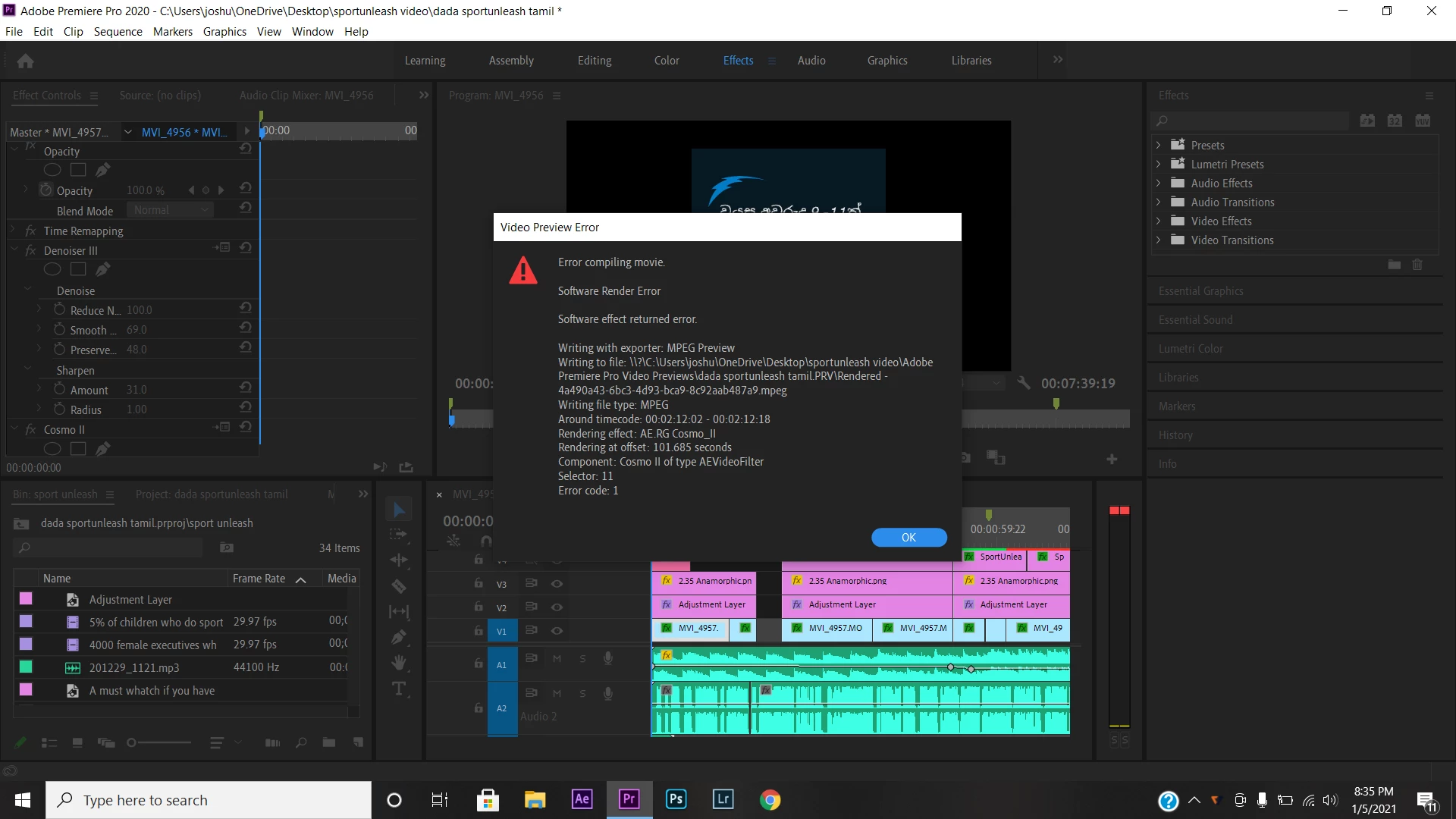
Premier pro render error for Redgiant cosmo

  • January 5, 2021
  • 3 replies
  • 1421 views

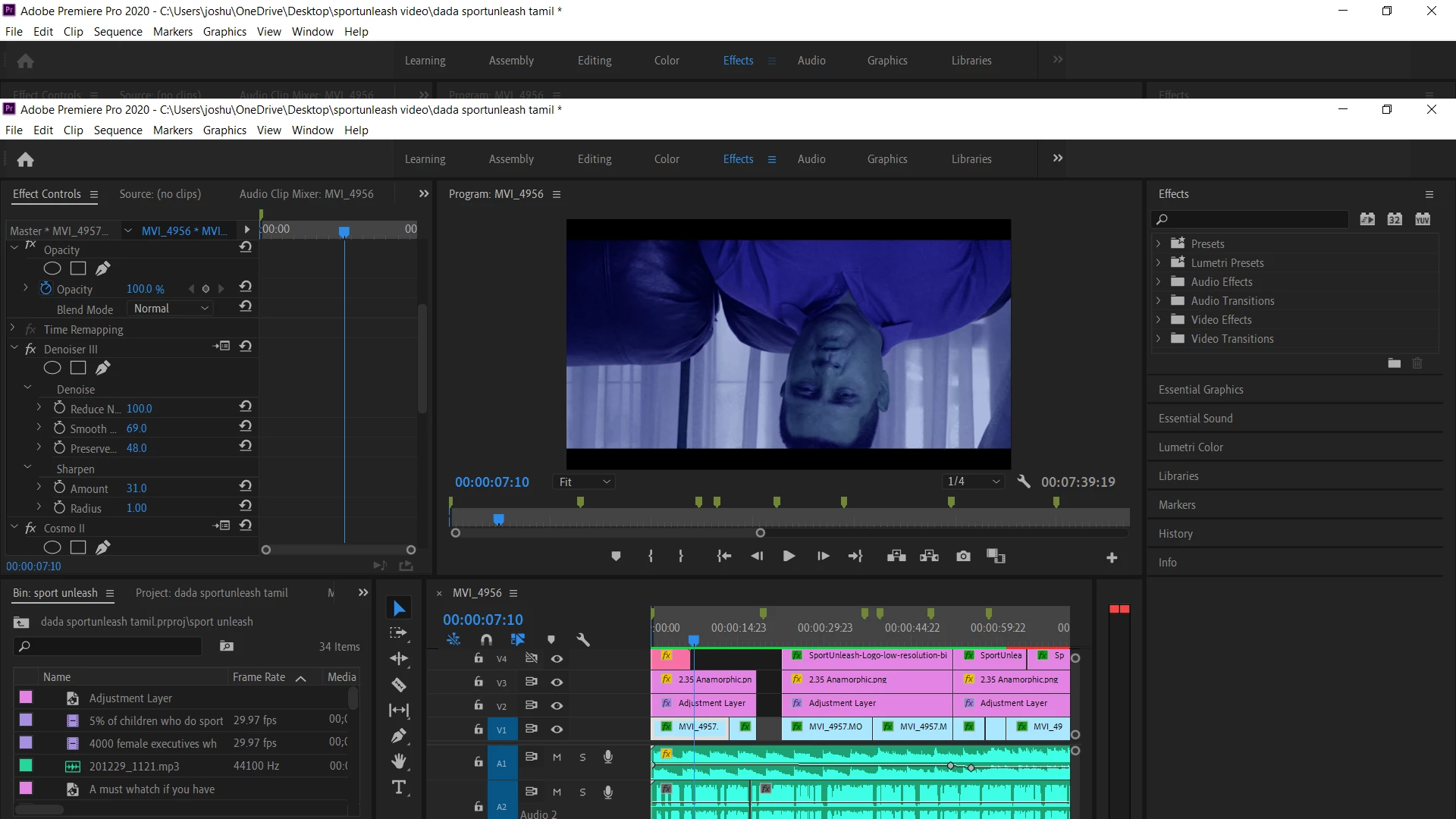
Hi, My project on premier pro did not playback properly and encountered a render error when i tried to render it. The project played back and rendered perfectly in the past few days but today when I woke up to do my edits it did not playback the normal way and when trying to render it fail. Please help me.
This topic has been closed for replies.

3 replies

Participant
May 22, 2021

Same here and I've tried everything, including scouring the Internet for two solid days/nights. Running Premier Pro 2021 15.1 and latest version of Cosmo II (which I've used a LOT and love). Nothing works. Uninstall and Reinstall Premiere and Cosmo multiple times. And I've used this plug-in on THIS machine with PP numerous times before w/o any problem.


This is maddening. I read that one user had to drop back to 14.2 to get things to work properly. Might try that but that should NOT be required; we're way past early 14's.


System (though none of this has changed, and drivers all updated today):

HP ZBook 15v G5 / Win 10 Pro (x64) / 32 GB / Intel i7-8750H

Graphics: Intel UHD 630 / NVIDIA Quadro P600

One note: Tried using software only rather than GPU (CUDA) Acceleration. Stupidly slow but also did not correct the problem. I'm stumped and will not be using COSMO II (same issue I hear w/other Red Giant plugins but this is the only one I've been using the last few days).

Legend
January 5, 2021

If Richard's suggestion doesn't work, please tell us your system specs: OS version, Premiere version, amount of RAM, Hardware specs including graphics card and your source properties and sequence settings.  and either way, please post back to get more help or close out the thread.

Richard van den Boogaard
Community Expert
Community Expert
January 5, 2021

Please try throwing away the previews and render again.


If that does not work, see if there is an update to Cosmo II plugin on Red Giant.