Participating Frequently
September 20, 2023
Question

Premier Pro / Video source appears to be black

  • September 20, 2023
  • 2 replies
  • 3337 views

Premier Pro / Video source appears to be black / Urgent, serious

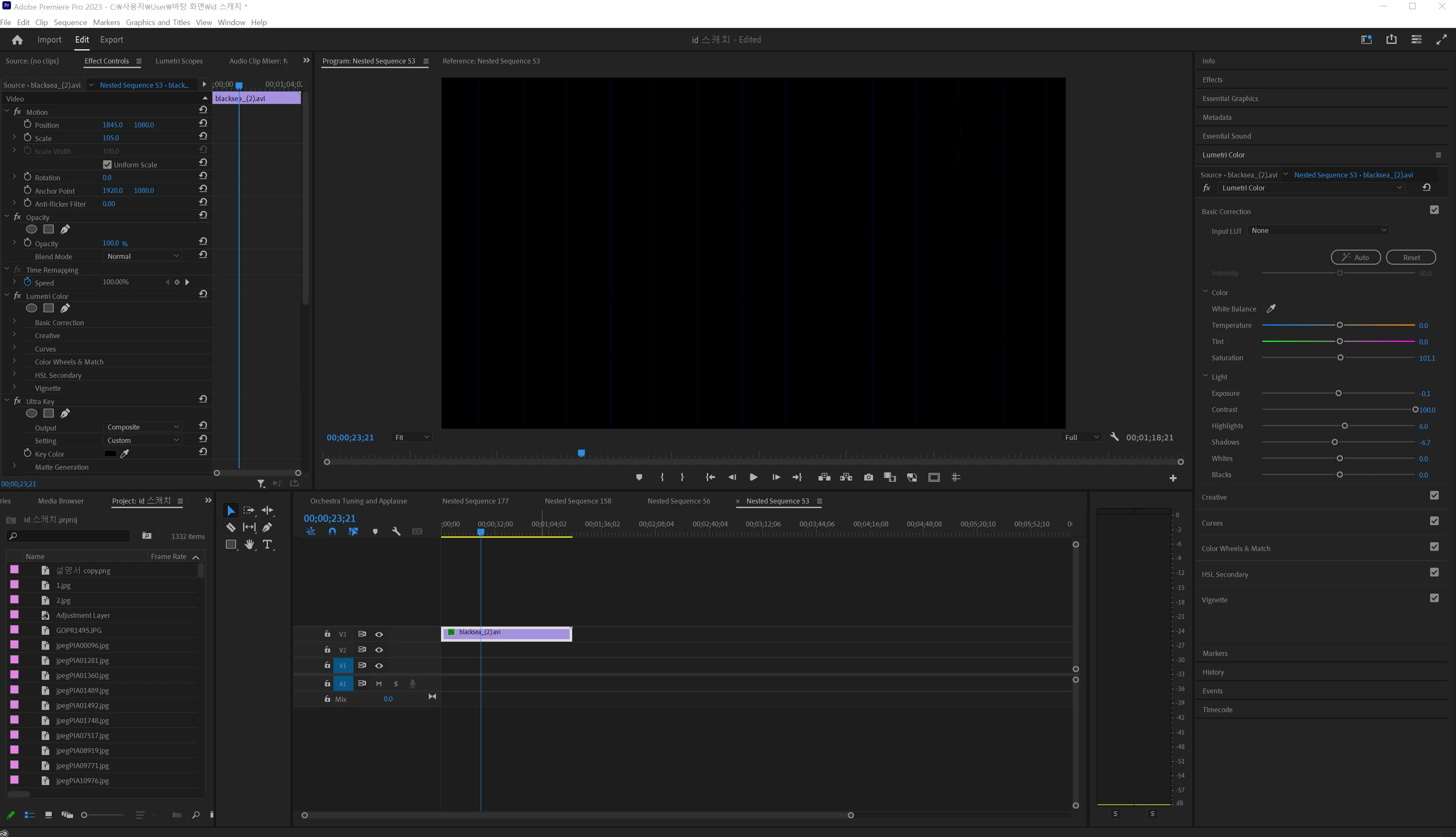
hello. I am experiencing an error where the video source is not visible with a black screen.
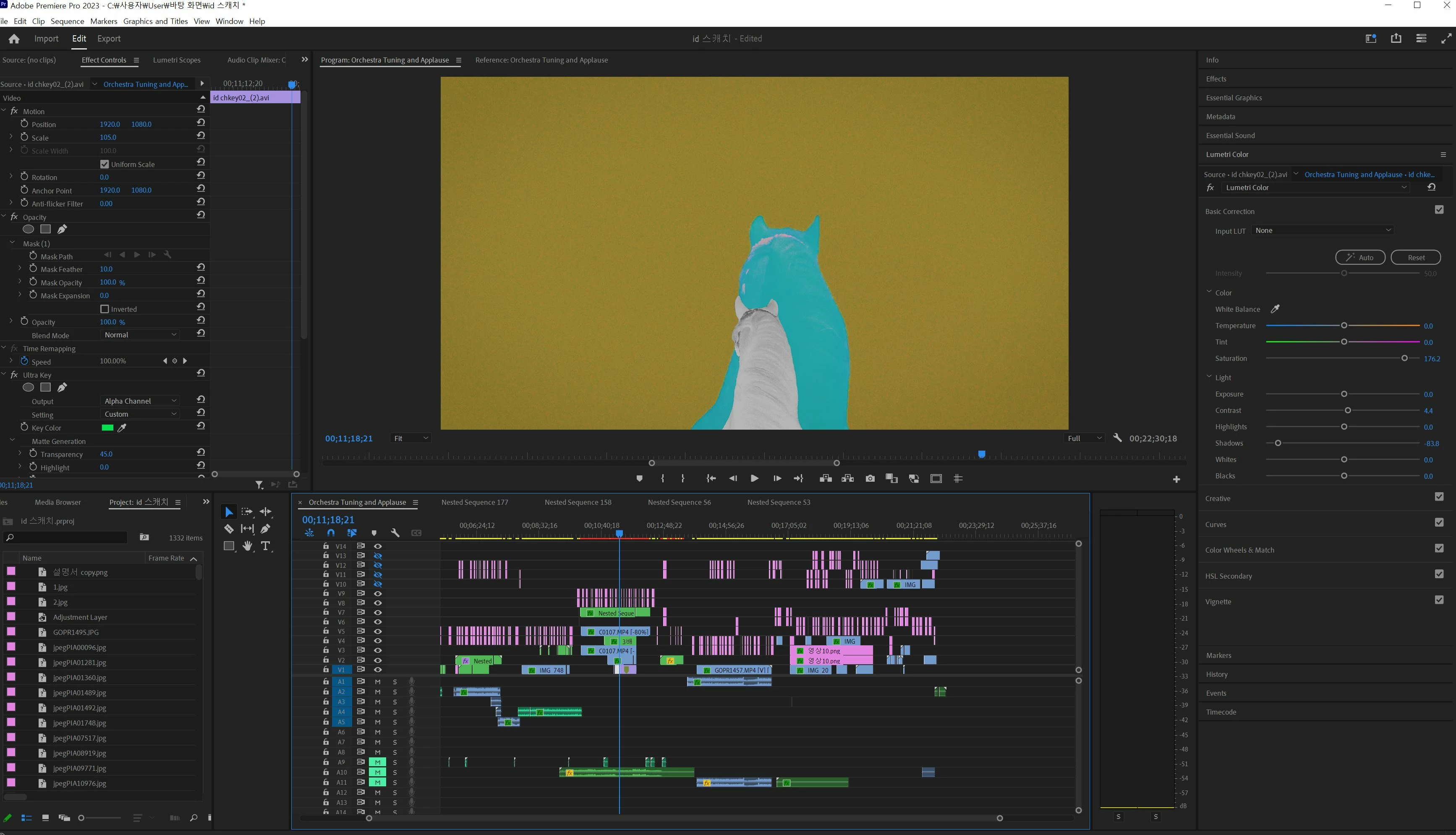
I'm experiencing this error with a few video sources, and it appears as a black screen with blue lines, and the video source is not visible, or it appears as a strange video.

In other players, the footage source looks fine, but only in the premiere pro edit window.

Changing the video renderer setting in the project settings to playback engine software Only does not make it visible.


I have not encountered this error in 6 months of work and would appreciate any suggestions on how to resolve it.
The graphics card I am currently using is an endivia graphics card. 3080


Please reply...
This topic has been closed for replies.

2 replies

Peru Bob
Community Expert
Community Expert
September 20, 2023

Delete the Media Cache and Media Cache files:
https://community.adobe.com/t5/premiere-pro/faq-how-to-clear-your-media-cache-in-30-seconds-in-premiere-pro-2020/m-p/11017257/thread-id/260446?page=1

If that doesn't work, try resetting the preferences:
https://community.adobe.com/t5/premiere-pro/faq-how-to-reset-trash-preferences-in-premiere-pro/td-p/8236158?page=1

If that doesn't work, try resetting the Workspaces:
Reset a workspace
Reset the current workspace to return to its original, saved layout of panels.
1. Do one of the following:
• Click the Workspace menu icon and select Reset to Saved Layout.
• Choose Window > Workspace > Reset to Saved Layout.
from here:
https://helpx.adobe.com/premiere-pro/using/workspaces.html

If that doesn't work, try Preferences > Audio Hardware and set Input to None.

If that doesn't work, do a clean installation of the latest Studio Driver (NOT the Game Driver).

If that doesn't work, try creating a new project and import the old one into it.

tjdalstlsAuthor
Participating Frequently
September 21, 2023

I've checked and the files I'm having trouble with have the AVI extension. Is there a workaround?

Peru Bob
Community Expert
Community Expert
September 21, 2023

Please use the free MediaInfo and post a screenshot of the properties of your AVI in tree view:
https://mediaarea.net/en/MediaInfo

tjdalstlsAuthor
Participating Frequently
September 20, 2023
 

안녕하세요.  영상이 검정색으로 보이지 않는 현상이 발생했습니다.
일부 비디오 소스에서 해당 현상이 발생하고 검정색으로 기록된 소스가 없습니다.  다른 플레이어에는 영상이 존재하지 않으며 프로 에디트 창만 제외됩니다. 

프로젝트에서 비디오 랜더러 설정을 실행하는 엔진 소프트웨어 소프트웨어를 설정할 수 없습니다.


6개월 동안 작업을 진행하면서 이러한 오류가 발생하지 않더라도 처리 방법을 알려주셔서 감사하겠습니다. 
현재 사용중인 그래픽카드는 엔디비아 그래픽카드를 사용중입니다.  3080

답변 부탁드립니다...

Kevin-Monahan
Community Manager
Community Manager
September 22, 2023

Hi @tjdalstls,

I would recommend updating your GPU drivers. Can you try that?


Thanks,
Kevin

Kevin Monahan - Sr. Community and Engagement Strategist – Adobe Pro Video and Audio
tjdalstlsAuthor
Participating Frequently
September 22, 2023

Hi. I did the update, but nothing happened.