
Answered
Premiere 2025 sumiu com a opção de editar a fonte da legenda
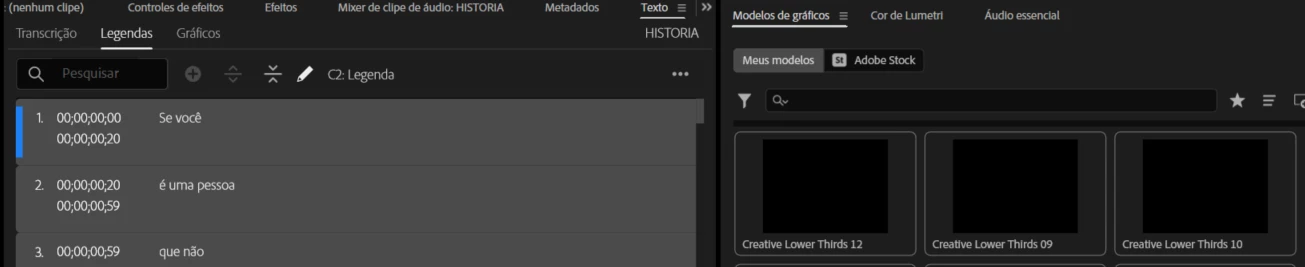
Na própria atualização disse que mudou de lugar, só que mesmo procurando onde foi indicado que estava. Não consigo mais editar a legenda(mudar fonte, cor da legenda, tamanho...)
Alguém já descobriu como muda?
 AdChoices