

Premiere 25 - set to frame size shortcut removed + effect control problems
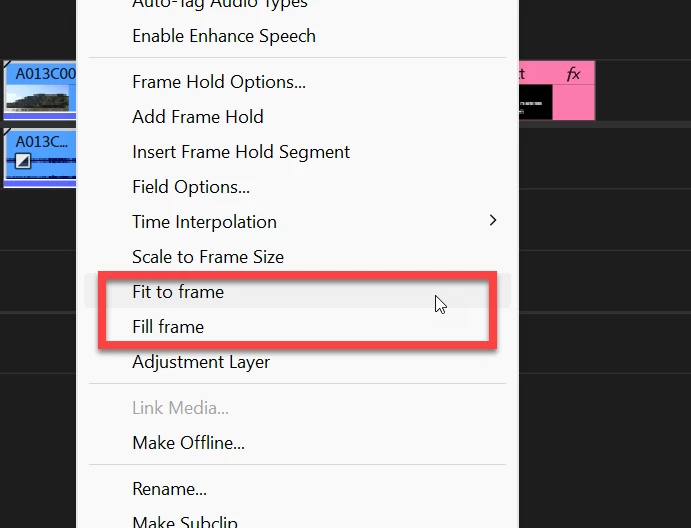
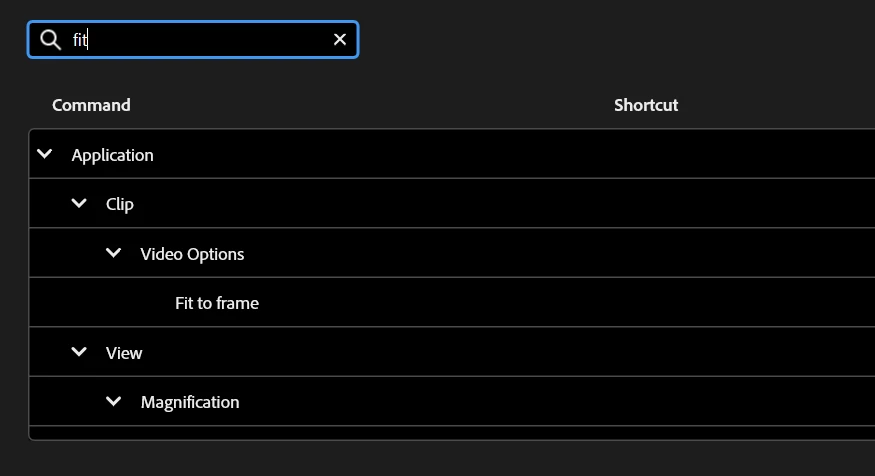
Hi! The new standard design is cool and all but please bring back the set to frame size shortcut.
I dont see the plus in removing a shortcut.
Also I just had a problem with the effect controls as in I changed the scale on a nested clip and after that the program wouldnt let me change any other controls of any other clip, no matter what i selected, the changes always applied to the nested clip.
Also since some upgrade playbacks started to become choppy even for good specs. I have a mac studio m2max with 64gb ram and you cant tell me that's the issue when playing 4k mp4 clips. This seems to be a common problem as well...
I am downgrading.
thx.
*edit* I felt bad and gave it another try but had severe performance issues, so i backed up once again and am now considering premiere 23 :')
 AdChoices