
Participant
June 18, 2021
Answered

Premiere crashing during first loading "Sorry, an error occurred"

  • June 18, 2021
  • 1 reply
  • 4034 views

Hello everyone,


hope to get some help with Premiere v15.2.

Since last week I can't open Premiere, it crashes immediately during the first loading window.
When the loading comes to "Insta360Importer.prm" appears the message "Sorry, an error occured".

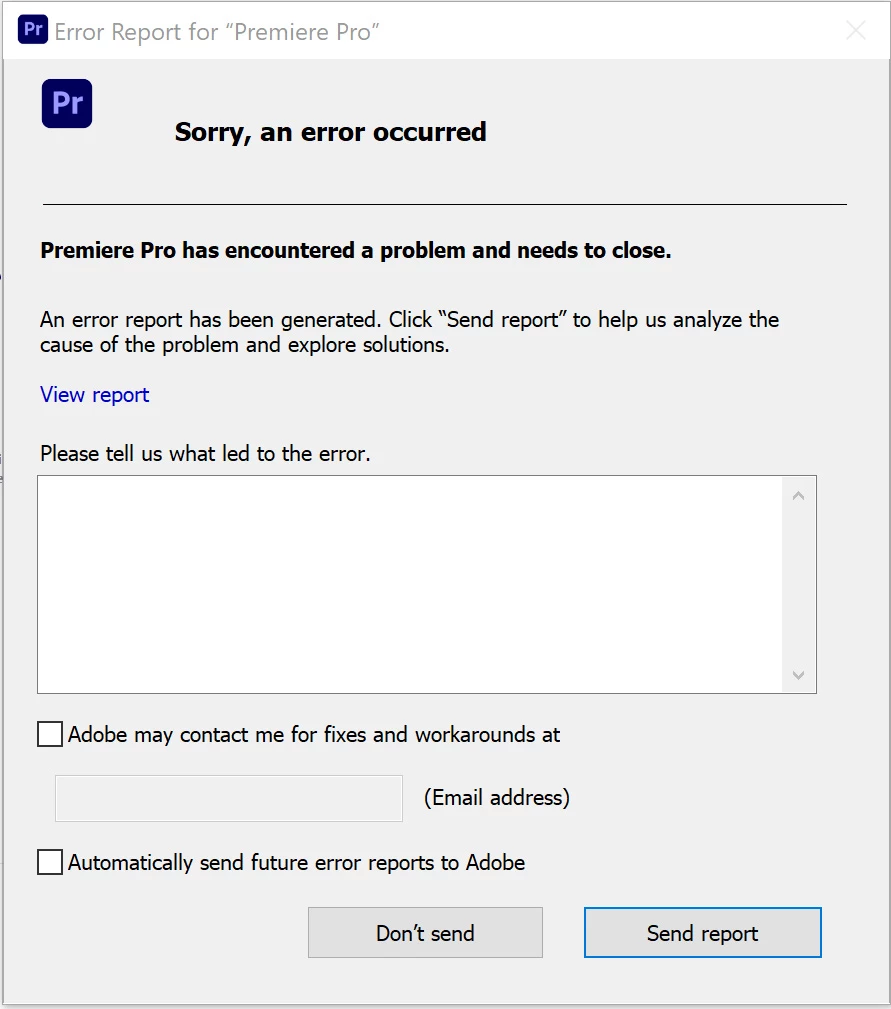
 

I tried to uninstall (leaving my preferences on the PC), but it still doesn't work, should I delete all my preferences?


This topic has been closed for replies.
Correct answer Kartika Rawat

Hi Gabriel!

Sorry about this. We have an article that shows some helpful suggestions. Check here: https://community.adobe.com/t5/premiere-pro/faq-how-to-troubleshoot-premiere-pro-crash-at-launch/td-p/11113249?page=1


Let us know if that helps.

Thanks,

Kartika


1 reply

Kartika Rawat
Community Manager
Kartika RawatCommunity ManagerCorrect answer
Community Manager
June 18, 2021

Hi Gabriel!

Sorry about this. We have an article that shows some helpful suggestions. Check here: https://community.adobe.com/t5/premiere-pro/faq-how-to-troubleshoot-premiere-pro-crash-at-launch/td-p/11113249?page=1


Let us know if that helps.

Thanks,

Kartika


Participant
June 18, 2021

Thank you so much Kartika, it worked just moving the plugin importer\exporter to another folder!