Known Participant
July 24, 2022
Question

Premiere Degrades Quality of H.265 HEVC Footage With Non-GPU Accelerated Effects

  • July 24, 2022
  • 1 reply
  • 1559 views

I’ve noticed what appears to be a bug in how Premiere renders H.265/HEVC footage after applying certain effects. From what I can tell, if an effect is not natively GPU accelerated, the image will be degraded by color noise/artifacting and perhaps a color shift. It essentially looks the same as if using MPE Software Only.


Effects such as Warp Stabilizer don’t cause this, as I don’t think they are in the same processing pipeline, but I have found that the following do:

  • Camera Blur
  • Neat Video
  • Color Balance
  • Flicker Free (older non-GPU acceleration version)
  • Luma Key
  • Posterize Time


Out of these, Neat Video’s noise reduction plugin is the most relevant to my workflow – but I wanted to show that this bug applies to both native and 3rd party effects. And while it’s a bummer that Neat Video for Premiere isn’t really usable with HEVC footage, I found that if I dynamic link to Ae and use Neat Video there, the issue isn’t present.


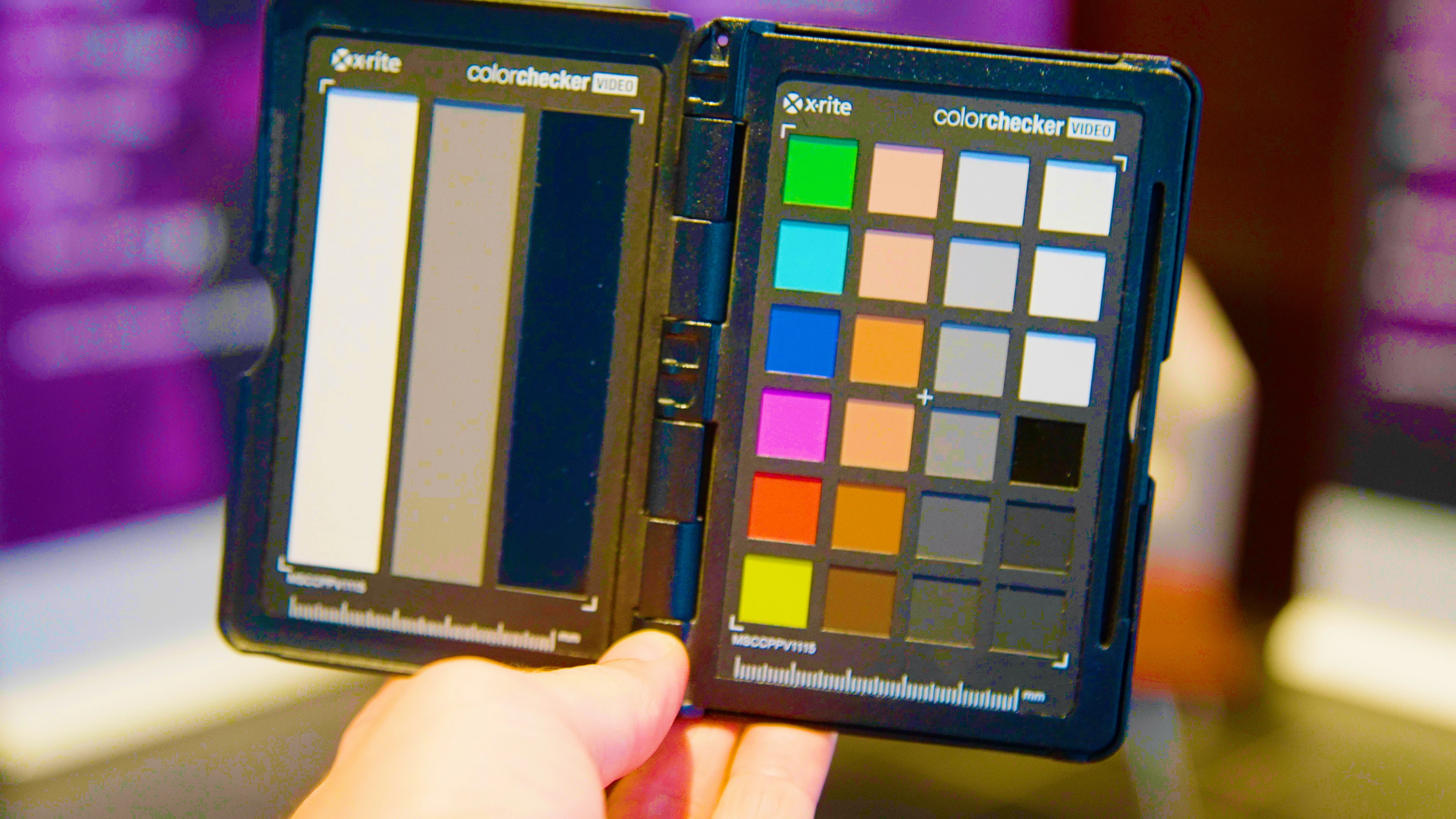
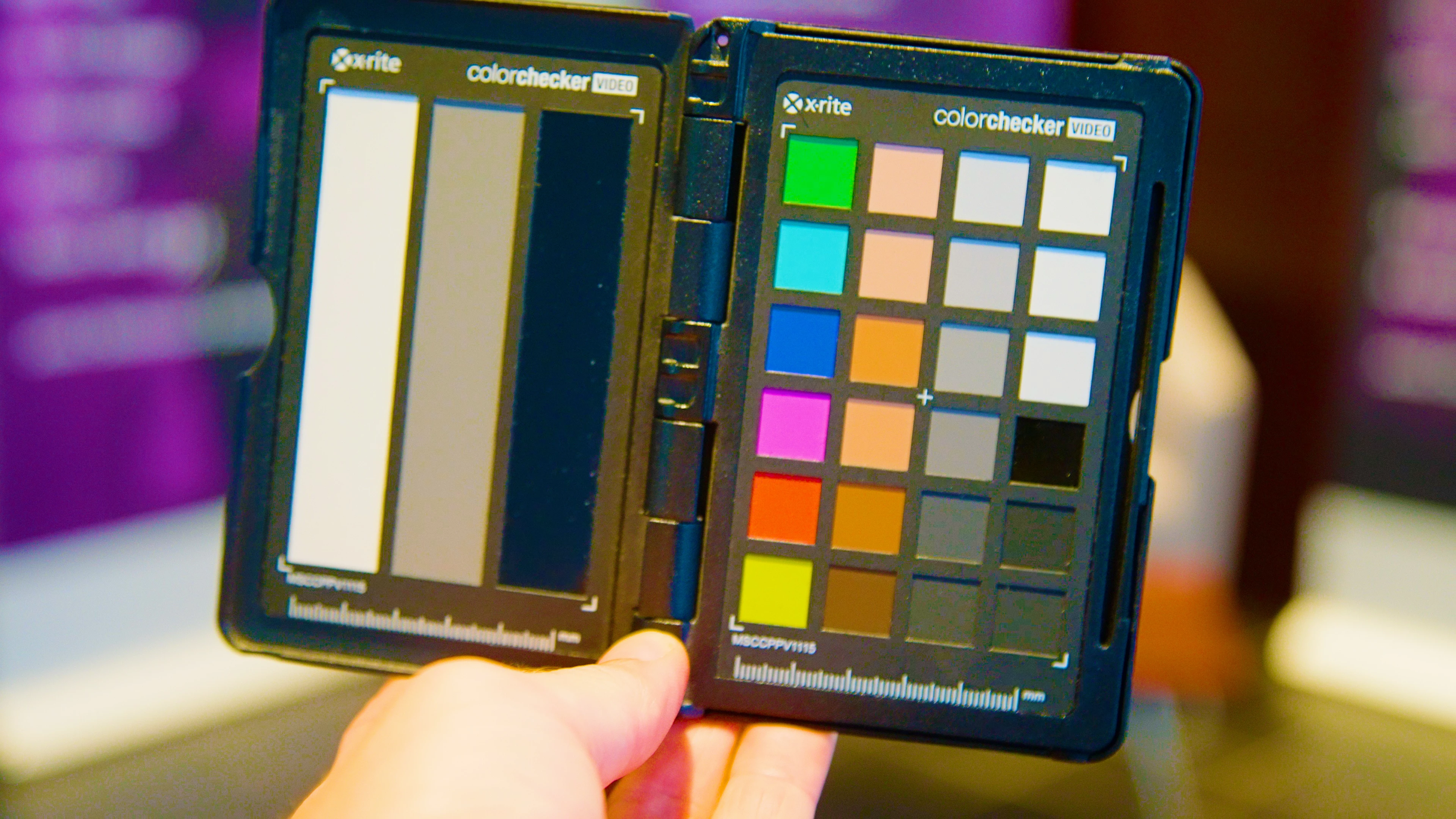
I’ve also included a couple of still frames for reference – notice the blocky color artifacts on the second image, especially in the purple areas to the left and right sides of the frame. The first image just has Lumetri applied, while the second also has Camera Blur but with the percent blur set to 0 (saturation has been boosted in both to help show the issue).


Lastly, I have observed this problem on a variety of HEVC footage (422 10-bit, 420 10-bit, and 420 8-bit) and two different workstations (specs below).


Anybody else noticing this or have some insight into what's going on?


System 1

Windows 11

Premiere Pro 2022

i9-12900K

64GB DDR5 4800MHz RAM

RTX 3080

Multiple NVMe SSDs (500GB–1TB)


System 2

Windows 10

Premiere Pro 2022

i9-9900K

64GB DDR4 2666MHz RAM

GTX 1070

Multiple NVMe SSDs (500GB–1TB)
 

This topic has been closed for replies.

1 reply

R Neil Haugen
Legend
July 25, 2022

Think of how the long-GOP compression works: it takes the pixel data, and looks for blocks of similar tones, then saves data space by using the same pixel data for the group.


Say there are four pixels in a group, of 28/42/37, 29/40/35, 31/40/40, and 26/41/38.


Depending on how much compression is used, that block could easily all be recorded as 28/41/36.


Because long-GOP saves a lot of data as information about the pixels that have changed since the last 'intraframe', before the next one, or both. So, it saves the data needing to be written to disk by writing all 'nearly the same' pixels as the same.


Creating a macro-block artifact.


Premiere's not the greatest at doing high-Q H.264/HEVC. So a lot of people export say a ProRes or DNx 'master' file, then in Handbrake, ShutterEncoder, or ffmpeg create their H.264/HEVC file.


Neil

Everyone's mileage always varies ...
steelsamAuthor
Known Participant
July 25, 2022

Thanks for responding Neil. However, I don't think this bug has to do with long-GOP in the way you suggest. What I'm describing specifically impacts HEVC footage – not H.264 – and only presents itself once certain types of effects are applied, even if those effects shouldn't actually be doing anything to the image (i.e. Camera Blur but with the amount set to 0%).

R Neil Haugen
Legend
July 25, 2022

H.264 and HEVC use different patterns and algorithms or whatever the specific process is called, so it is expected the results will not be duplicates albeit at different data rates.


Camera blur is a major cause of image degradation in long-GOP encodes, both in Premiere and in Resolve. I teach pro colorists how to work in Premiere when they have to, and of course, follow very closely their work in Resolve. Participate in their forums and discussions.


Camera blur is often a problem child in those discussions. How to get some blurring but not get any macroblocking. Why? What does blurring do? It removes detail data. Details are the differences in pixels at neighboring sites. Blurring intentionally removes the details, meaning ... it blends them into more similar pixels than they were before.


Even at "0", I would imagine there is still some blurring math being processed. Perhaps more than it should. Feel free to post that bit with full details and images on their Premiere Pro UserVoice site, as that is where the devs log all posts into their system. This forum is primarily user to user. 


But this is most certainly not a Premiere-only issue. I've been around similar issues with Resolve.


And Neat can have similar effects as far as 'smoothing' something to the point macroblocking occurs. Which is why learning how to work Neat's parameters is so important. And why for instance, temporal reduction set to 3 frames may work fine for midtones, but perhaps 5 frames is needed with shadow images especially if macroblocking occurs.


HEVC uses even more intensive compression patterns than H.264 as it has to in order to get significantly more compression.


So is it possible there's a bug? Yes ... possible. And feel free to post to the engineers.


Is it possible this is an issue with settings and with long-GOP compression, especially in Premiere? Oh, yes. As noted, Premiere is not as good at long-GOP encoding as the 'specialist' apps are. And thankfully, they're all both free and very reliable.


Neil

Everyone's mileage always varies ...