
Premiere doesn't render audio properly from downloaded video clips (slowed down, pitch bent, etc.)
Hi,
I have had this problem for a while now. See, I download clips from Facebook livestreams, and edit them in Premiere to make "highlight reels" for later use. When I open any MP4 video file downloaded straight from Facebook, it sounds fine, so I know the file is NOT corrupted. However, whenever I import it to Premiere, the actual video is fine, but the audio is out of snyc, and slowed down and clearly altered. (I even tried directly exporting from Premiere and is still was doing that). (The exact same thing happens in Premiere Rush too, btw, probably because they both use the same rendering process when importing).
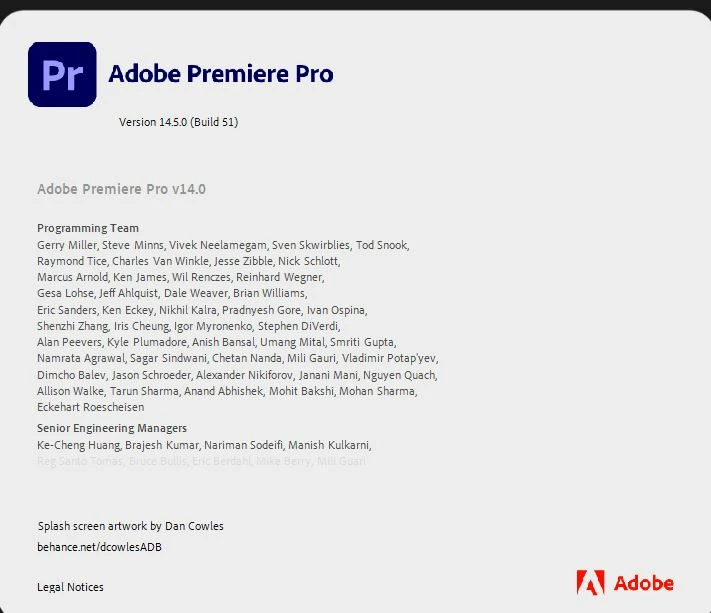
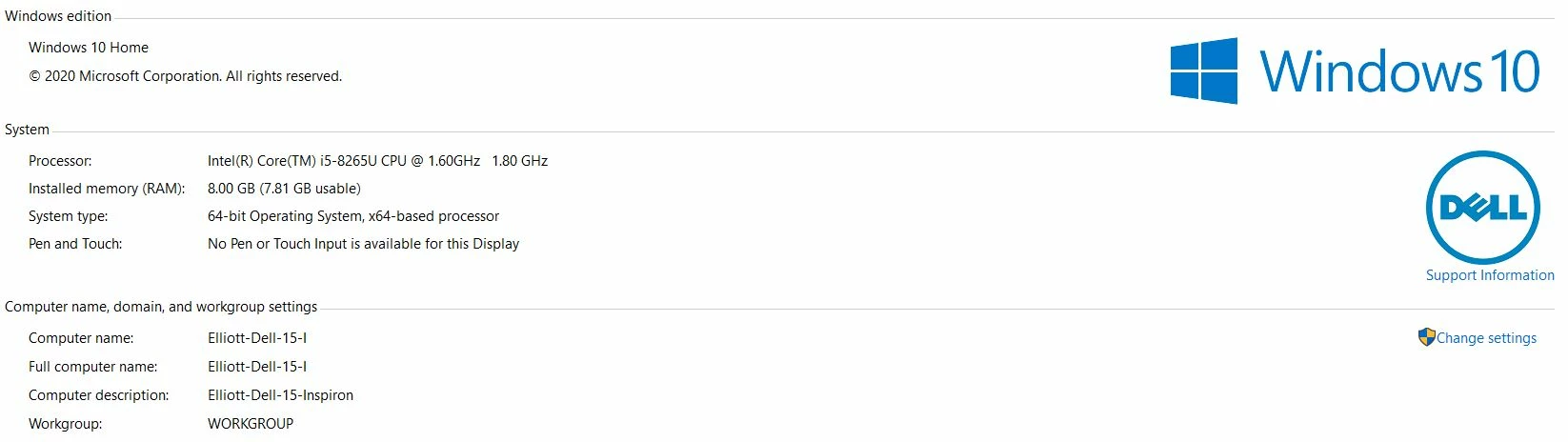
Is there a known way to fix this issue? I have attatched a screenshot of my specific version of Premiere, and my windows/PC specs. Thank you!
 AdChoices