

Premiere is adding additional offline media to a file
This is my 1st time using sync'd timecode btwn devices. And I am coming up with a strange issue that I do not know how to describe, so here is my best shot.
For this project, I currently am using the Tentacle Sync-E on my Canon R5C and have my talent mic'd with the Tentacle Track E. I sync'd the footage in Tentacle Studio app and imported the XML into Premiere.
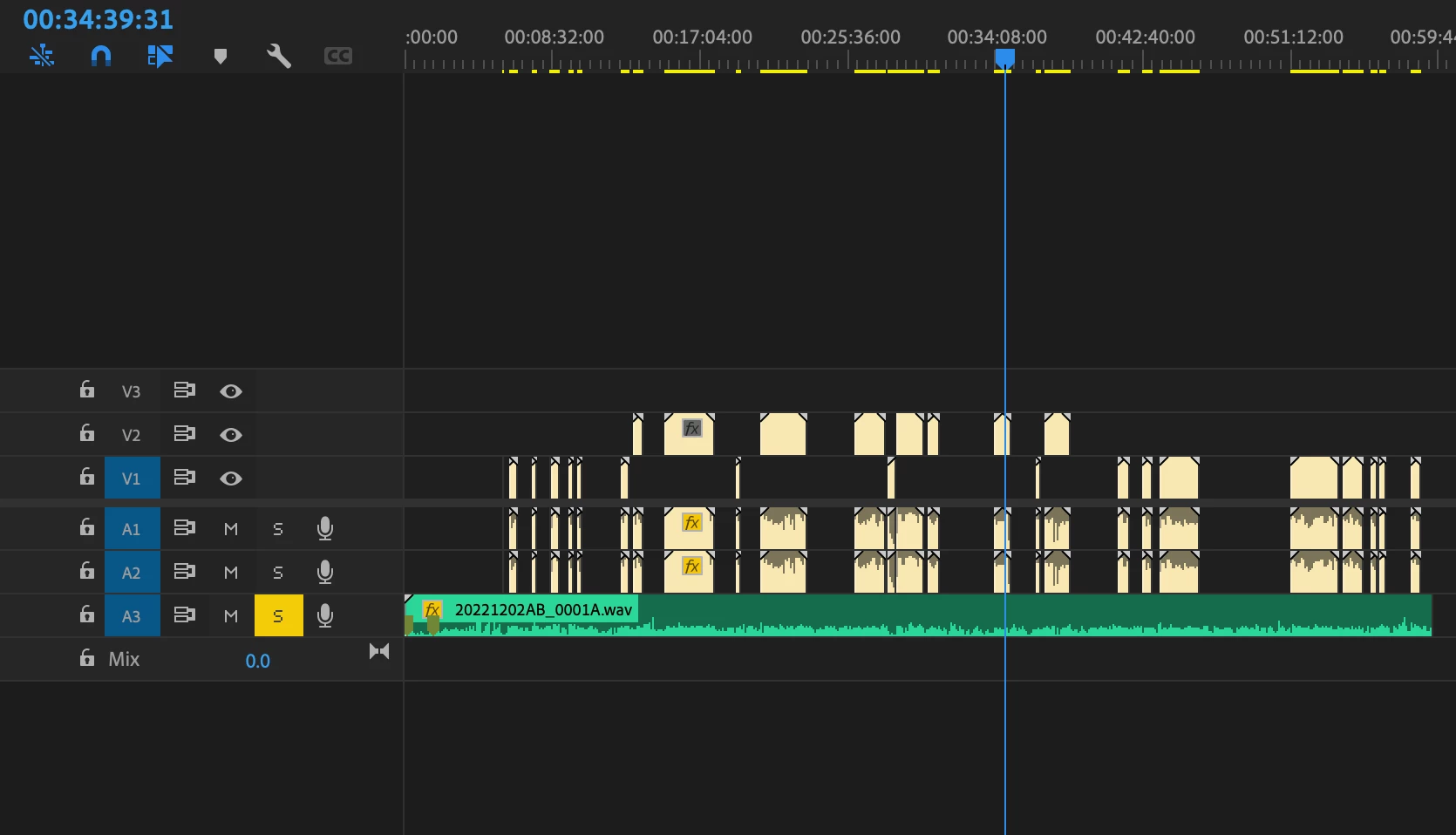
The 1st screen shot shows the imported XML sequence. The sequence is a 4096x2160 @ 59.94. The timecode is at 29.97, which is the recommended setting for footage that is shot in 59.94.
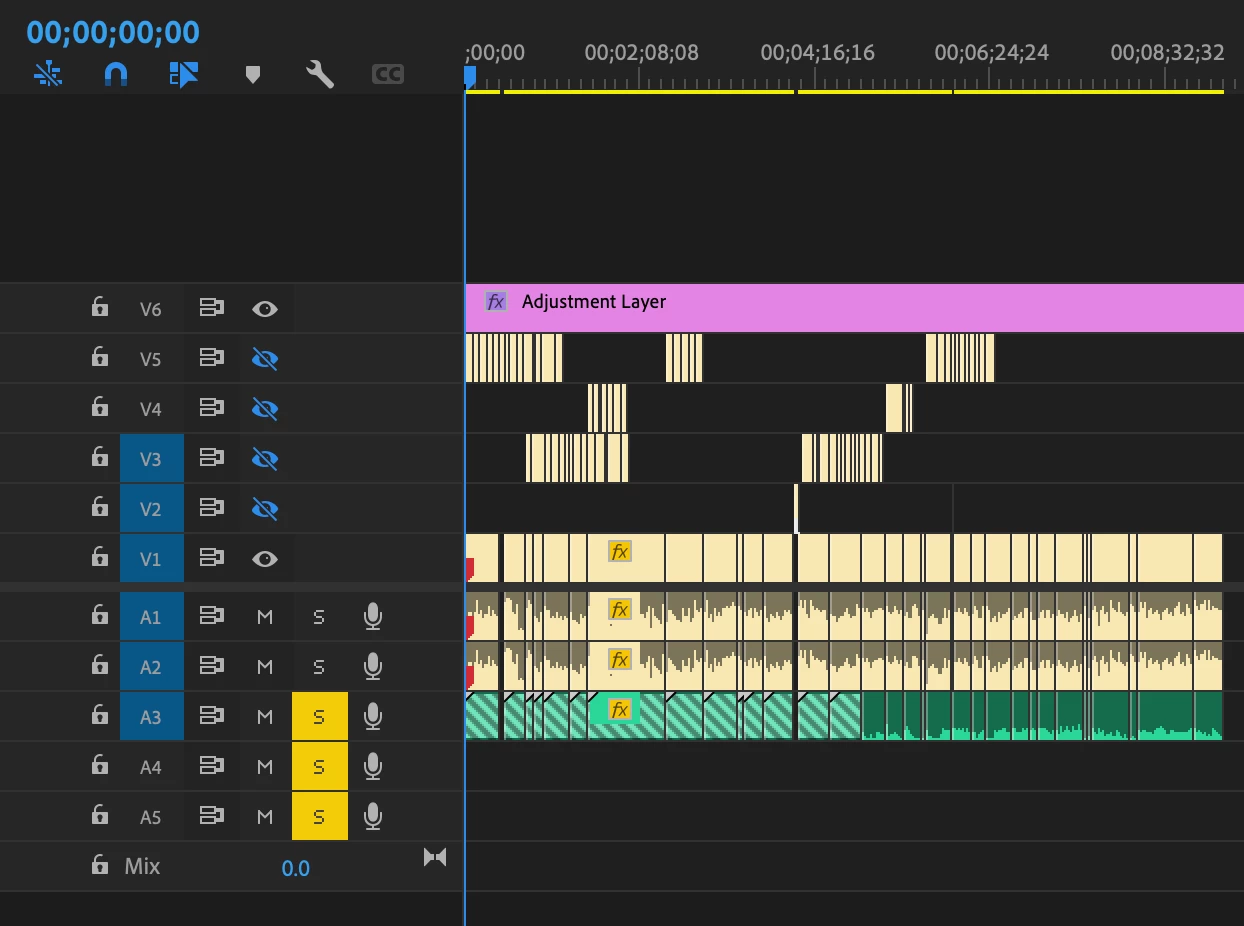
As we start to cut it down the footage and create a new sequence. Premiere seems to add offline material to the file. It doesn't seem to detect an in-point and all of the audio and video goes out of sync. Even though Premiere still detects it as in sync. Here is this sequence below. As you can see there is offline material roughly halfway through the sequence, and where you see "online," that is actually the beginning of the file, so there the 2 audio and video files are synced. We tried all different frame rates for the sequence and tried to experiement with whatever settings I could find with timecode with no luck.
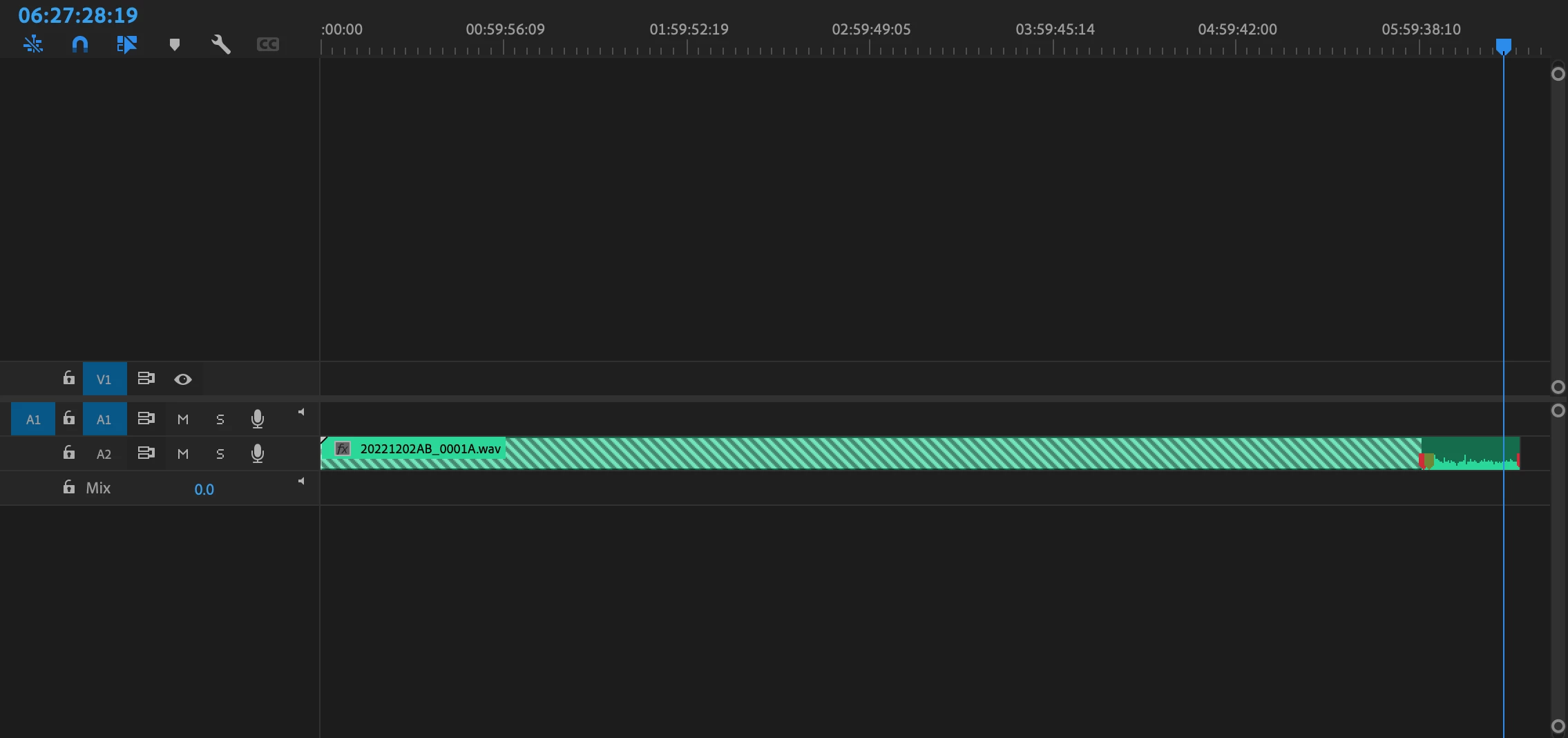
If I were to take the audio file into a separate sequence I could extend the in-point as much as I want. In the photo below, you can see the sequence is around 7hrs long. Most of it is offline and I cannot extend the file past its' actual halfway point. If I were to create a separate sequence by dragging that same audio file into its own sequence, I would not be able to do this.
Thank you for your help in advance.
 AdChoices