

Premiere Keeps Freezing. Any suggestions?
Hey guys,
I have been having problems with both playback and exporting with premier.
I was first having an issue where when I am editing projects. I would place a couple of clips recorded on my nikond5300. I would then press play to start editing and it would play for a little bit, then the screen would freeze up and the audio would keep running, it would not allow my to pause it and I would eventually have to force quit the app. I switched my projects setting from metal to software only, the video made it a little further before freezing.
I tried moving the files to a different location on my computer and tried again.
Same thing.
I then tried un installing and reinstalling premiere. Same thing.
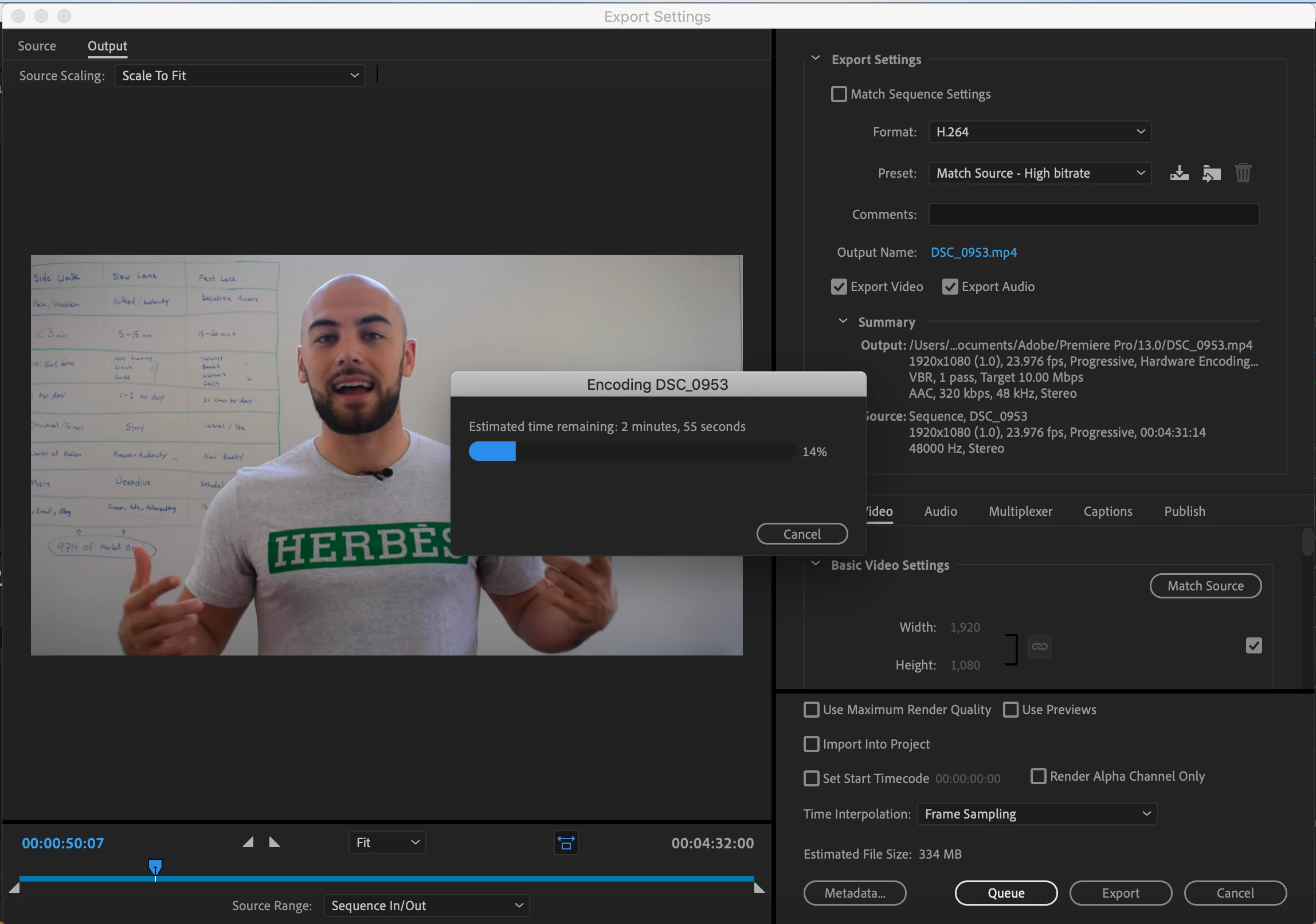
I have a new computer, so I said screw it erased my whole hard drive back to factory reset and re downloaded adobe cc. This time the videos have not been freezing on the playback. Finally got my video edited. Went to export, freezes every time. Not sure what to do from here. I have tried exporting in worse quality and still have it freeze.
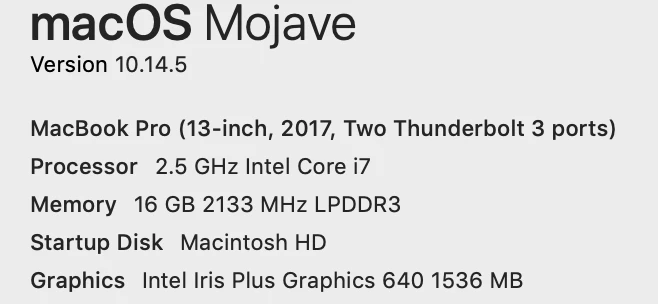
Here is my set up:
Would always freeze up on me:
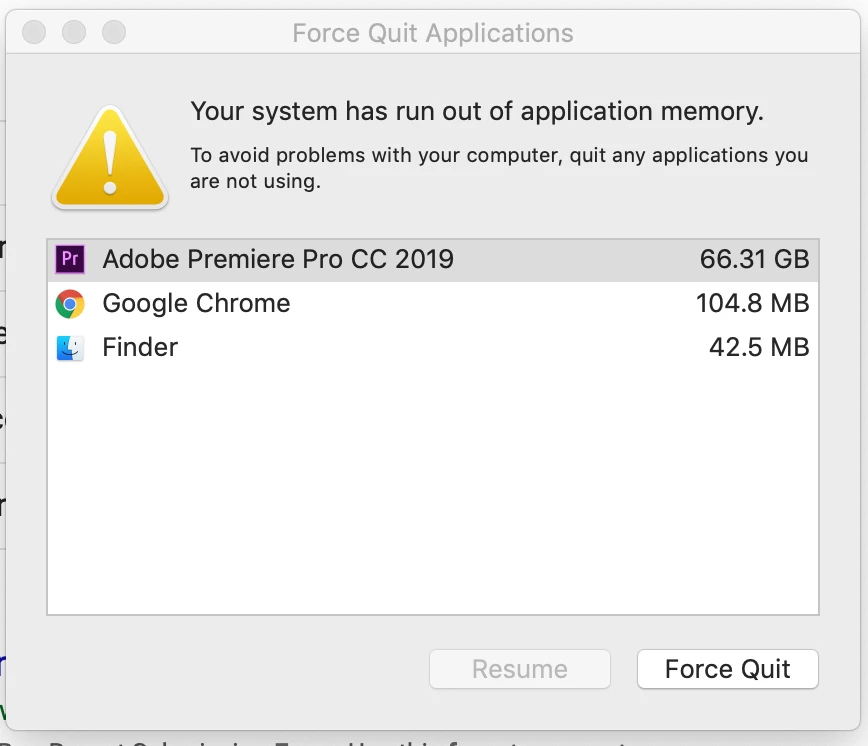
Sometimes I would receive this error after it freezes up even when I only have premiere running:
Please let me know if there are any ideal settings or read flags that I should look into.
Thanks a head of time for your help, i'm loosing my mind over here.
Reply to this post or feel free to email me with the email provided down below.
[personal information removed for your protection - https://forums.adobe.com/docs/DOC-3731]
[This is a public forum, not Adobe support, please do not post personal information]
 AdChoices